
Notifications appear at the edge of the window and disappear by themselves after their display time; long-running tasks show progress.
All features
Notifications
In-app notifications for background tasks, syncs, imports and warnings.
Data security
Protection of stored and synced data inside BrainAssistant.
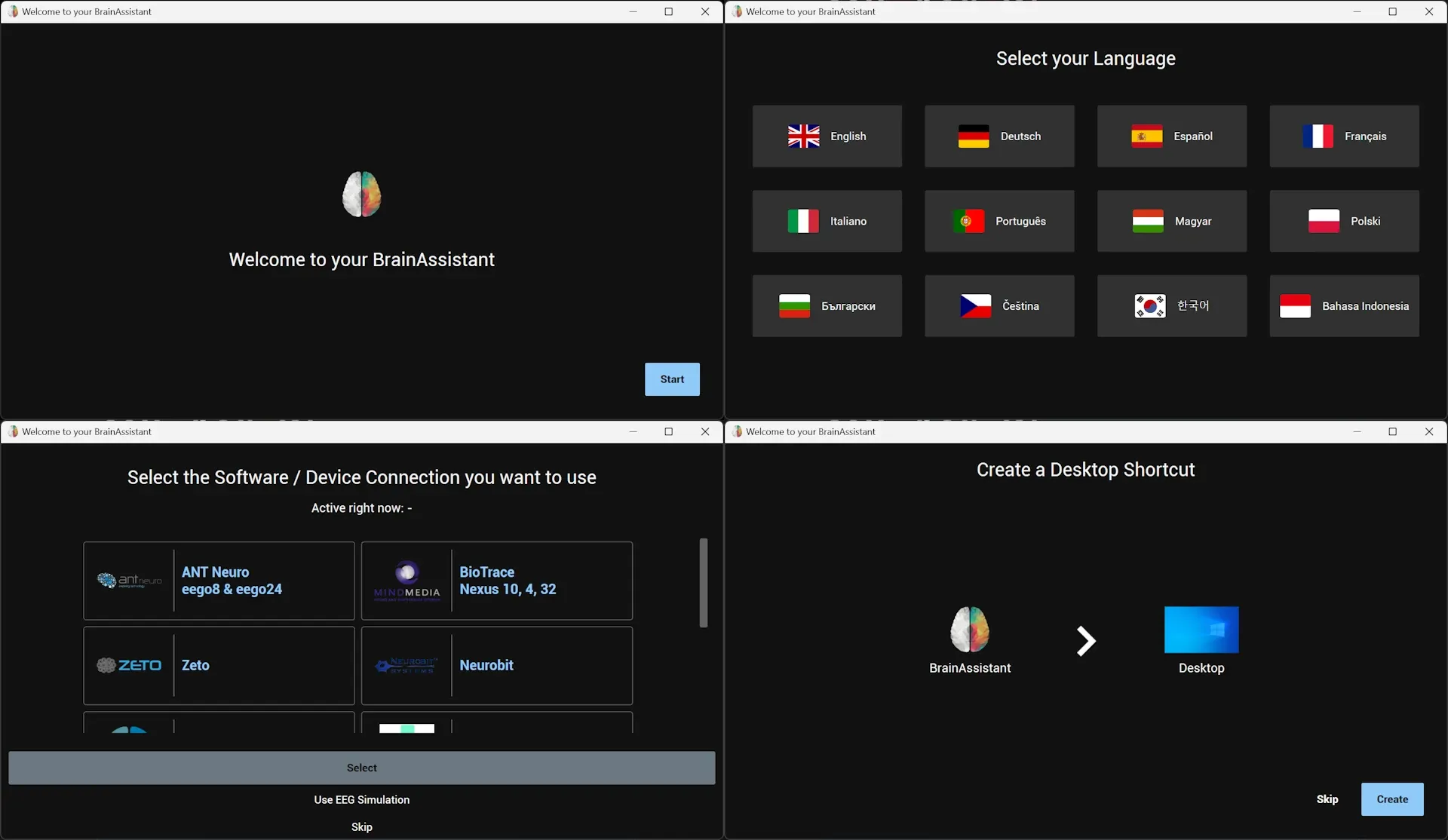
Installation and updates
Installing and updating BrainAssistant, including the download of apps and content.
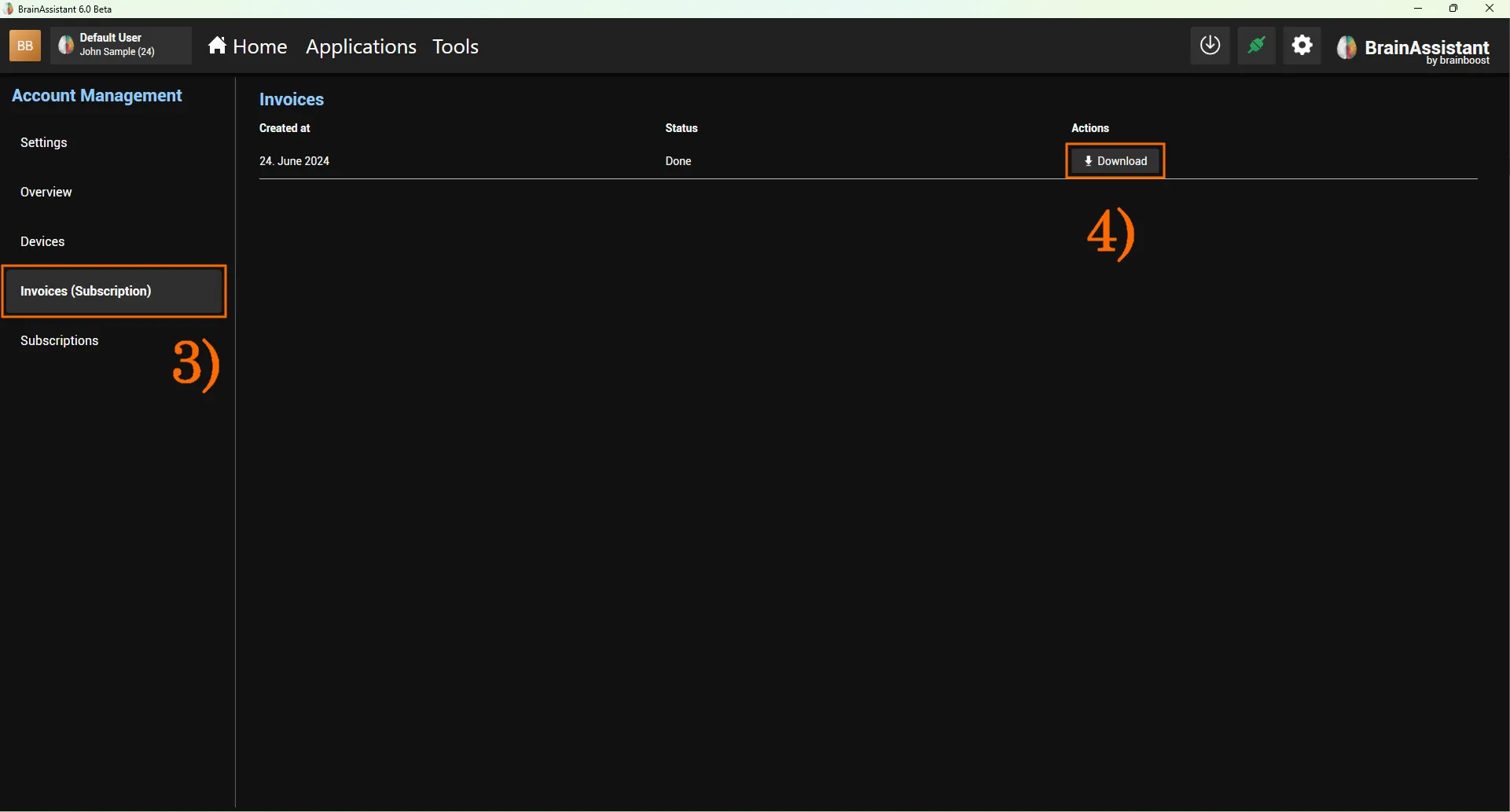
Account and login
Signing in to BrainAssistant with one account on several PCs.
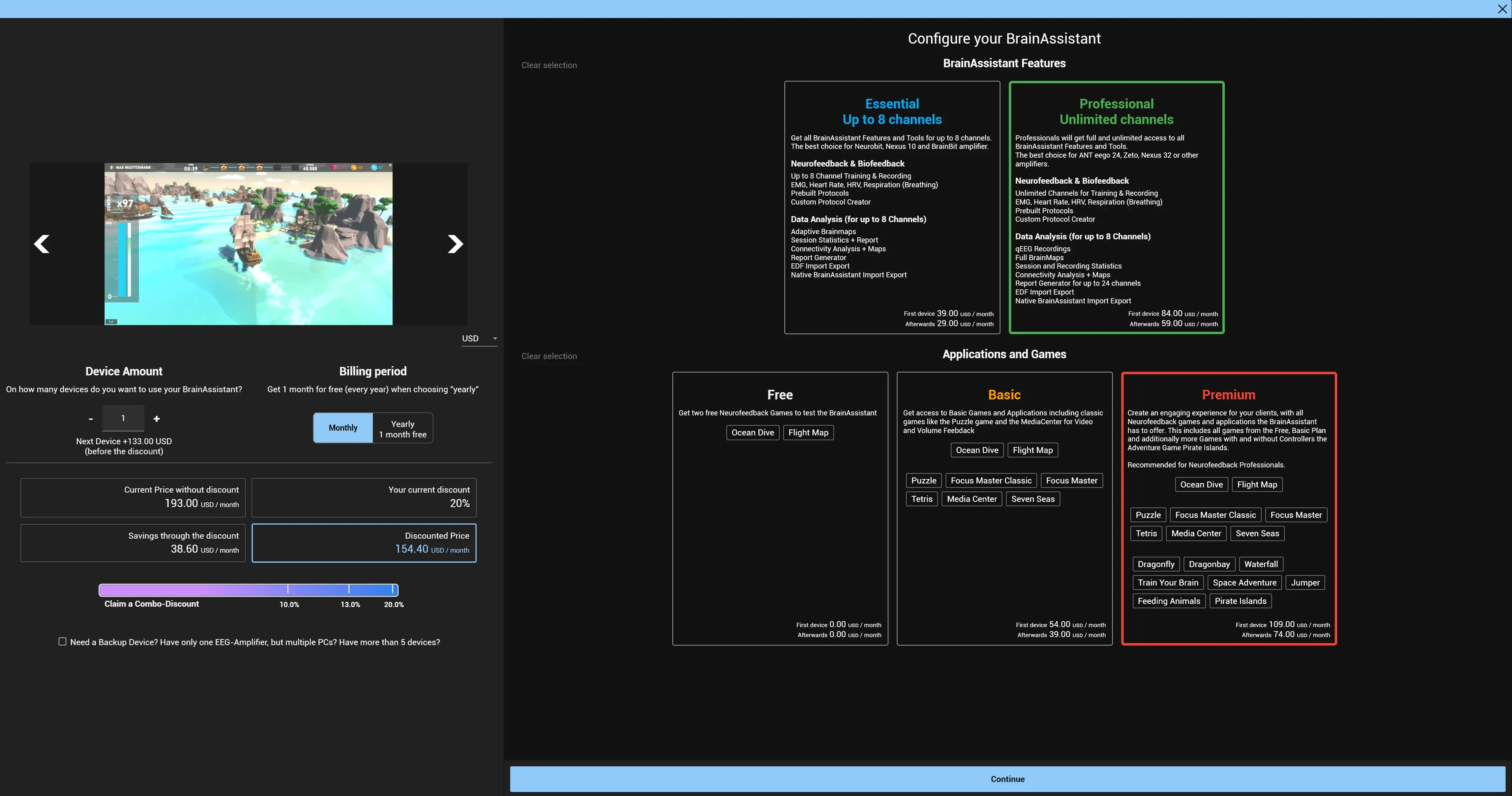
Shop and licenses
App cards, licensed products, activation and bundle discounts.
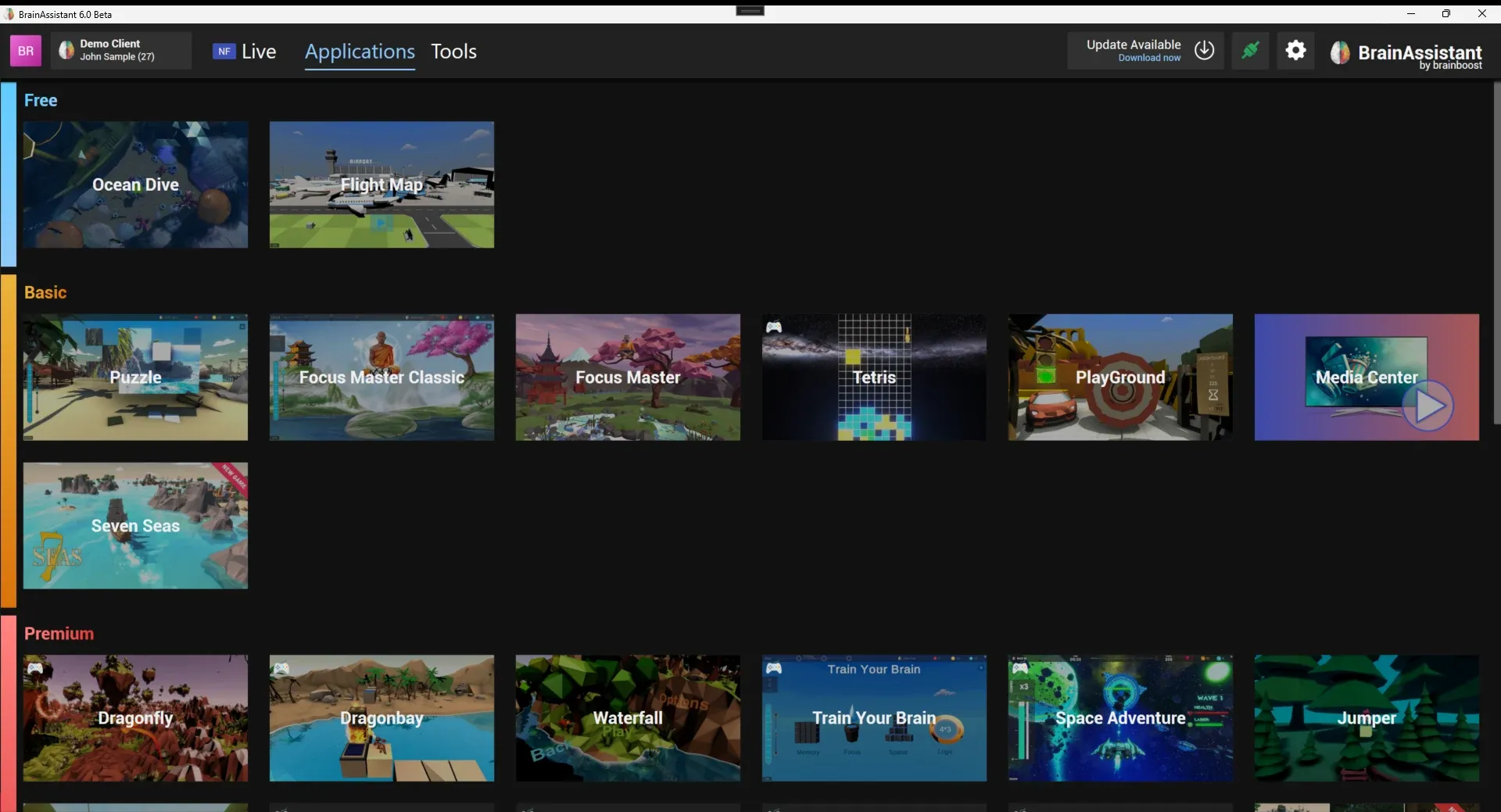
Feedback applications
Games and applications that connect to BrainAssistant over the application port and create segments in the session.
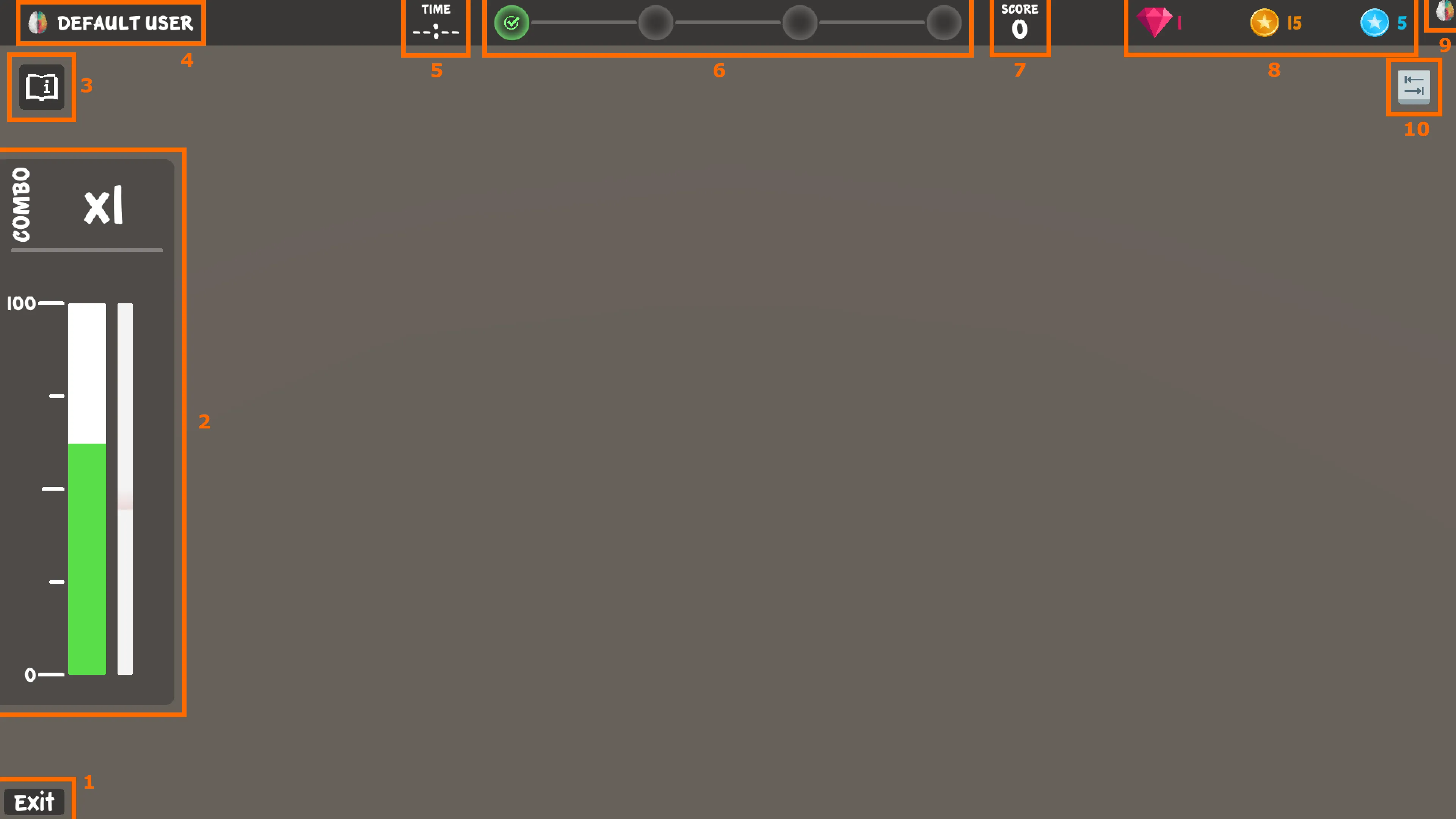
Brain HUD
The neurofeedback interface shared by the BrainAssistant games: brain bar, progress bar, milestones, score, Neuro Coins, connection state and controls.