Search covers the manual, features and updates. Press Escape to close.

All features

Account and login

Signing in to BrainAssistant with one account on several PCs.

Account and login

One account works on several PCs and with several amplifiers. The login opens in the browser.

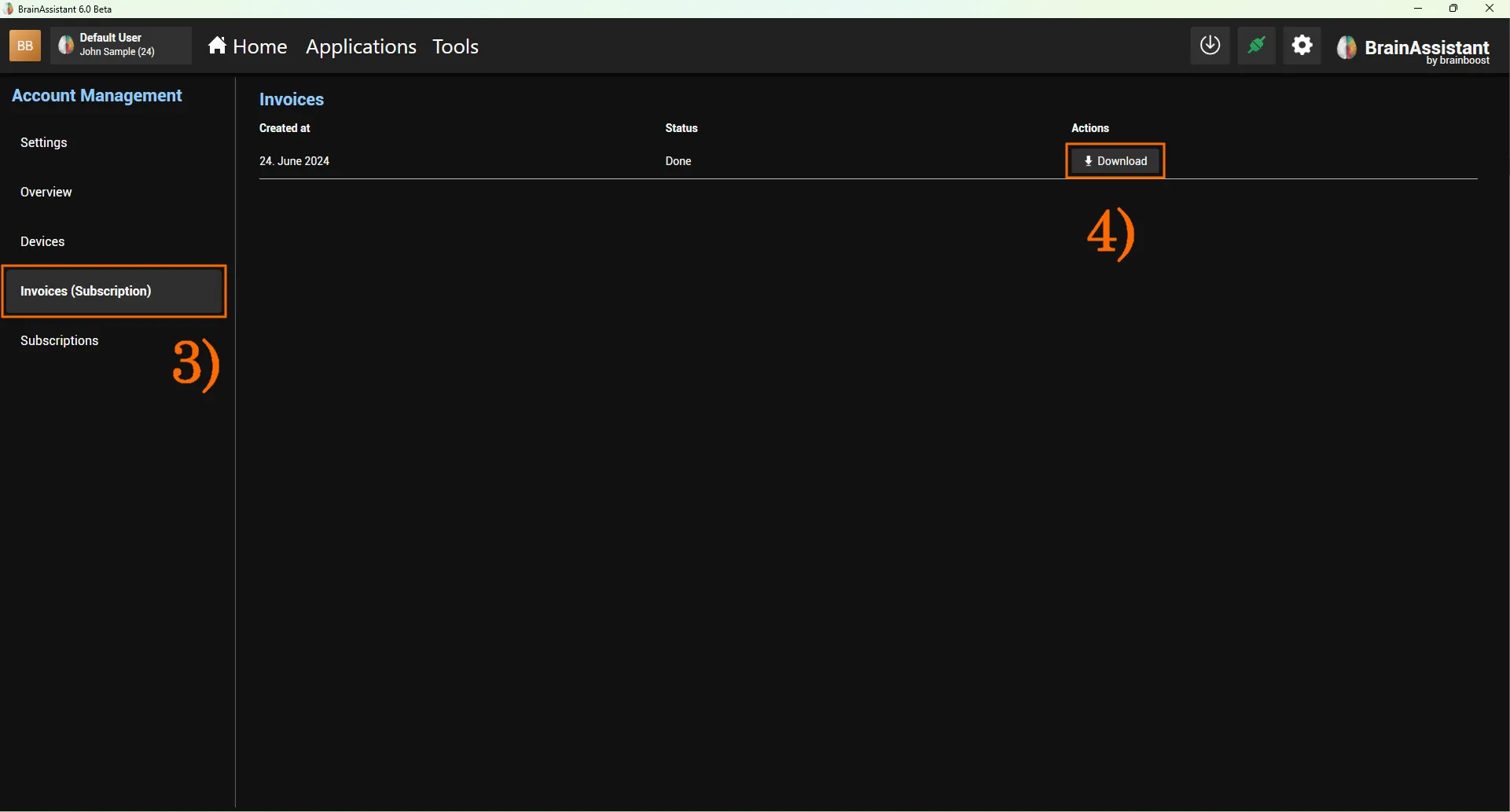
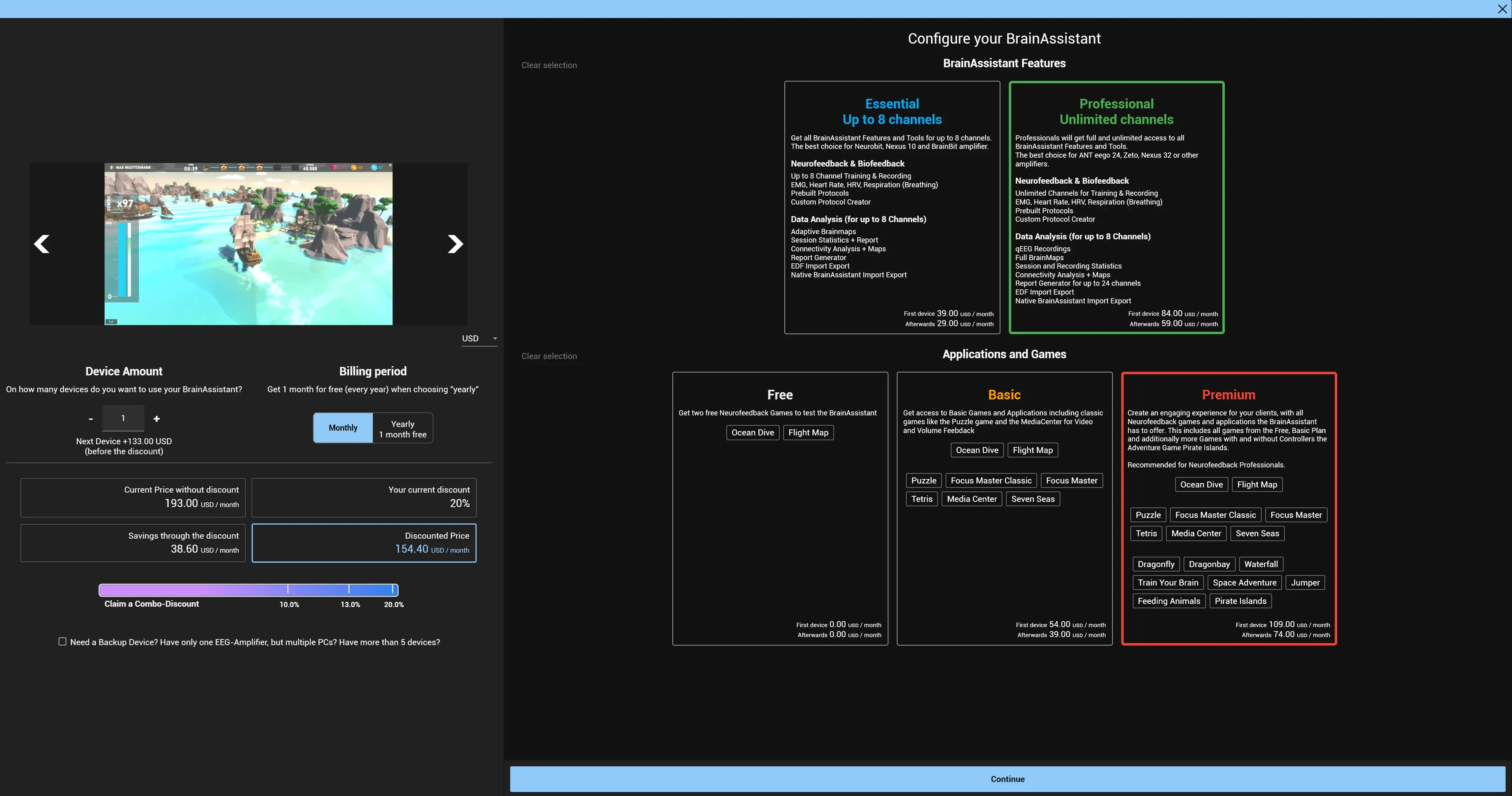
Account Management (cog wheel in the top bar, then Account Management) holds the Settings of BrainAssistant and the account’s Devices, Subscriptions and Invoices (Subscription); see Devices and subscriptions.
More in Platform & apps

All in this area →

Feedback applications

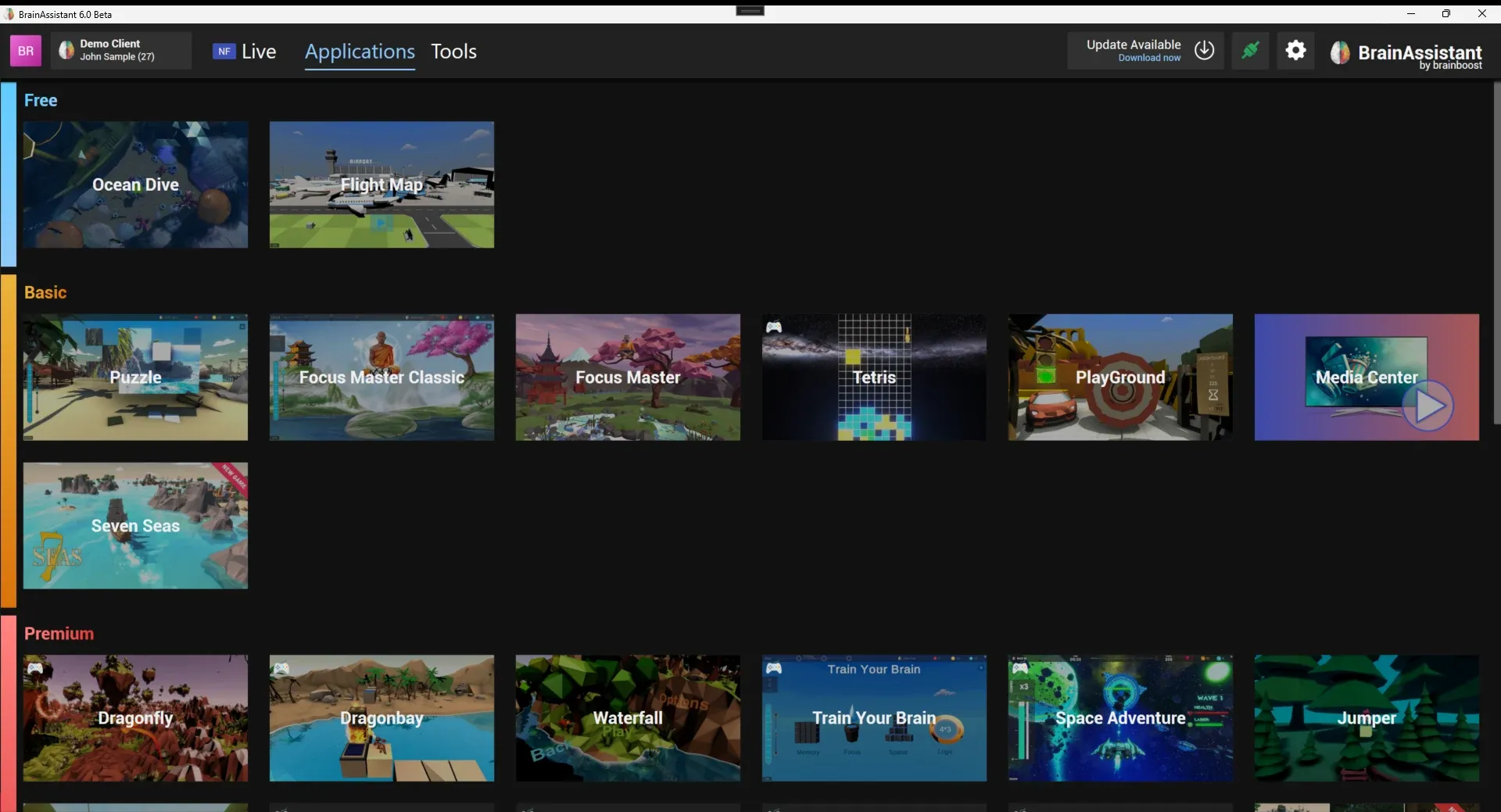
Games and applications that connect to BrainAssistant over the application port and create segments in the session.

Brain HUD

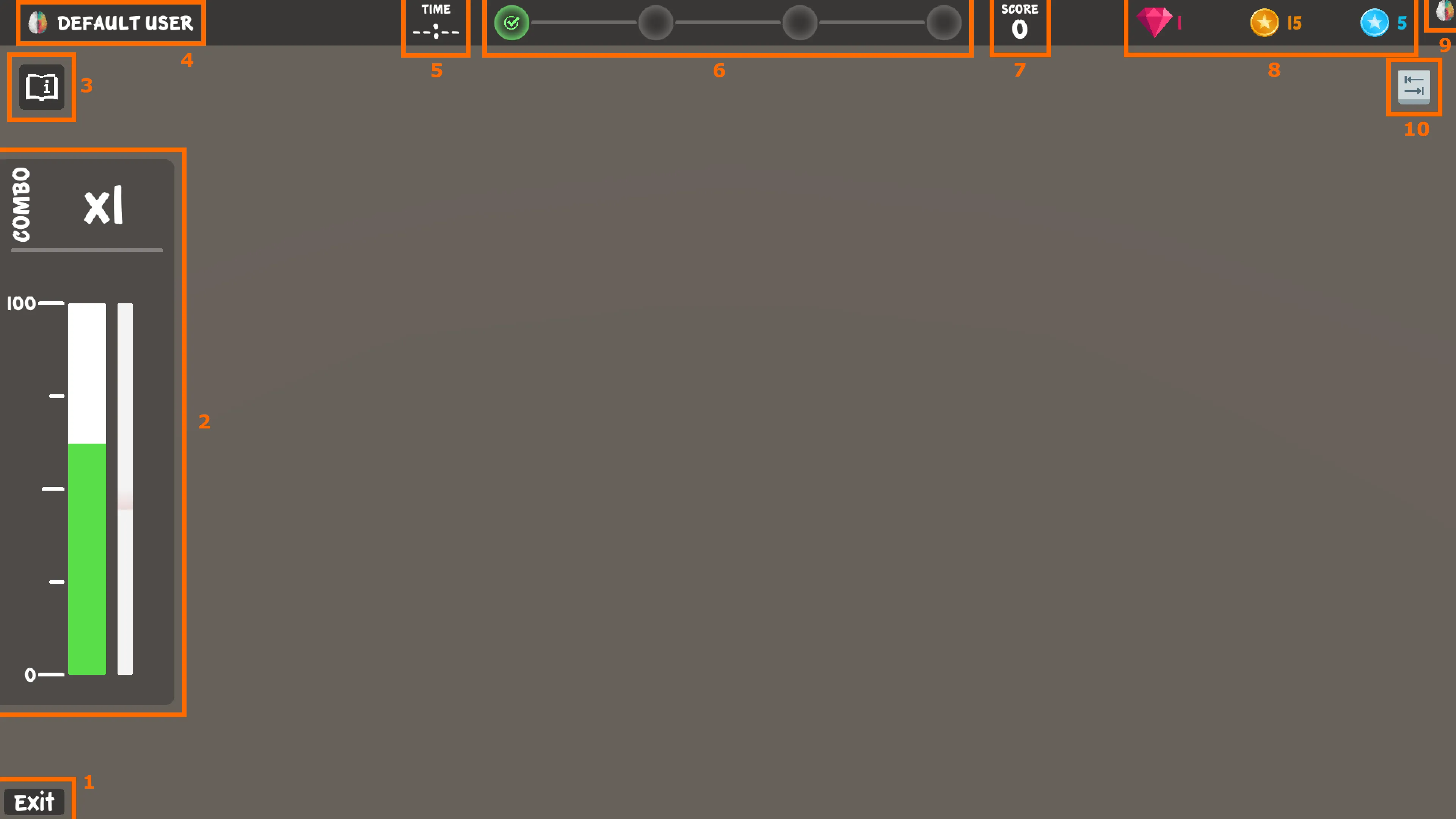
The neurofeedback interface shared by the BrainAssistant games: brain bar, progress bar, milestones, score, Neuro Coins, connection state and controls.

Neuro Player System

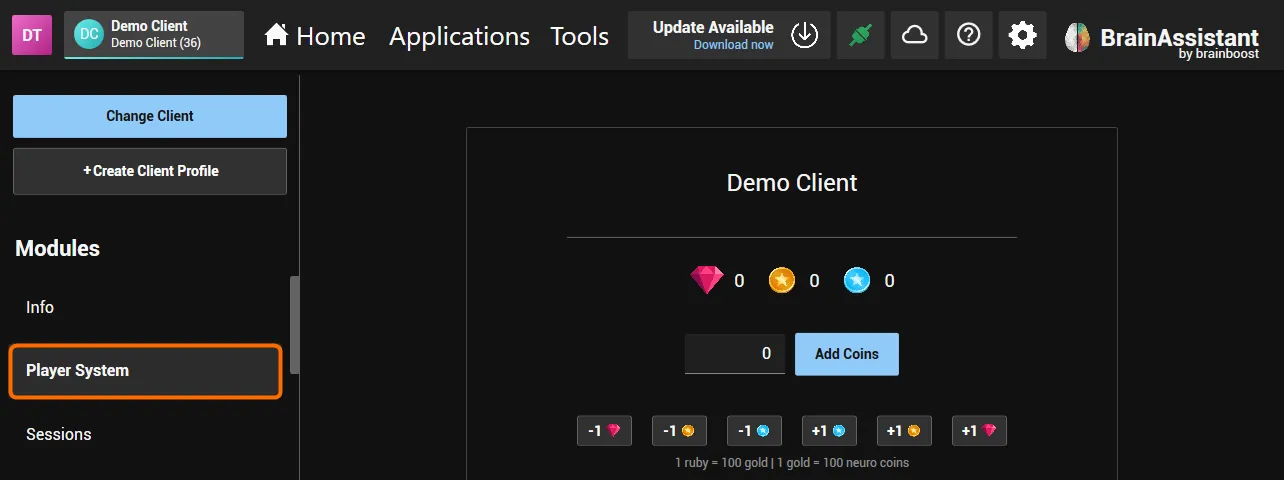
Neuro Coins earned in one game buy items in the Neuro Shop of every game; trainers see and adjust a client's coins in BrainAssistant.

Notifications

In-app notifications for background tasks, syncs, imports and warnings.

Data security

Protection of stored and synced data inside BrainAssistant.