
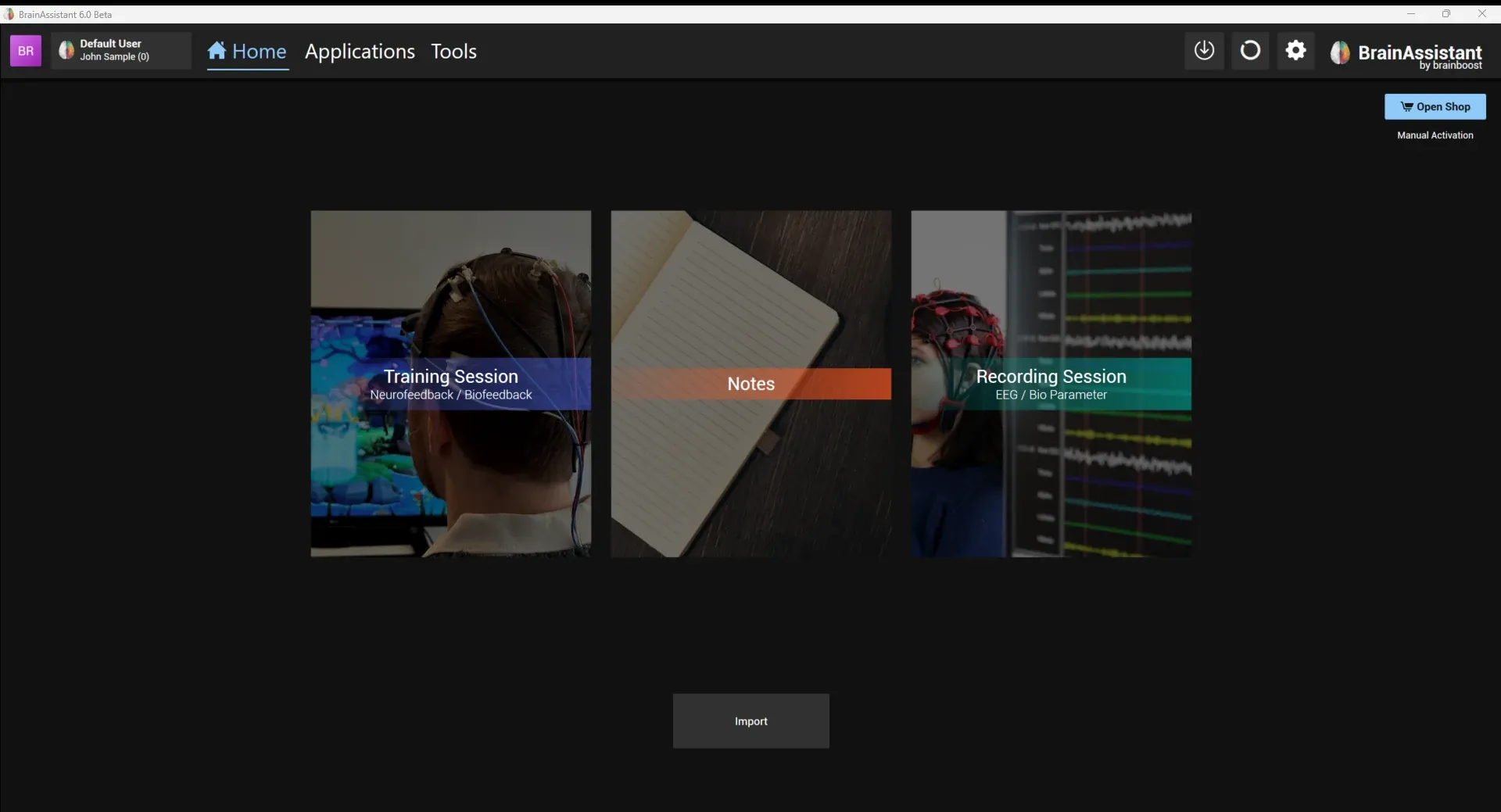
Getting started
Install BrainAssistant, sign in, create your trainer profile and your first client.
Everything you need for the first session, in order: install BrainAssistant, sign in, create your trainer profile and a client, and follow the quick start guide. Check the system requirements and the Windows and Nvidia settings before installing.
Install BrainAssistant, sign in, create your trainer profile and your first client.
A short PDF guide to connecting your device, starting a training session, choosing the monitor for the games and starting a recording session.