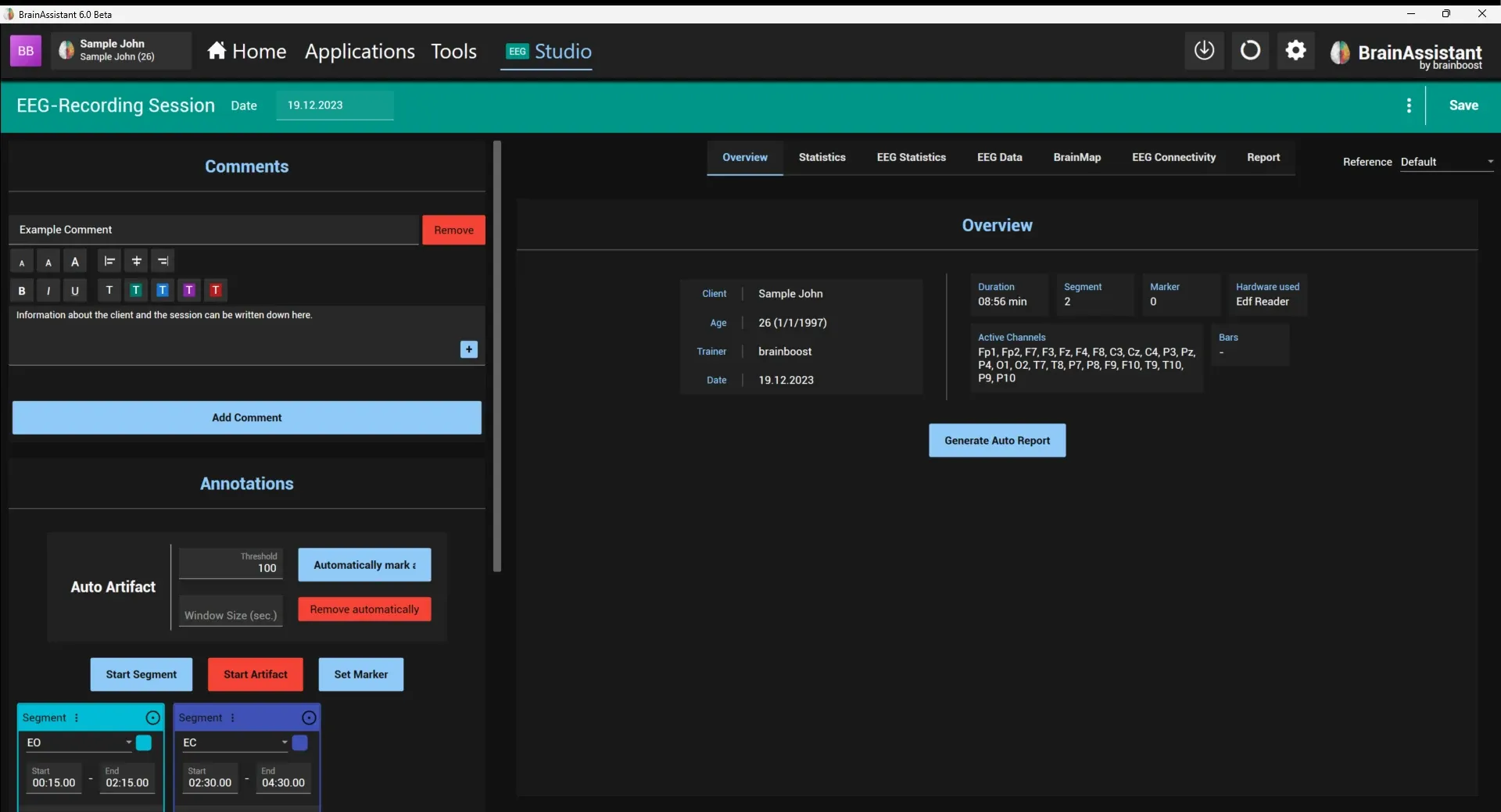
The Statistics and EEG Statistics pages of the Studio analyse the session that is open in the Studio. Artifacts marked in the session are left out. How to read them is in Session analysis: graphs and report and EEG analysis: brain maps and report.
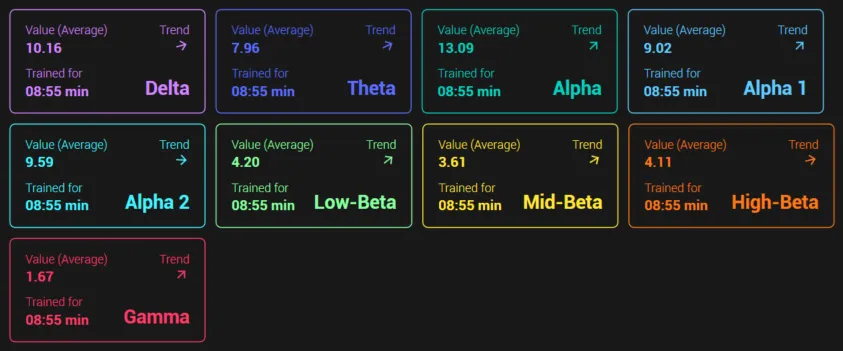
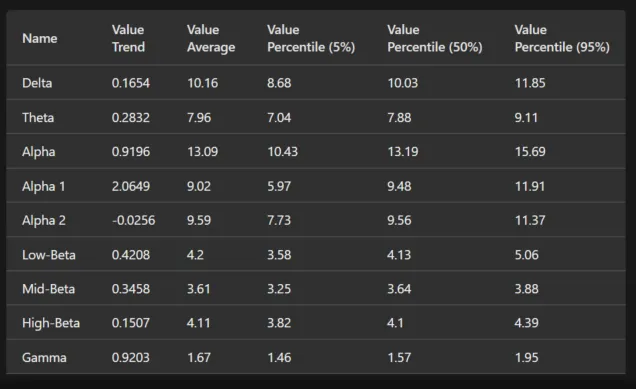
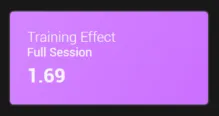
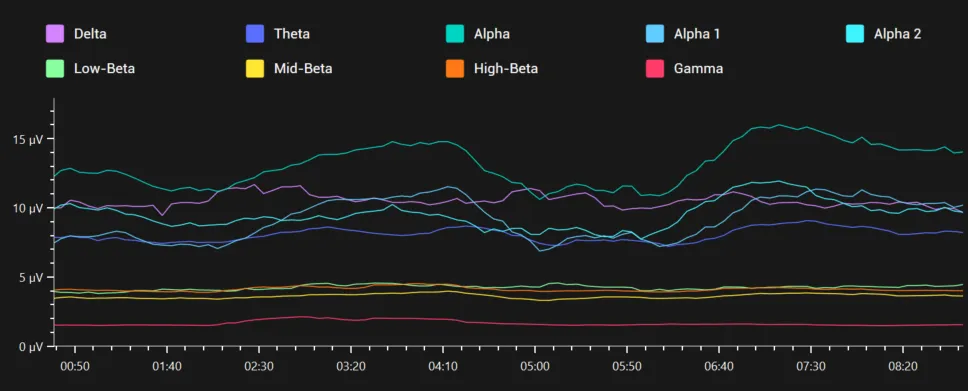
Statistics shows the frequency bands over time: in a neurofeedback session the bars of the protocol, in a qEEG recording the frequency bands of the EEG. A graph shows the bands over the course of the session, one panel per band shows its average value and trend, and a table lists the values per band. In a neurofeedback session the page also shows the protocols that were used, a Training Effect panel for the Full Session, the training effect in each band panel and, in the table, the direction of each bar (Up / Down), its training effect, trend, success, value and threshold (average and percentiles). The training effect is calculated from the trend of a bar’s values over the session and the direction the bar trains: a positive value means the band developed in the trained direction. The Studio statistics show the training effect per segment and the “Average of segments” across the session.
The Full Session panel covers the whole session; Add Panel adds further Statistics panels. The menu of a panel opens Edit Session for Computation: Hide cut lines, Cut by Segments, Cut Bottom Percentile of Values and Cut Top Percentile of Values, Use EEG data instead of recorded data from bars, and Average statistics of channels or Individual statistics per channel; Apply calculates the panel again.
EEG Statistics holds the spectral and source analyses of the session’s EEG:
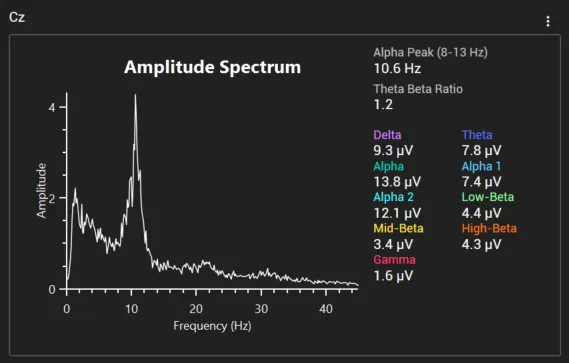
- FFT Analysis: the FFT amplitude spectrum per segment and channel. Segments and the channel selection (Select one or multiple channels) choose what is shown; several can be shown and compared at once. Each channel shows its Alpha Peak (8-13 Hz), Theta Beta Ratio (amplitude), Centroid Frequency and the amplitudes of the frequency ranges. Colorfull, Horizontal segment layout, Use Unified Y-Axis Scale and Custom Max (µV) change the display. The ⋮ of a spectrum adds it to the report, Add all to report adds all shown spectra.
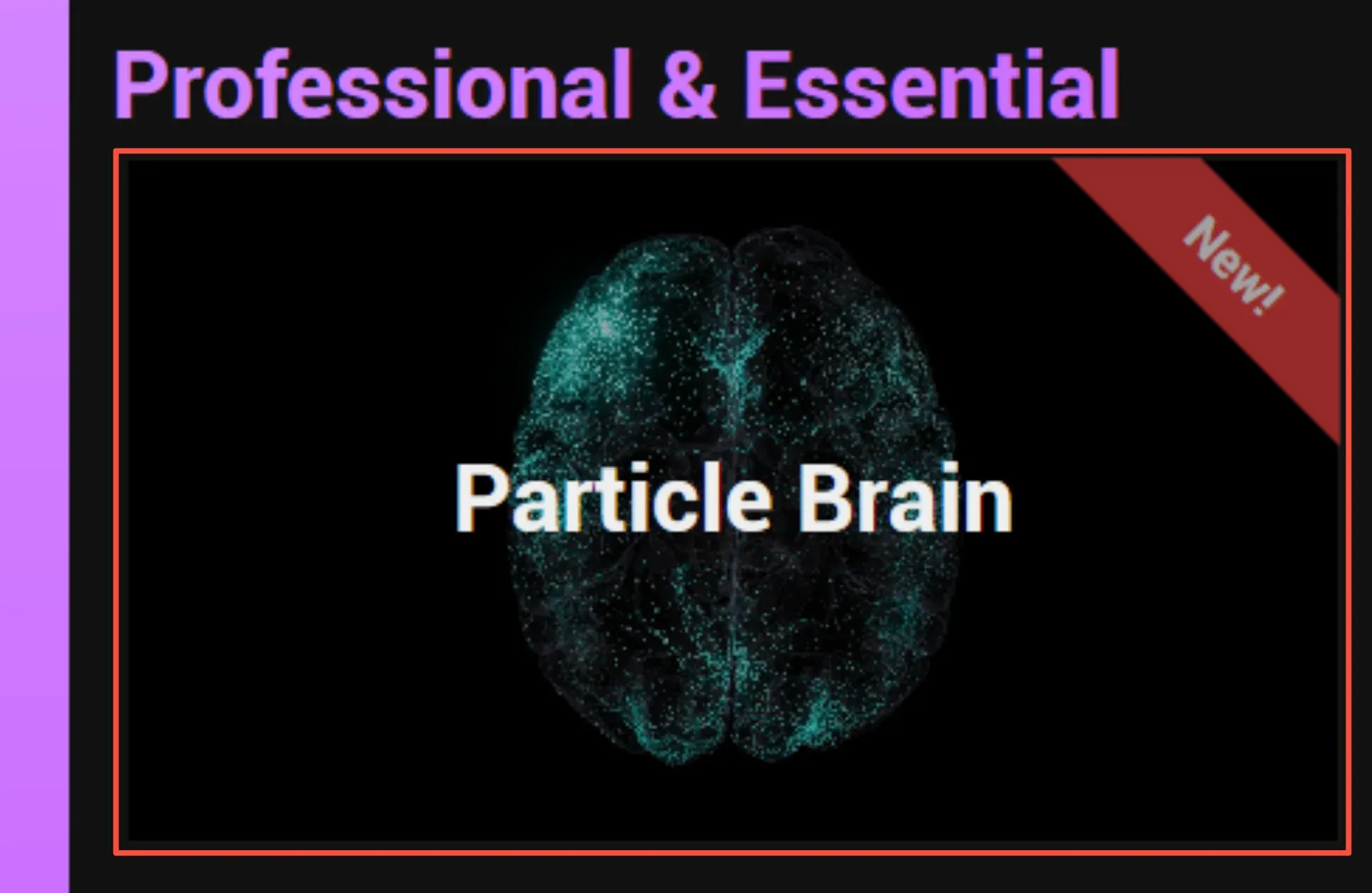
- Particle Brain: shows the session’s EEG on the Particle Brain with a chosen preset.
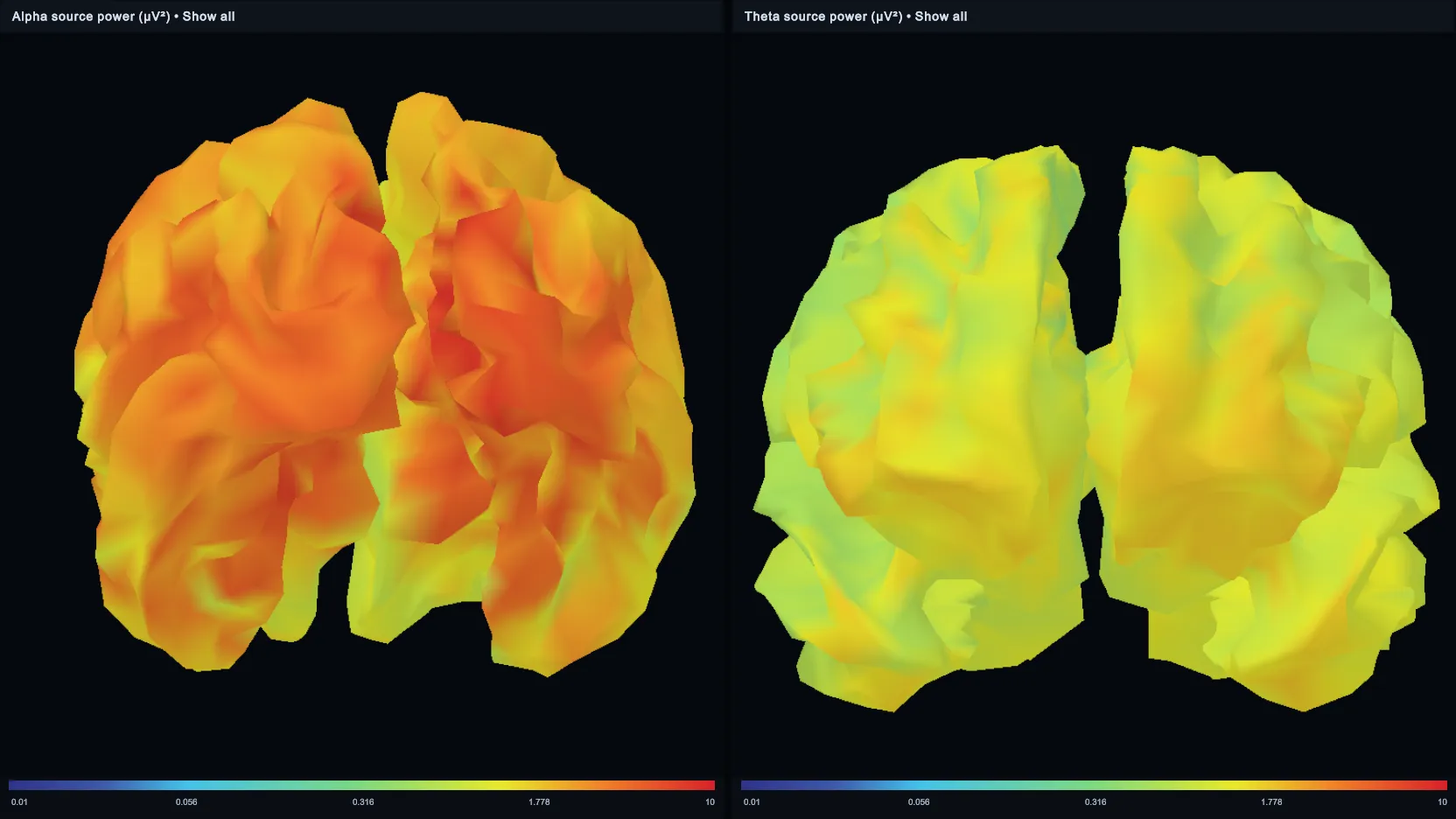
- sLORETA: up to nine source-power or normative Z-score views of a segment, shown in the sLORETA viewer; see sLORETA.
- Open 3D FFT Spectrum opens the spectrum as an interactive 3D view in a separate window.