The Studio opens a recorded session for review and analysis. Show Details next to a session in the client’s session list opens it. While a session is open in the Studio, the Studio button in the top bar (tagged NF for a neurofeedback session, EEG for a qEEG recording) returns to it from anywhere in BrainAssistant, also while a live session is running. The steps are in EEG analysis: brain maps and report and Session analysis: graphs and report.
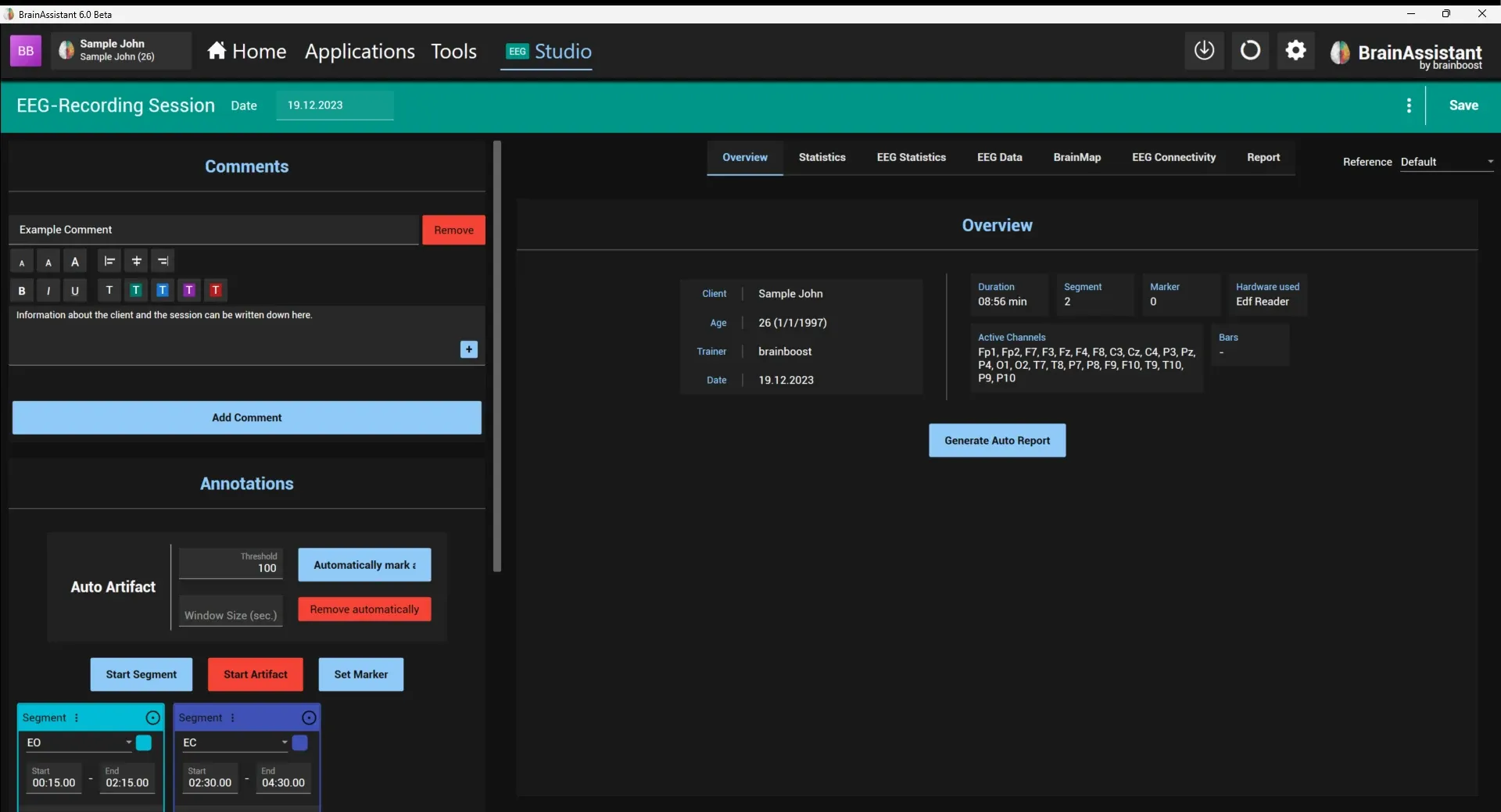
The Studio has three parts: the quick action bar at the top, the side panel on the left and the pages of the session on the right.
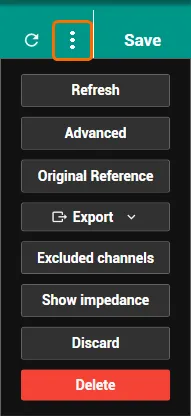
Quick action bar. The session’s Date and Time (and the Session Nr. of a neurofeedback session) can be edited here. Save saves all changes of the session, for example comments, annotations, artifacts and the report, and closes the Studio. The ⋮ menu next to it holds Refresh (calculates the session’s pre-calculation again), Advanced (further tools for the session, for example Signal Manipulation, Export all as CSV and Score Overrides), Original Reference (the reference the amplifier recorded with), Export (as BrainAssistant .bata, EDF+ or EDF, also split by segments), Excluded channels, Discard (closes the Studio without saving the changes) and Delete (deletes the session; a deleted session cannot be restored).
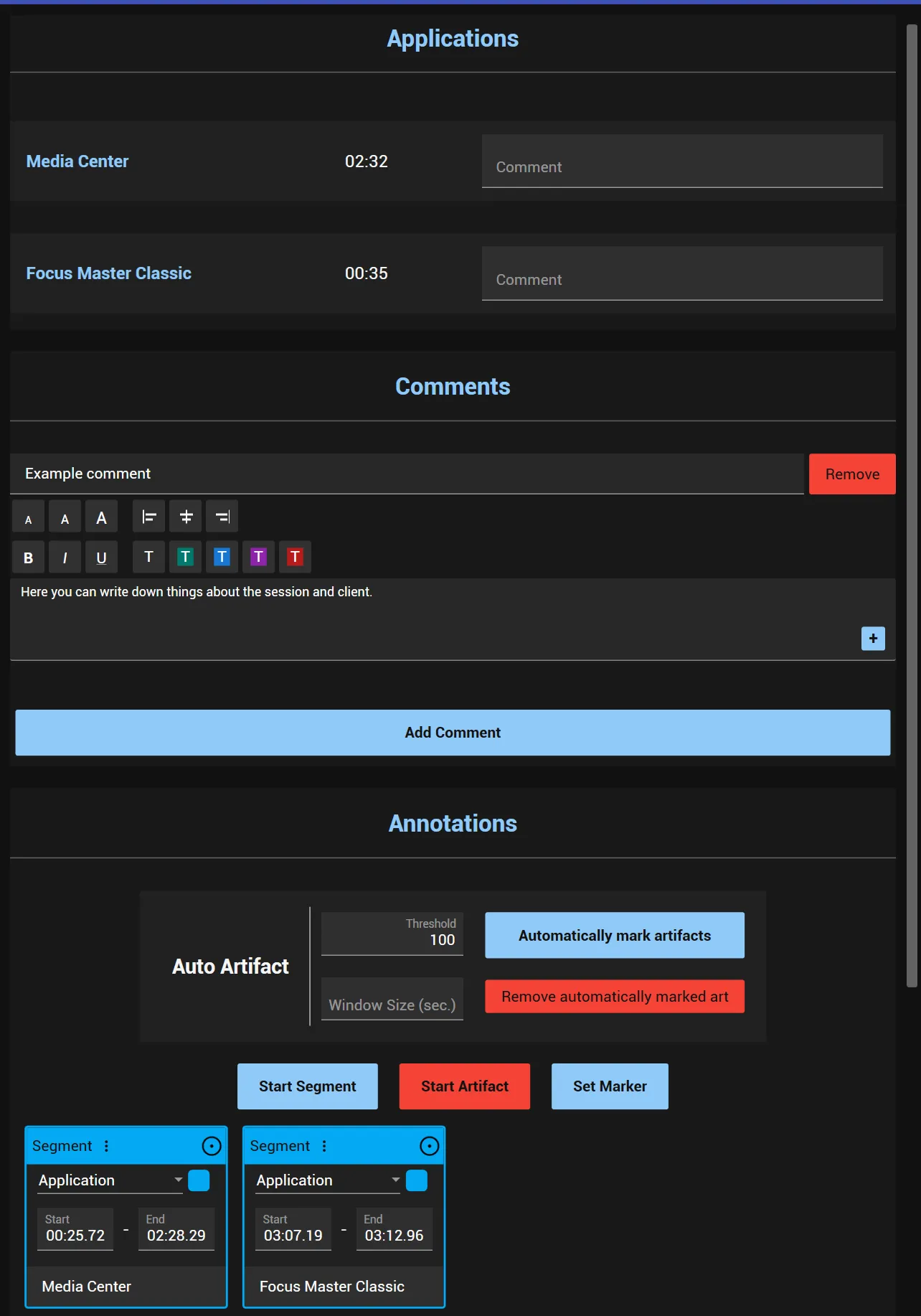
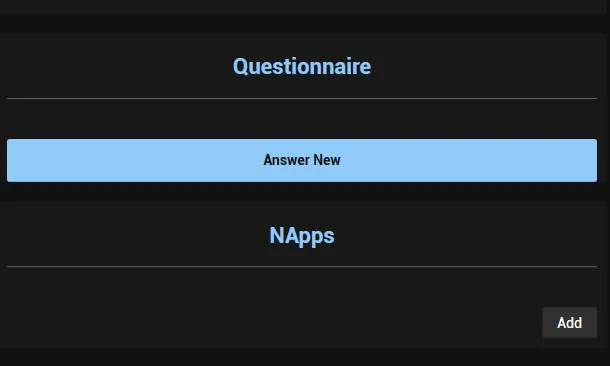
Side panel. The same sections as during the recording: Applications (in a neurofeedback session: the applications that were used, with their duration and a comment), Comments (Add Comment), Annotations, Questionnaire (Answer new questionnaire) and NApps. The arrow button at the top left of the pages collapses and opens the side panel.
Annotations and artifacts. The segments, artifacts and markers of the session are listed as cards with start, end and comment. The buttons with the plus sign add a Segment, an Artifact or a Marker at the current position of the EEG view. Auto Artifact marks artifacts automatically: Automatically mark artifacts marks the parts of the EEG where the amplitude of a channel exceeds the Threshold (default 100), optionally in windows of Window Size (sec.). The lower the threshold, the stricter the marking and the more data is left out. Reset auto artifacts removes the automatically marked artifacts again. Marked artifacts are left out when the statistics and brain maps are calculated.
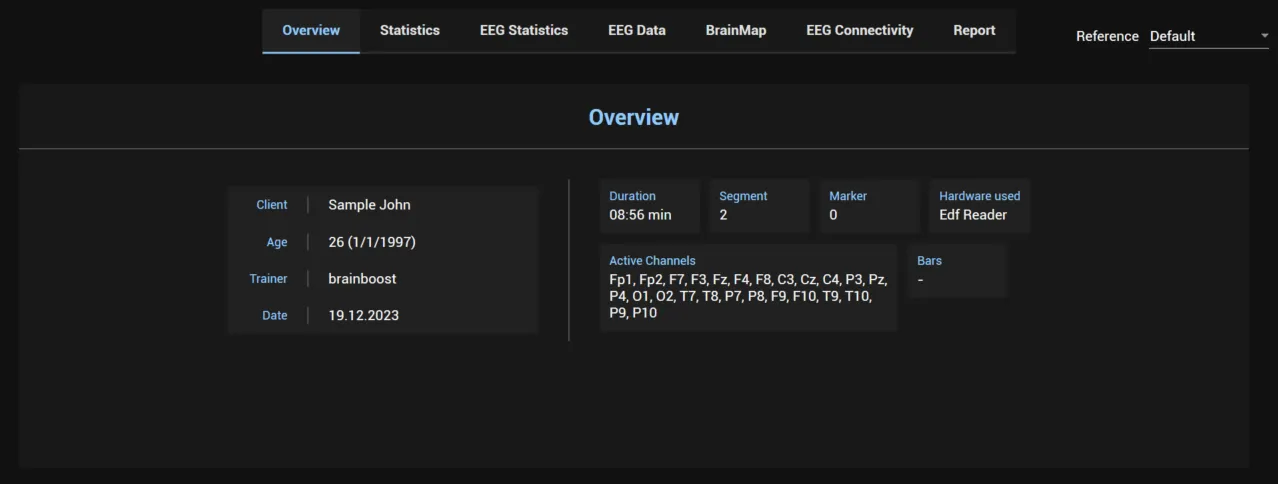
Reference. Reference at the top right of the pages re-references the EEG to another montage, for example to get brain maps and spectra with values at the original reference position. It appears when the recording can be re-referenced.
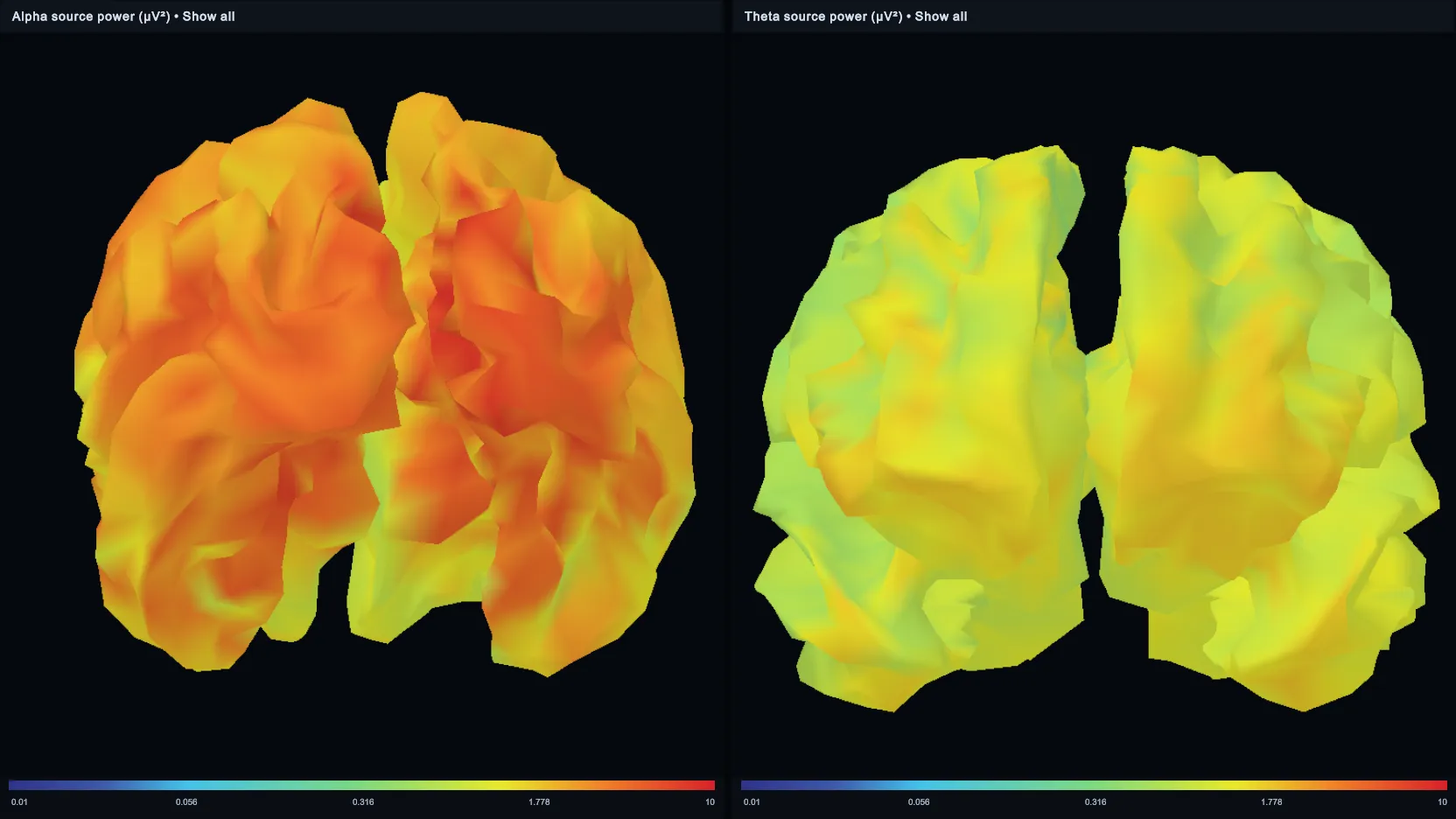
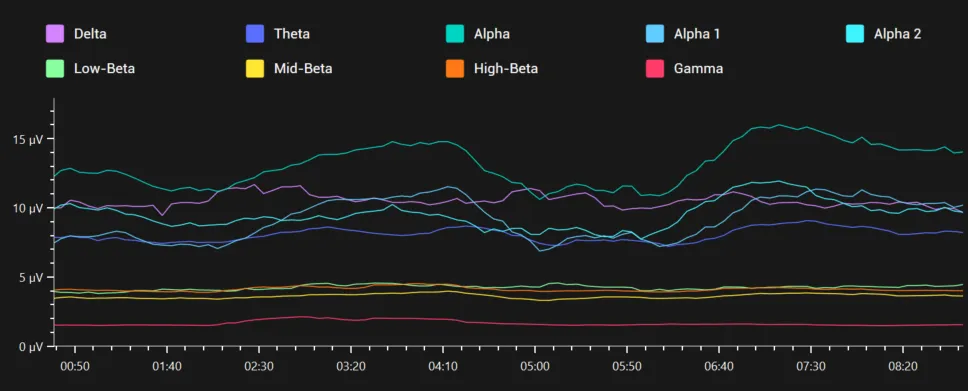
Pages. Overview shows the session information (client, trainer, date, duration, segments, channels, the bars used and more), the session’s scores, recommendations and Generate Auto Report (qEEG auto report). Statistics and EEG Statistics analyse the session. EEG Data, BrainMap and EEG Connectivity appear for sessions with EEG data: BrainMap creates brain maps per segment, EEG Connectivity shows the connectivity between positions in panels (Add Panel). Report puts a PDF report of the session together from report elements.
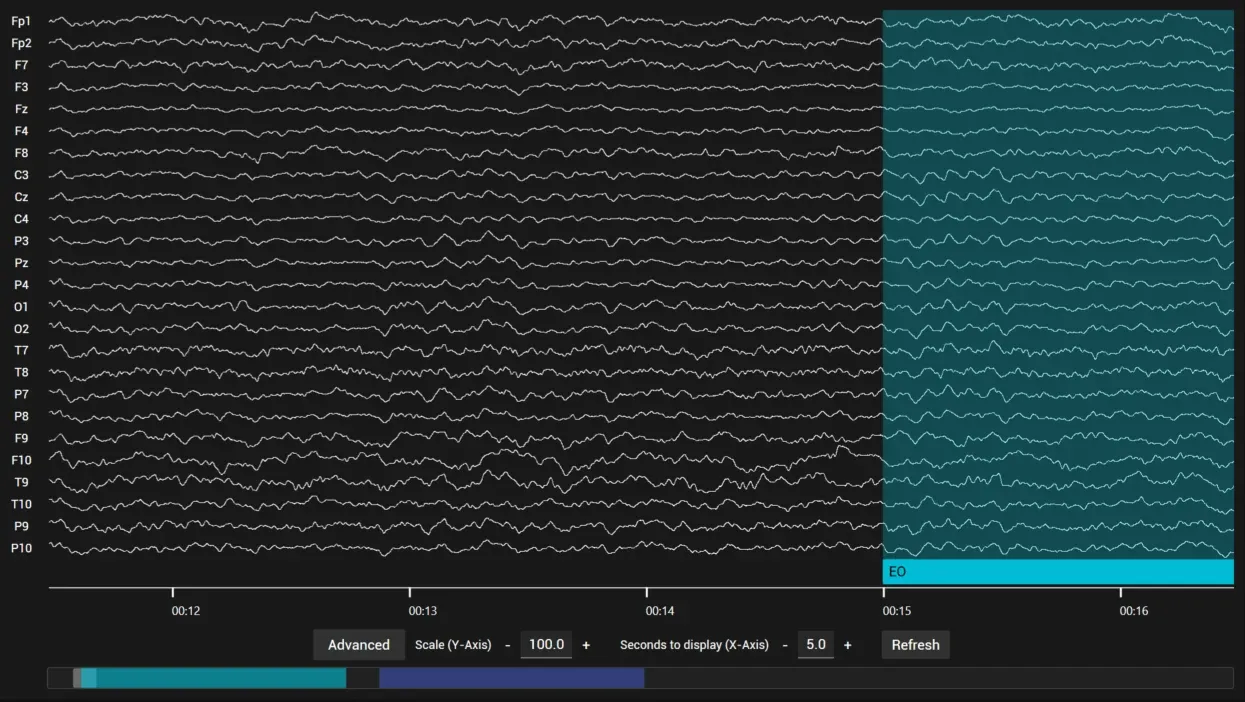
EEG Data. The EEG Data page shows the raw EEG of the session with its segments, artifacts and markers. Annotations can be edited directly in the EEG view. The mouse wheel over the EEG scrolls through the recording; over the segment bar at the bottom it changes the time scaling. The display settings below the EEG set Scale (Y-Axis), Seconds to display (X-Axis) and Line Thickness, switch Burst detection off or show bursts by recolouring the lines or as boxes (set up in General burst settings); Refresh reloads the view. Advanced adds a screenshot of the displayed EEG to the report (Add to report) and holds Notch, Show Background Grid and Color high amplitudes red.