
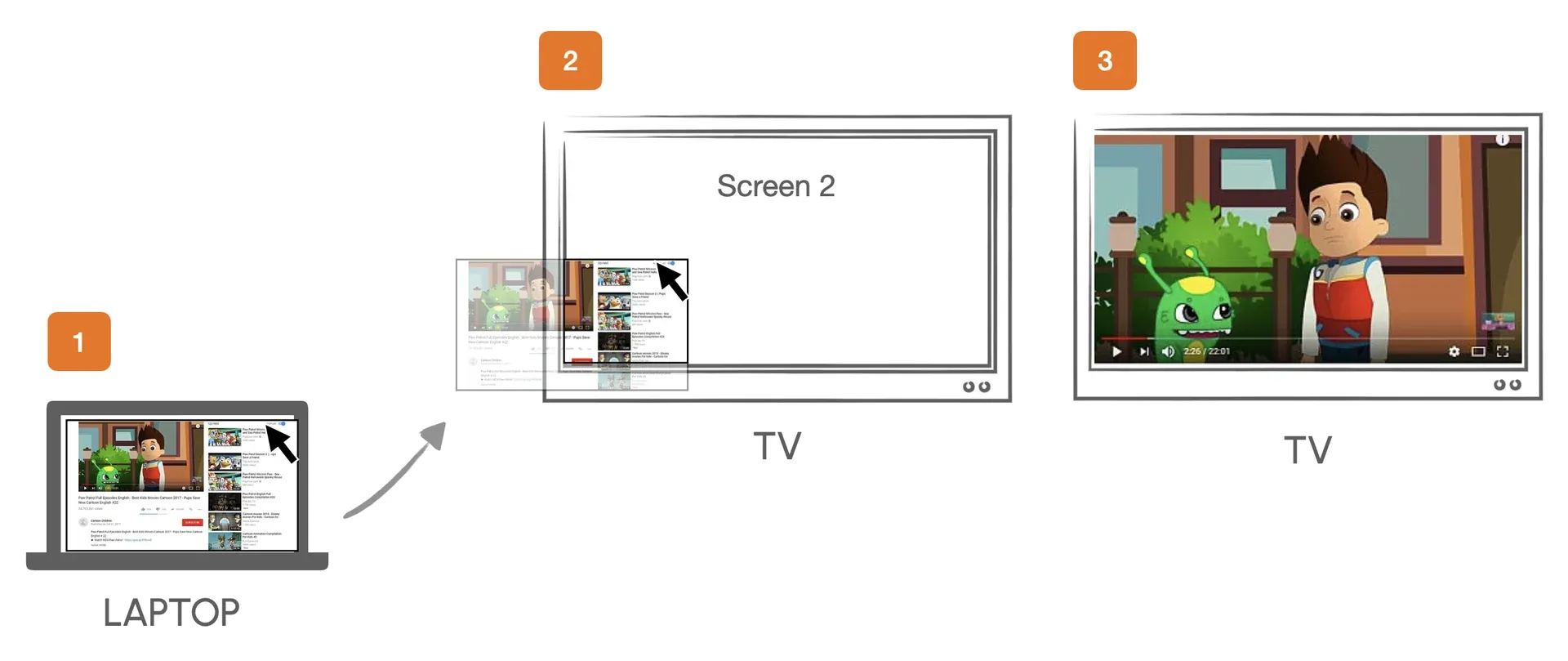
Media Center
Use the Media Center to give neurofeedback through the brightness and volume of movies, music, PDFs or any other content on the client's screen.
The applications and tools around a session: the Media Center, the Brain HUD and Neuro Player System shared by the games, flows, cognitive tests and the BrainAssistant screens for BioTrace.
Use the Media Center to give neurofeedback through the brightness and volume of movies, music, PDFs or any other content on the client's screen.
Check the connection between a game and BrainAssistant in the Brain HUD, and leave a game or open its controls.
Add or deduct a client's Neuro Coins, which players spend in the Neuro Shop of every BrainAssistant game.
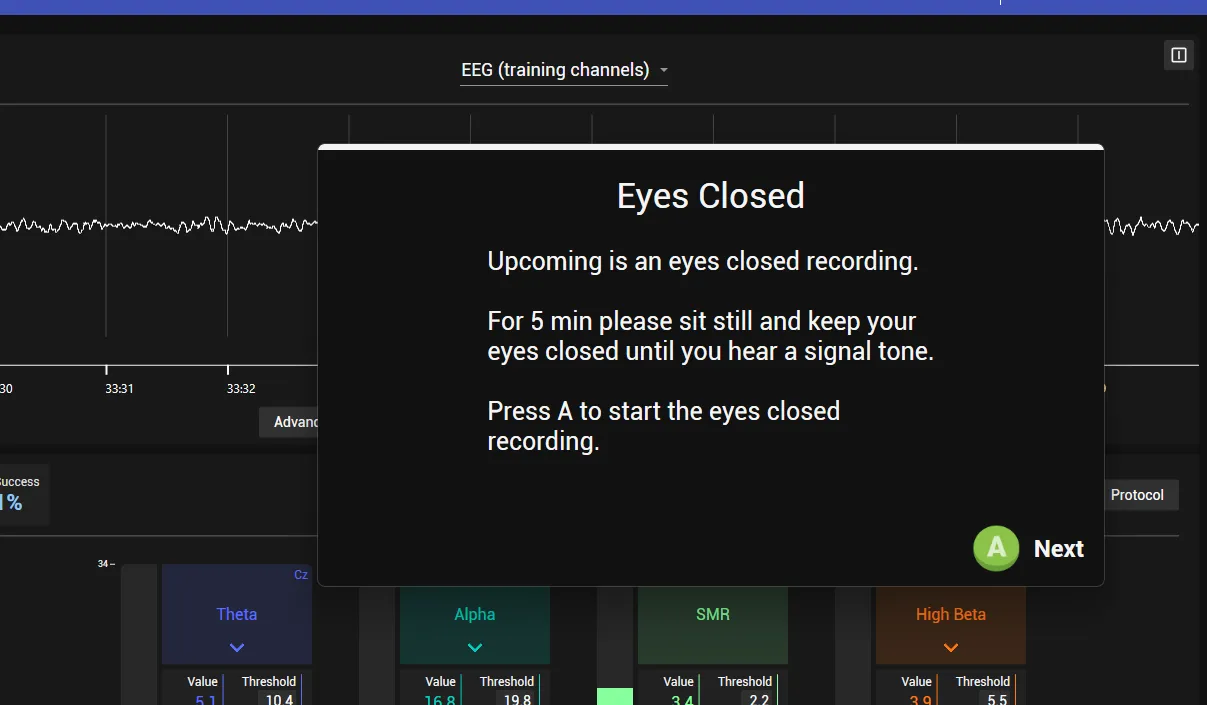
Import a flow from a .bata file, start it during a session, follow it in the flow client window and skip or stop steps.
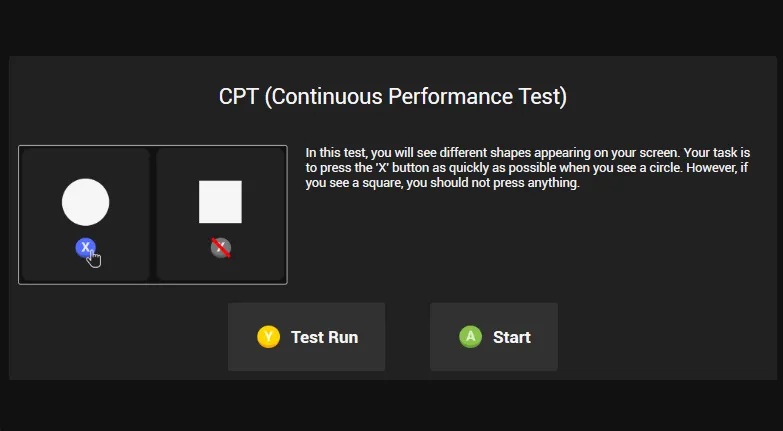
Start a cognitive test during a recording, note or training session, let the client run it with a controller and stop it.
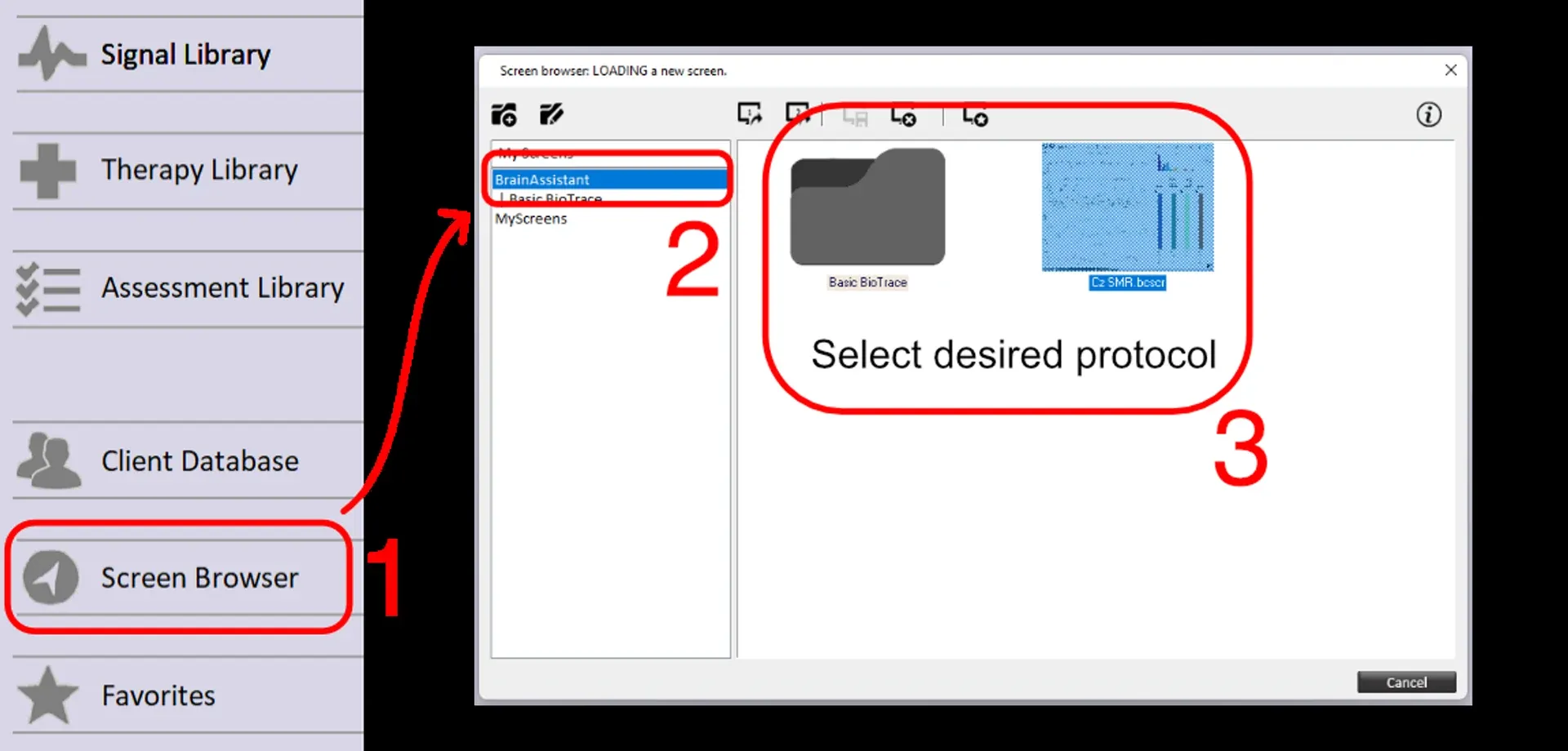
Import the latest BrainAssistant BioTrace screens for Nexus 10 amplifiers or move them from an old PC to a new one.