
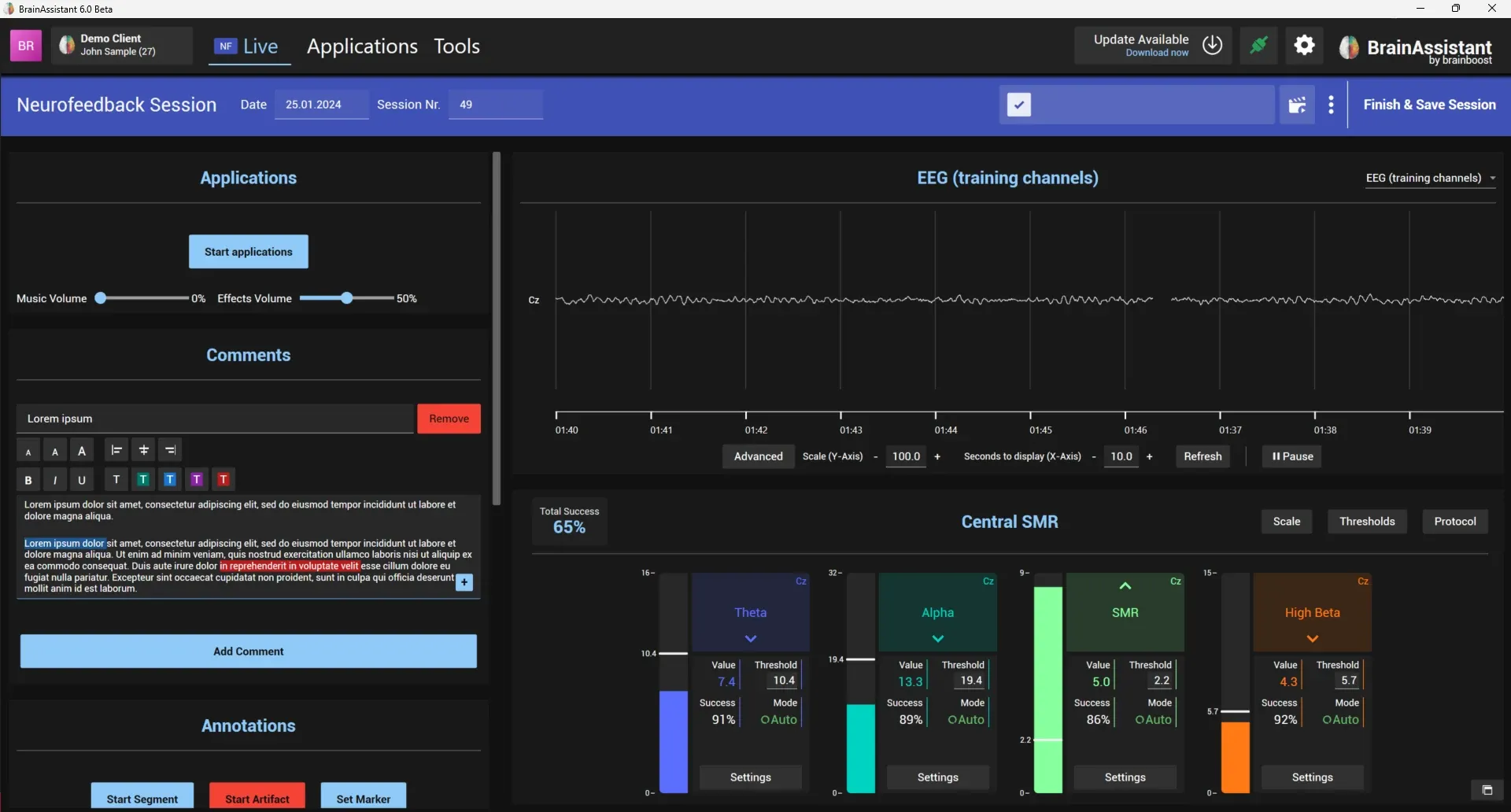
Training session
Start a neurofeedback or biofeedback session, select the protocol, check the signal, add comments and markers, run a feedback application and save the session.
How to run a neurofeedback or biofeedback session from the signal check to the saved recording, and how to review it.
Start a neurofeedback or biofeedback session, select the protocol, check the signal, add comments and markers, run a feedback application and save the session.
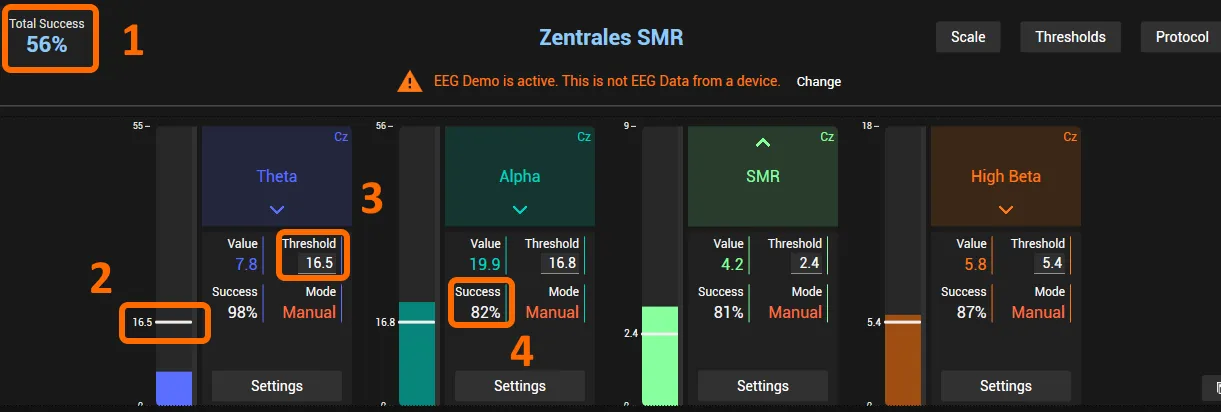
Understand total and aim success and set the feedback thresholds manually or automatically, for all bars or per bar.
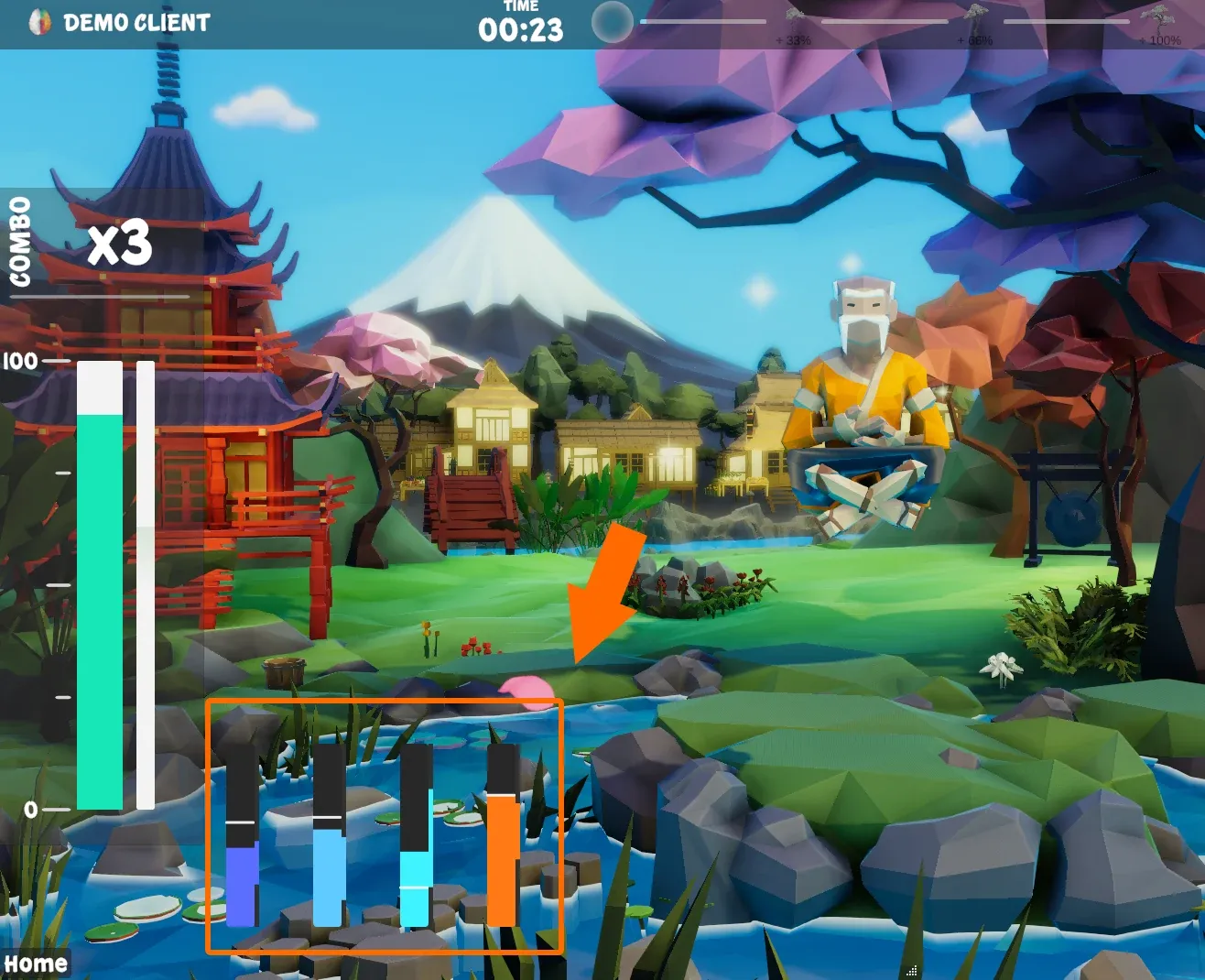
Use split view, hide the sidebar, show real-time FFTs, open bars and EEG views in separate windows and recolour the amplitude lines during a live session.
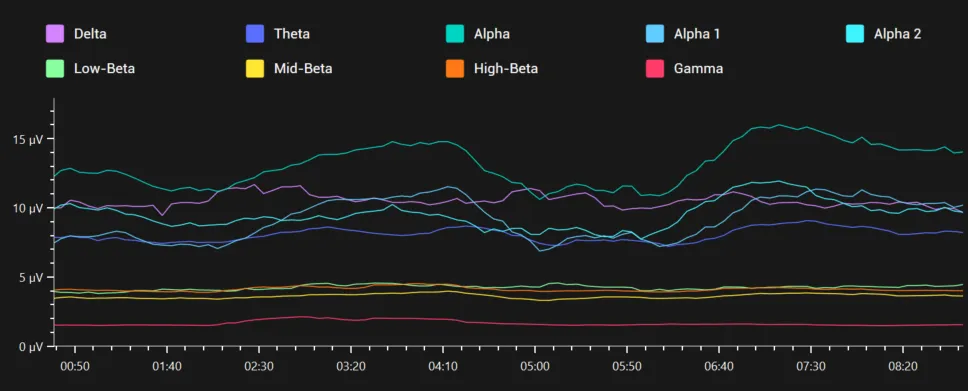
Open a recorded neurofeedback session in the Studio, check the raw EEG and remove artifacts, read the training effect in the statistics and create brain maps, spectra and a PDF report.