
System requirements
Recommended and minimum PC hardware for running BrainAssistant.
Everything around your computer and your devices: the hardware BrainAssistant and VR need, Windows and graphics settings, Bluetooth, controllers, setting up an iMediSync amplifier, and what to do when a Thought Technology ProComp does not connect. If your problem is not covered here, contact support@brainboost.de.
Recommended and minimum PC hardware for running BrainAssistant.
Recommended and minimum PC hardware for VR applications and neurofeedback in VR.
Windows, Nvidia graphics card and program settings to make before installing BrainAssistant so the neurofeedback applications run smoothly.
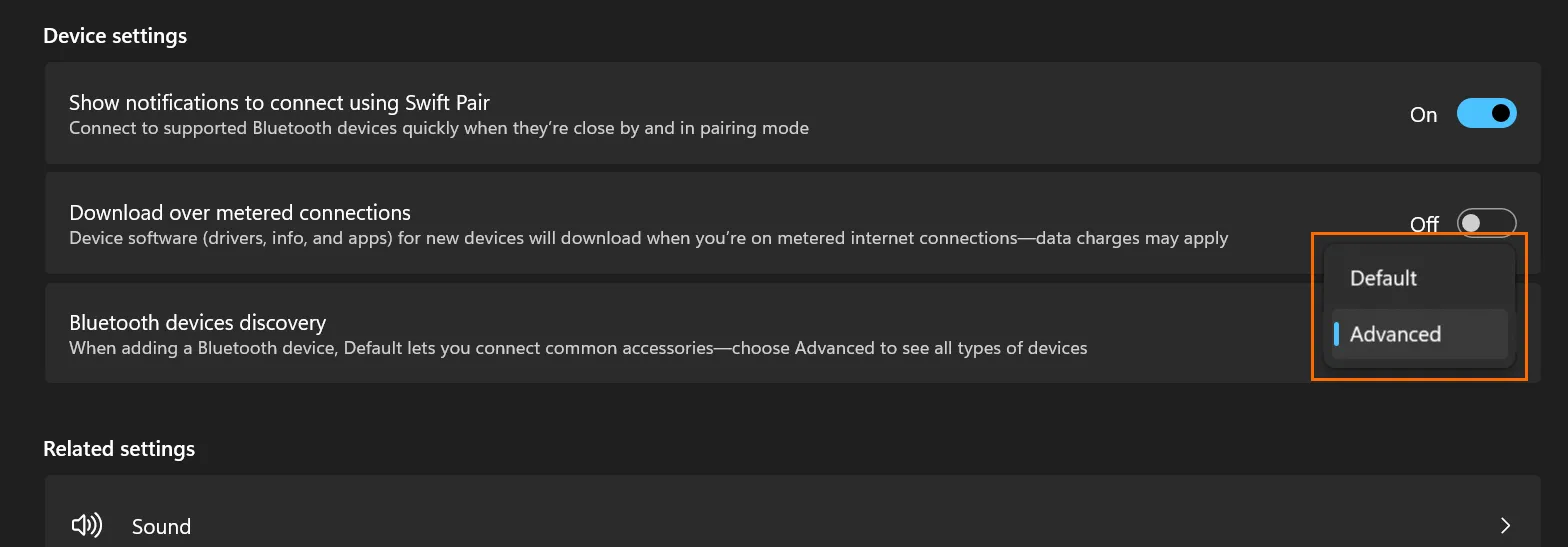
Switch the Windows Bluetooth device discovery setting to Advanced so your device is found.
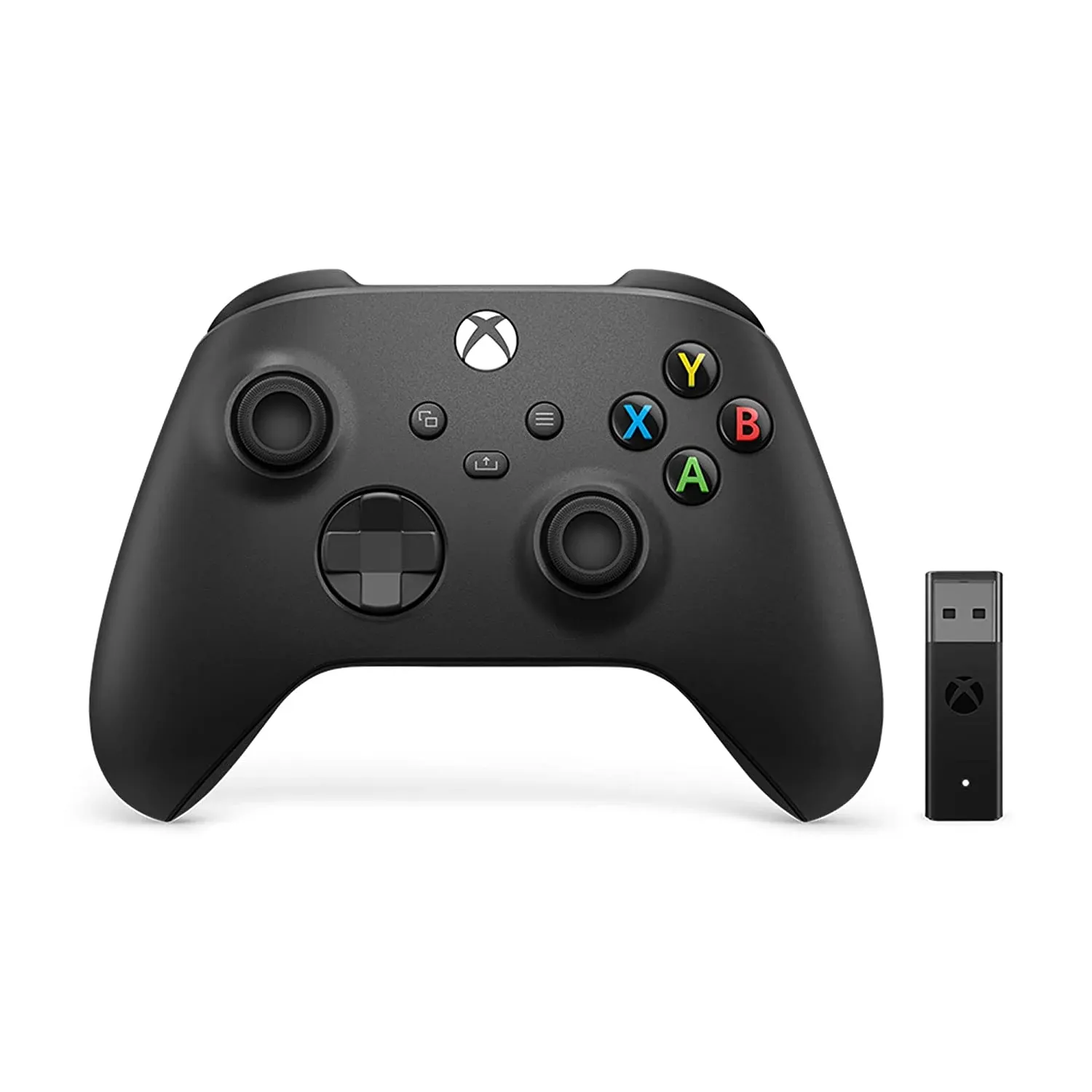
Which games use a controller, why a controller helps in neurofeedback training, and how to connect an Xbox controller to your PC.
Get started with neurofeedback on your iMediSync iSync device and BrainAssistant.
What to do when a Thought Technology ProComp amplifier does not connect or shows no signal.