
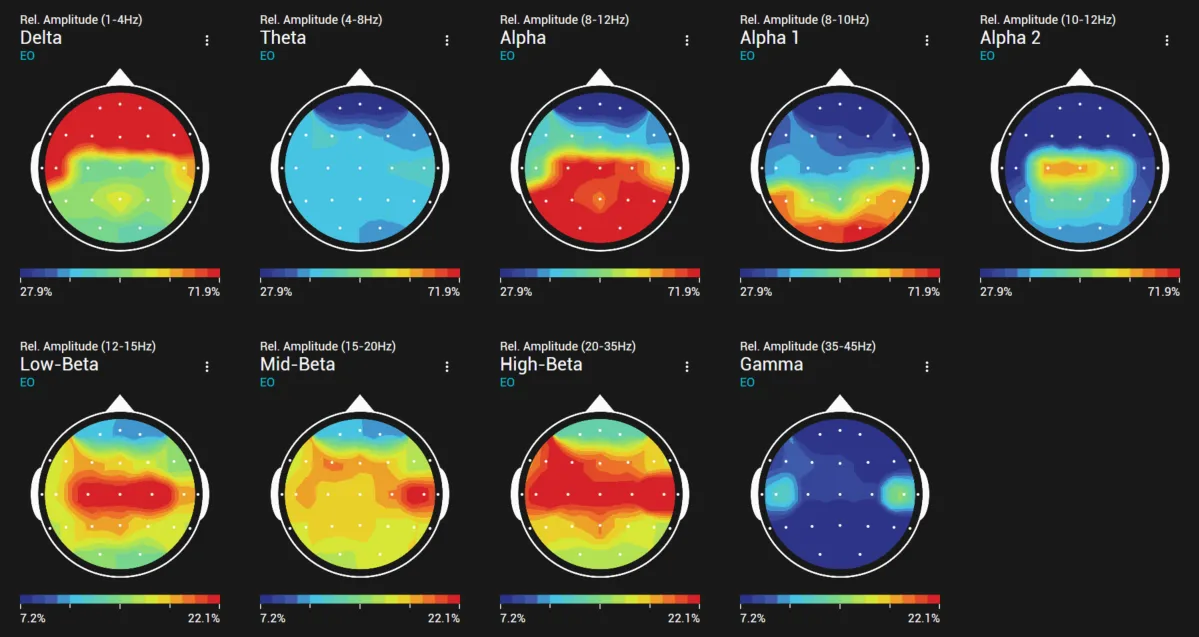
Report templates are assembled from elements. Each element has its own options (bands, segment choice, scale, size) and is saved with the template; auto reports and rule-based elements fill them from the session data. Session reports are put together on the Studio Report page; the templates of automatic reports are under Tools → Auto report.
The Particle Brain Screenshots element adds Particle Brain images of a recorded segment: each entry picks a config preset, segment, layers, camera views, render mode, images per row and a caption, and Report output sets view captions, a statistics table and UI labels for all entries. More in Particle Brain.