
BrainAssistant keeps the account sign-in on the PC as a token encrypted with Windows data protection for the current Windows user, so other Windows users of the PC cannot read it.
All features
Data security
Protection of stored and synced data inside BrainAssistant.
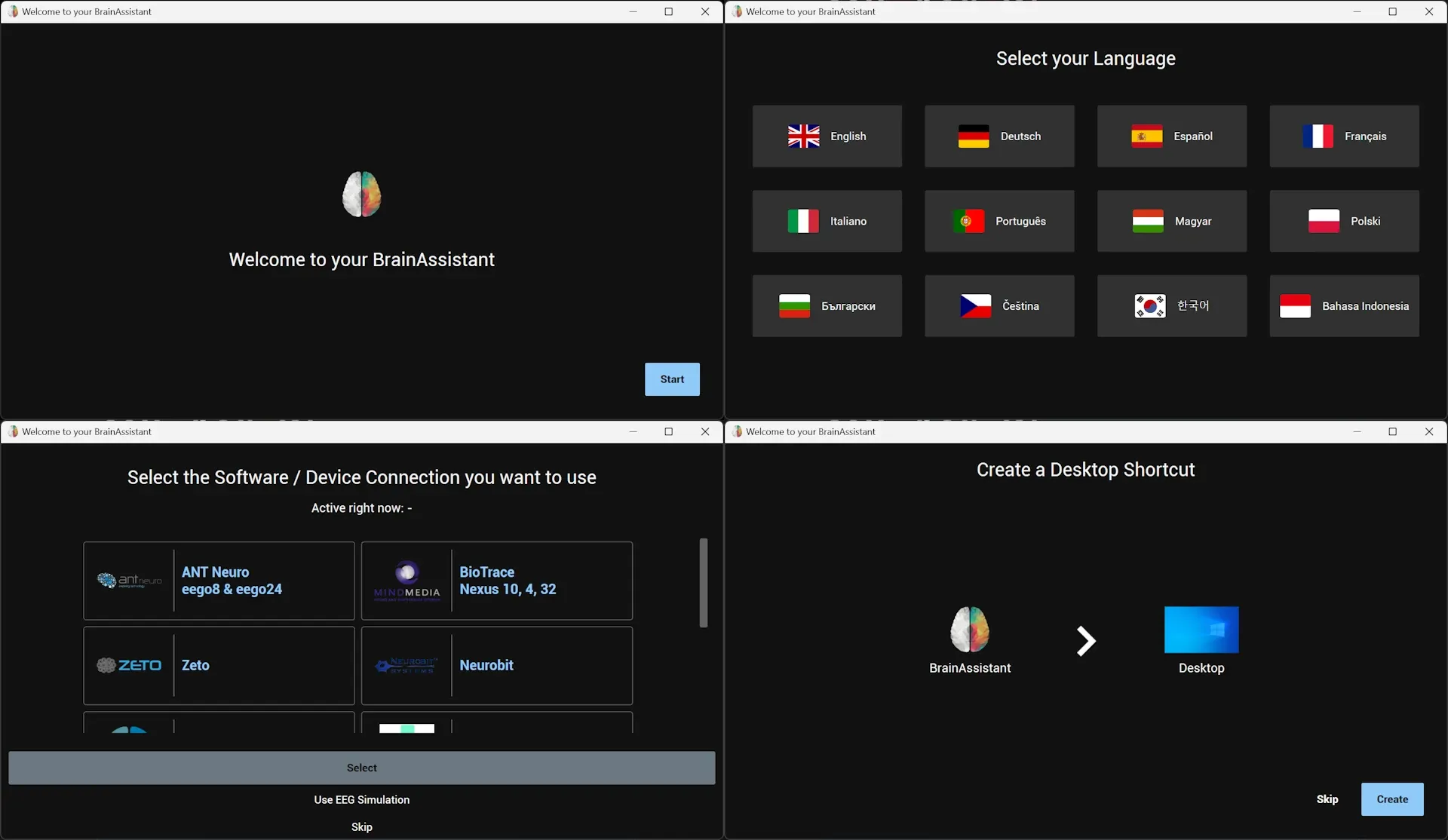
Installation and updates
Installing and updating BrainAssistant, including the download of apps and content.
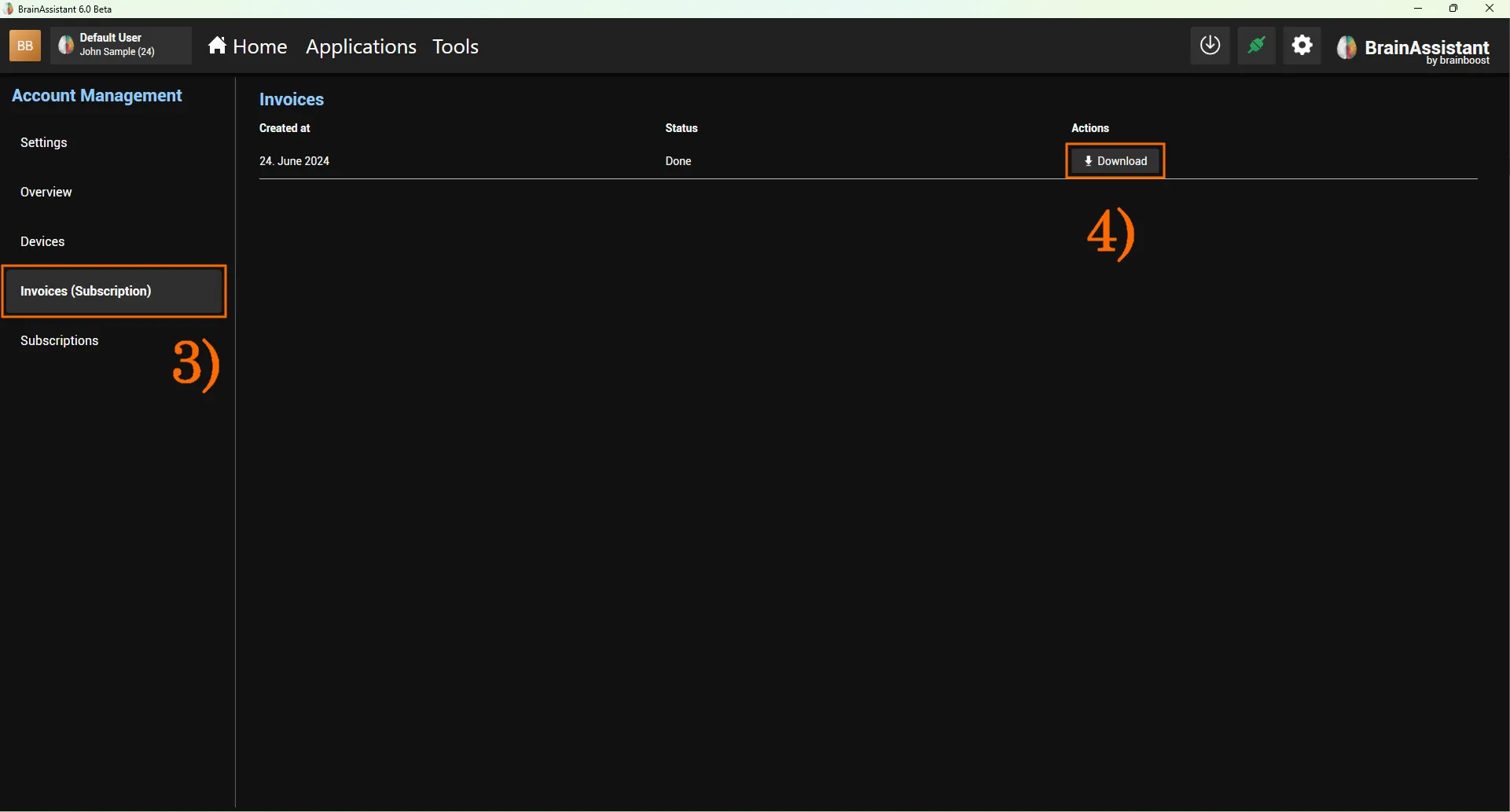
Account and login
Signing in to BrainAssistant with one account on several PCs.
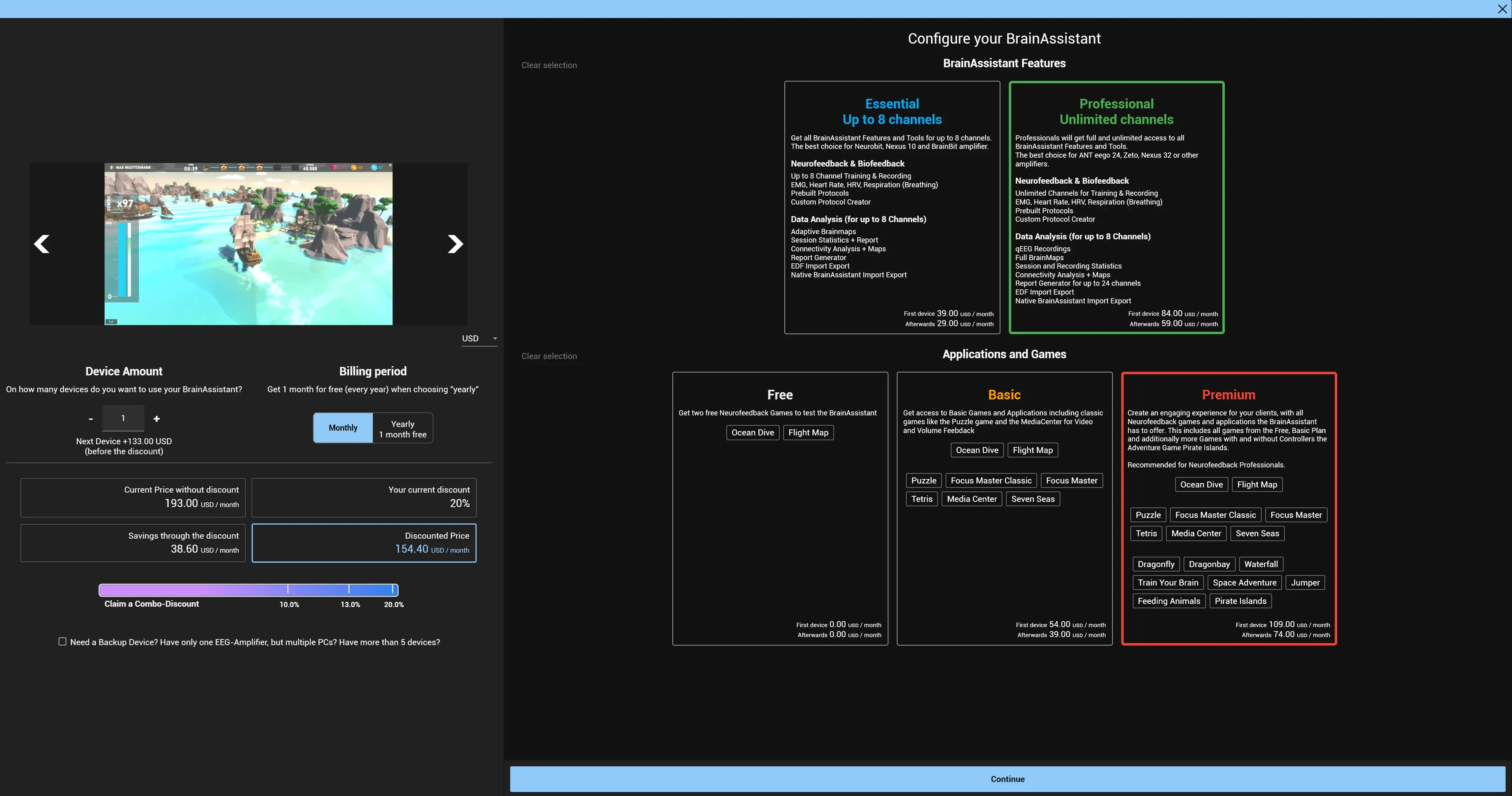
Shop and licenses
App cards, licensed products, activation and bundle discounts.
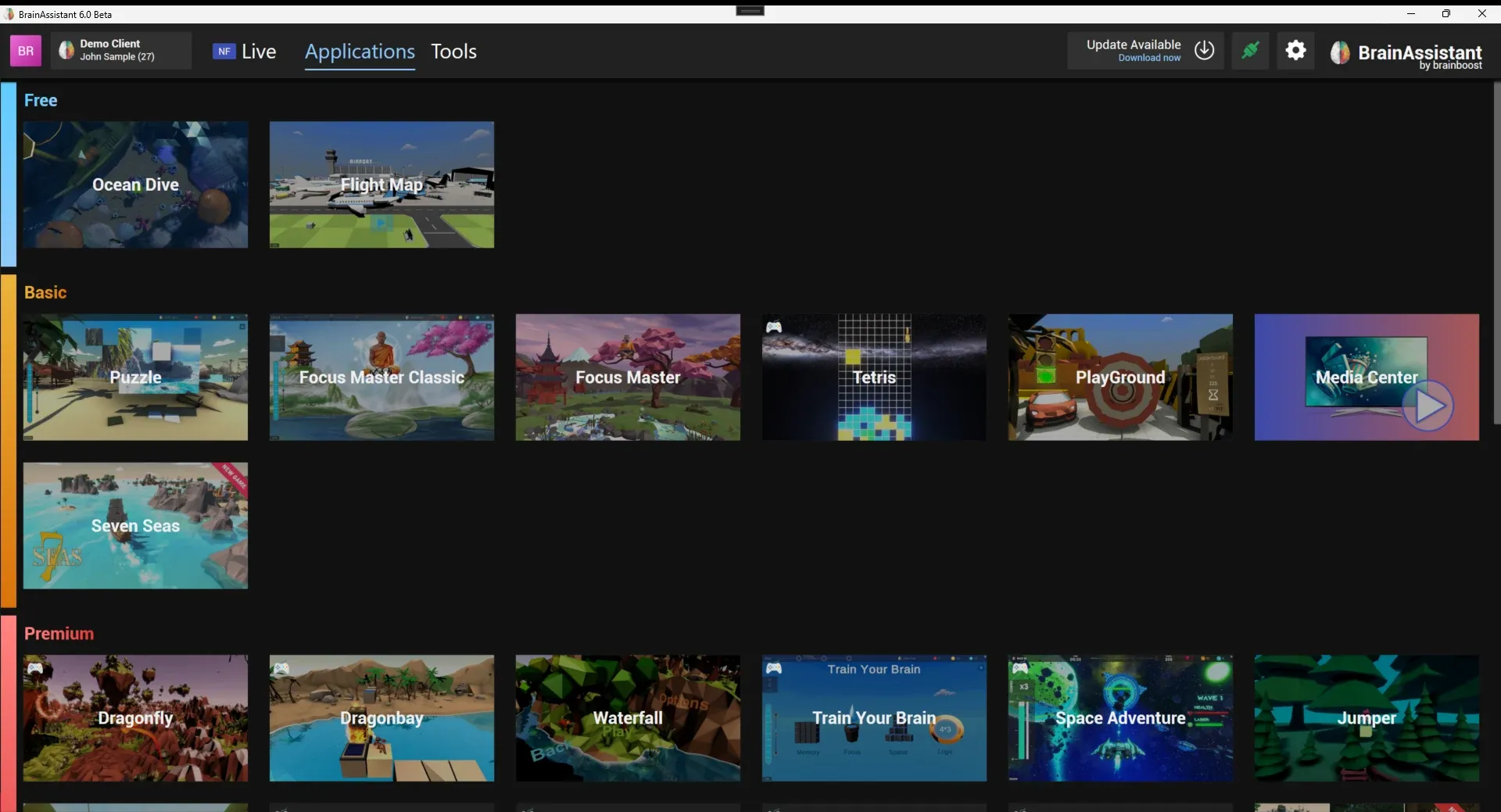
Feedback applications
Games and applications that connect to BrainAssistant over the application port and create segments in the session.
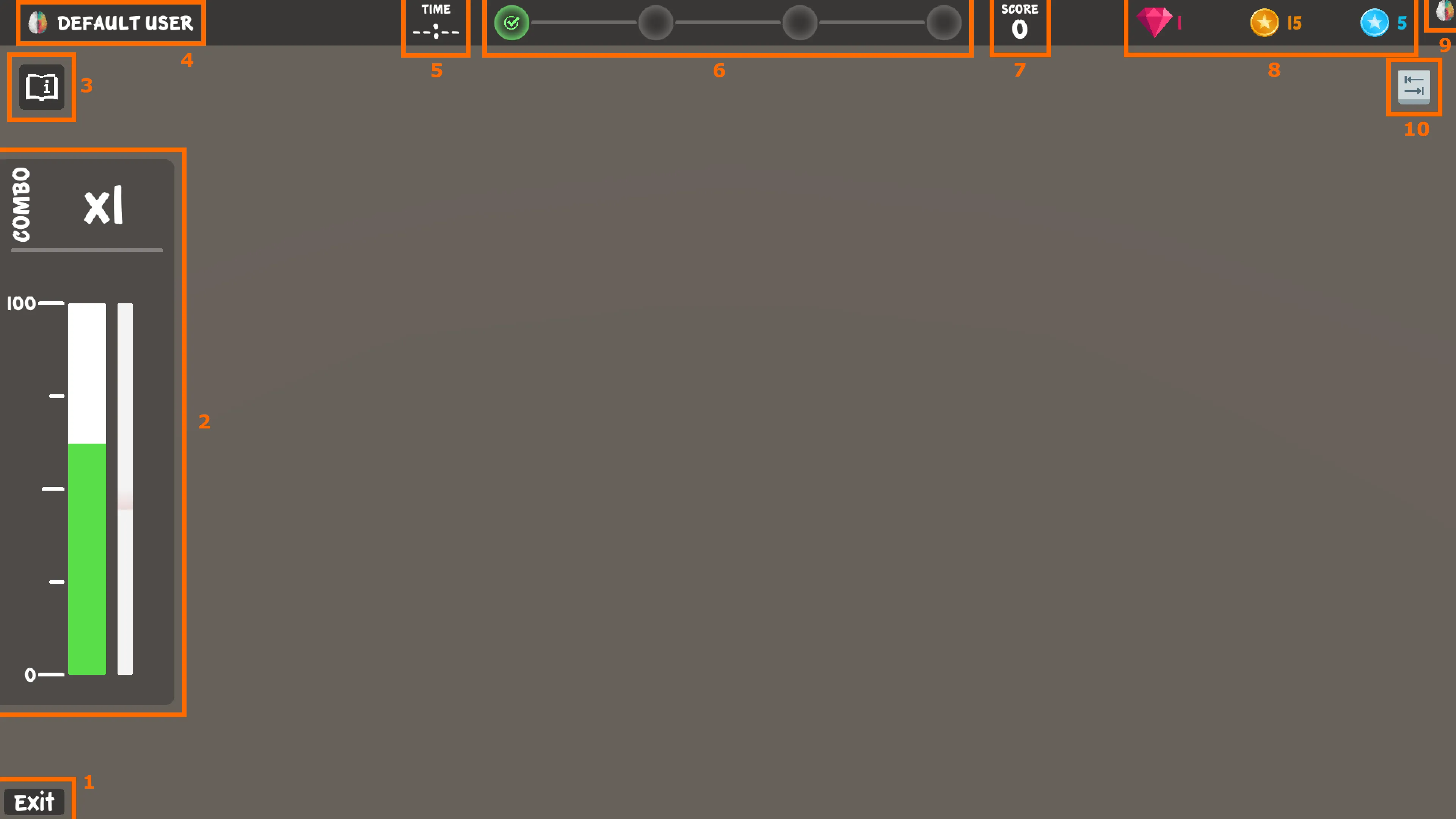
Brain HUD
The neurofeedback interface shared by the BrainAssistant games: brain bar, progress bar, milestones, score, Neuro Coins, connection state and controls.
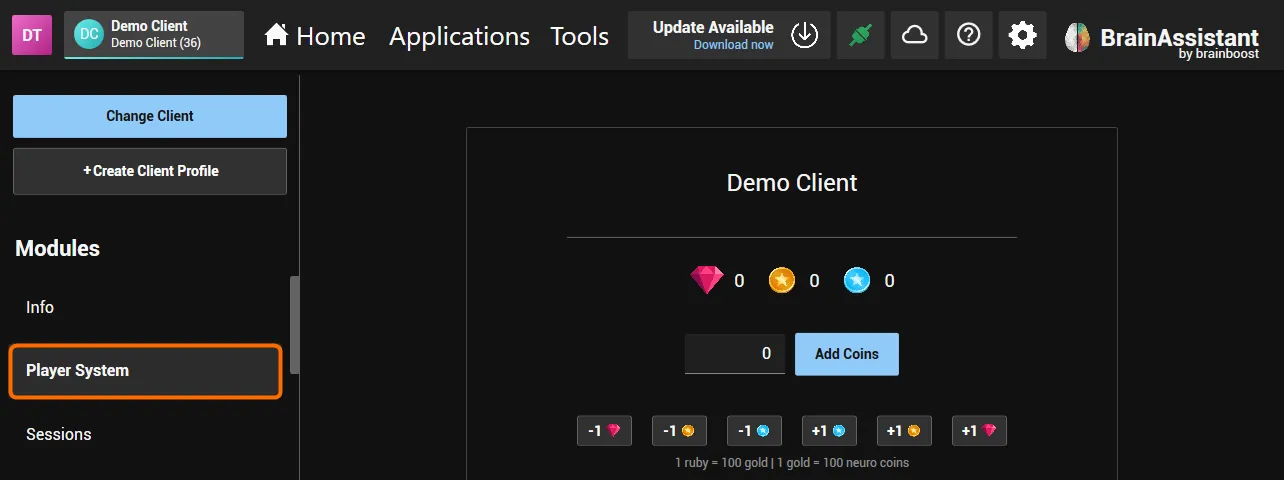
Neuro Player System
Neuro Coins earned in one game buy items in the Neuro Shop of every game; trainers see and adjust a client's coins in BrainAssistant.