Automatic thresholds adapt to the client during the session: the threshold follows the recent values of each bar so that the success rate stays in the intended range.
In a session, Thresholds below the raw EEG opens the Threshold Settings for all bars, and Settings in the field of a bar the same options for that bar alone. Auto switches the bars to the automatic threshold, Manual keeps the threshold where the trainer sets it. The options of the automatic threshold:
- Window Size (sec.): how many past seconds of the bar’s values count for the threshold.
- Refresh: Timed updates the threshold once per Refresh Rate (Sec.); Continuous adjusts it all the time.
- Aim Success per Bar (for a single bar Aim Success (%)): the target success rate the threshold is adjusted to keep.
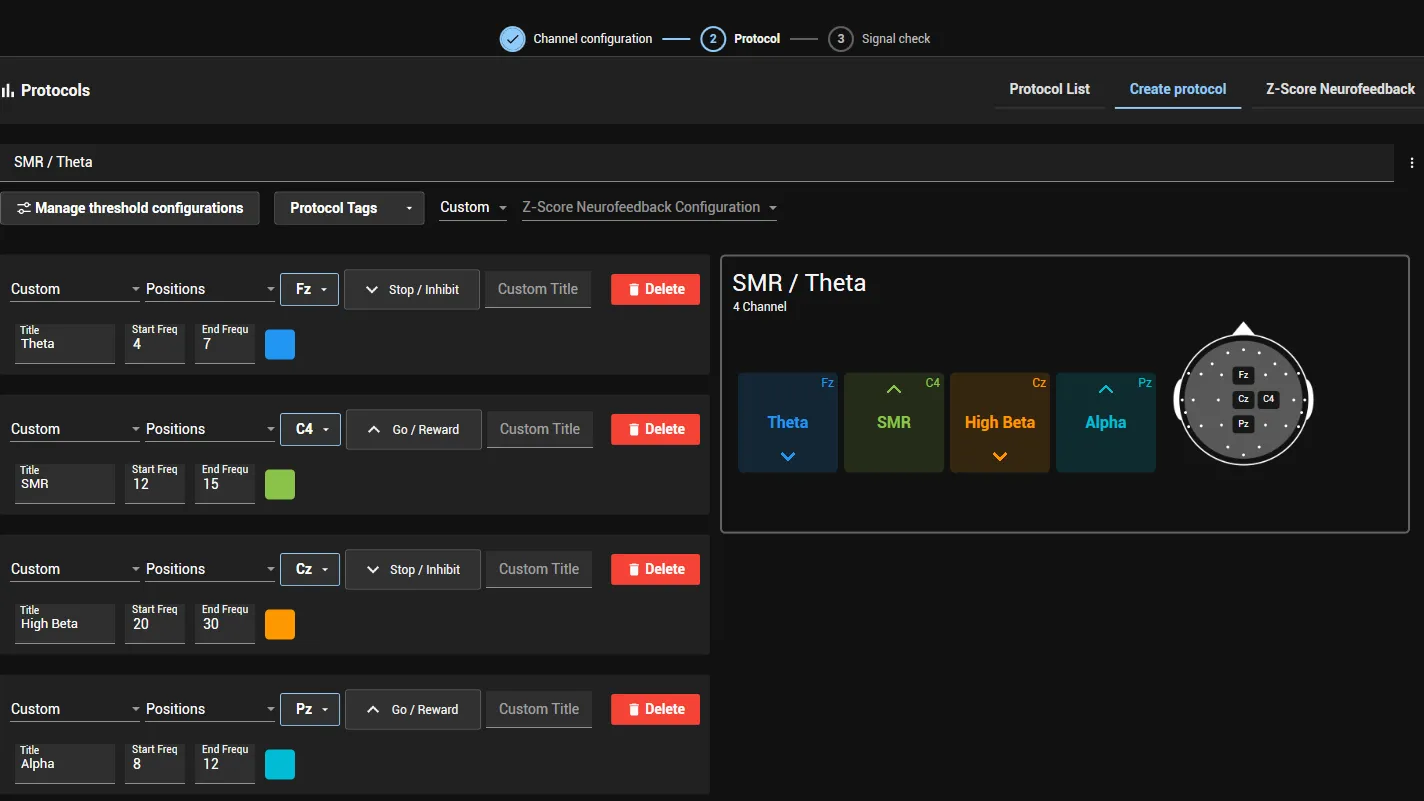
The direction of a bar decides when it counts as successful: Go / Reward above the threshold, Stop / Inhibit below it.
The success of a bar is measured over the past minute; with an automatic threshold over its window size, so the shown success refers to the same values the threshold aims at. The total success is the share of that time in which all bars were successful at once, which is when positive feedback is given; with different windows the shortest one counts. For example, positive feedback for 30 of the last 60 seconds gives a total success of 50%.
Settings → Threshold Settings sets the default threshold mode; threshold configurations and the session save the chosen settings. Steps and recommended values: Adjust thresholds.