Getting started
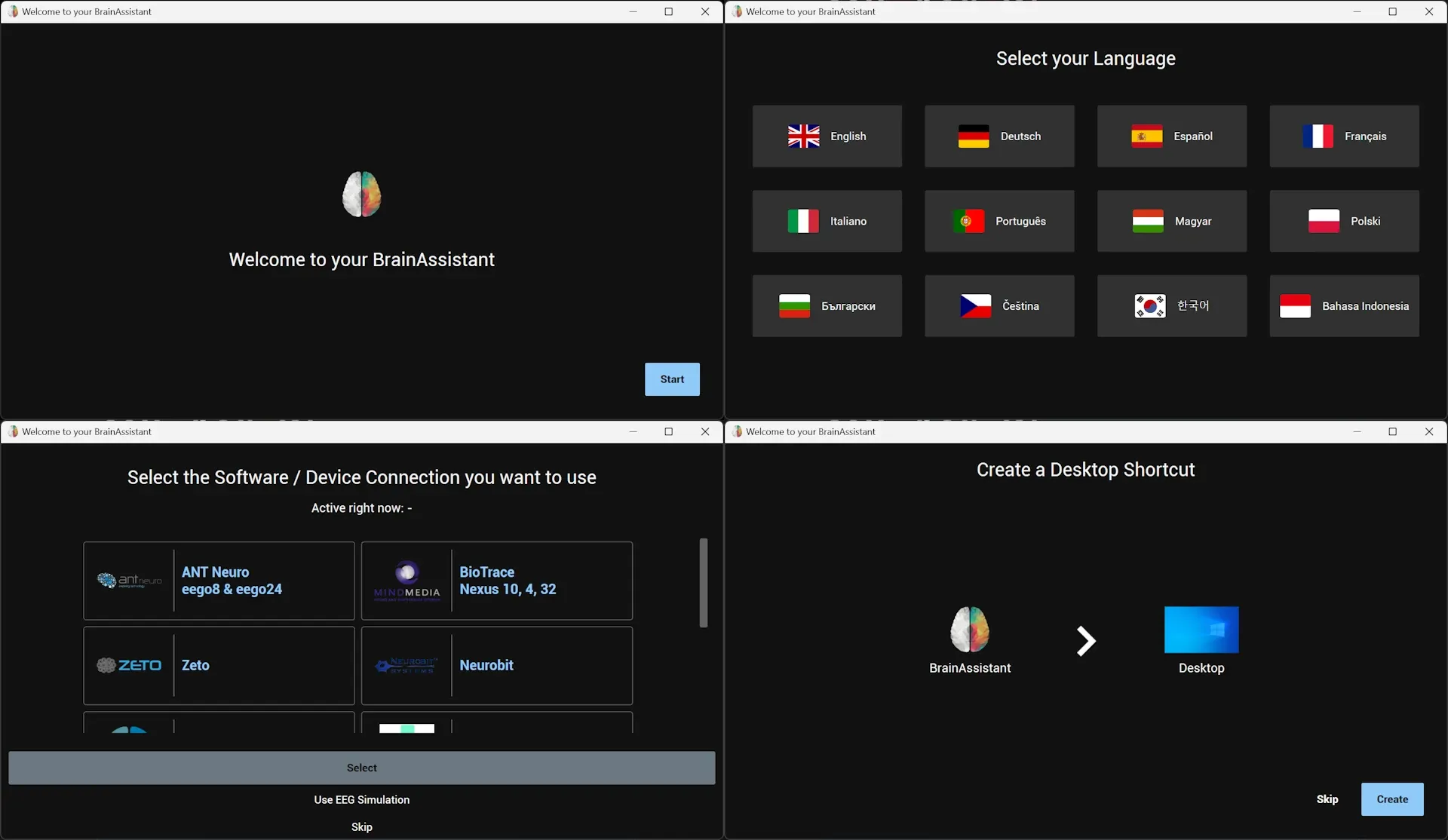
Install BrainAssistant, sign in, create your trainer profile and your first client.
Manual
Step by step through setup, training sessions, recordings and analysis.
Your first session in three steps
Install BrainAssistant, sign in, create your trainer profile and your first client.
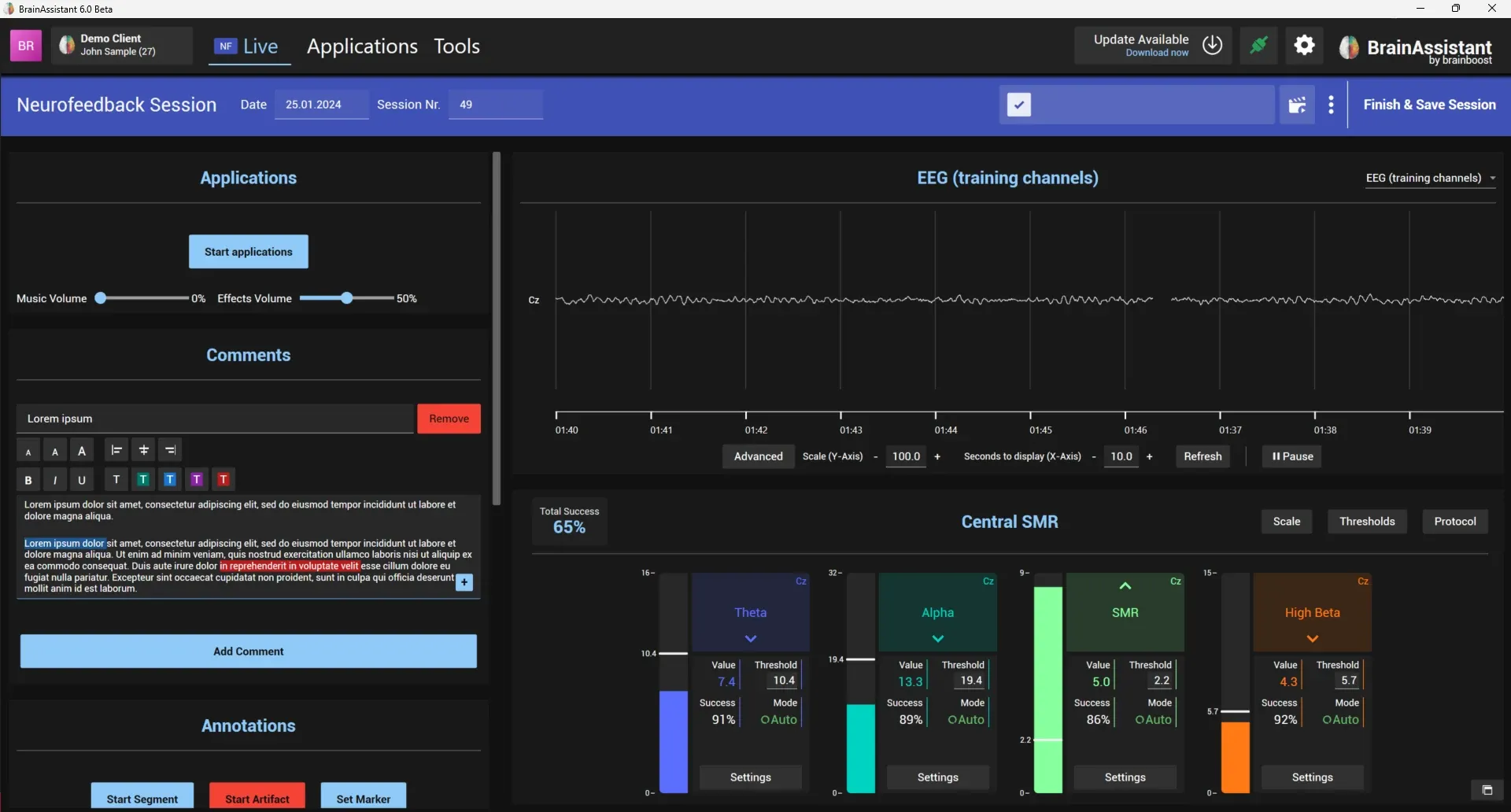
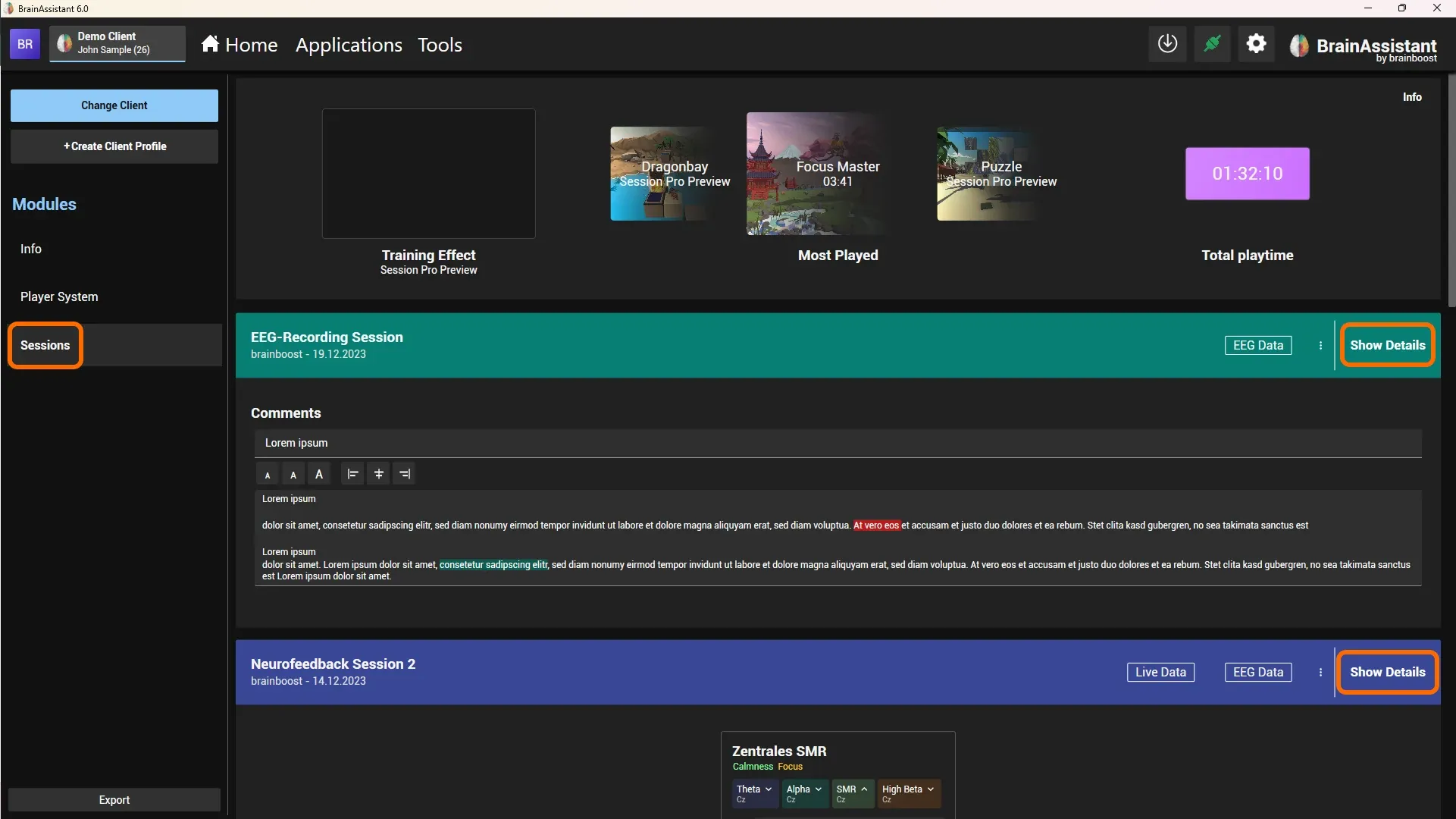
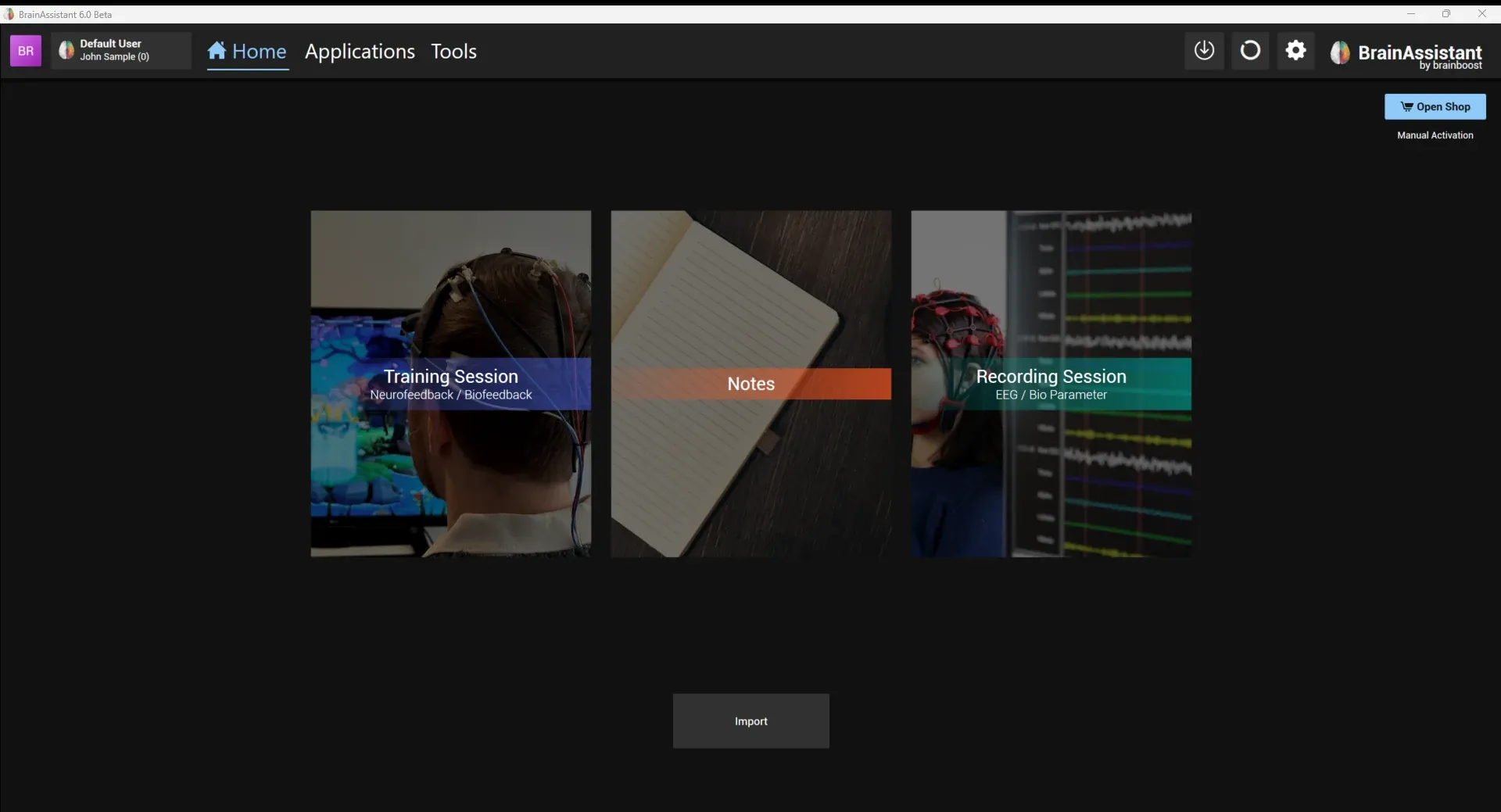
Start a neurofeedback or biofeedback session, select the protocol, check the signal, add comments and markers, run a feedback application and save the session.
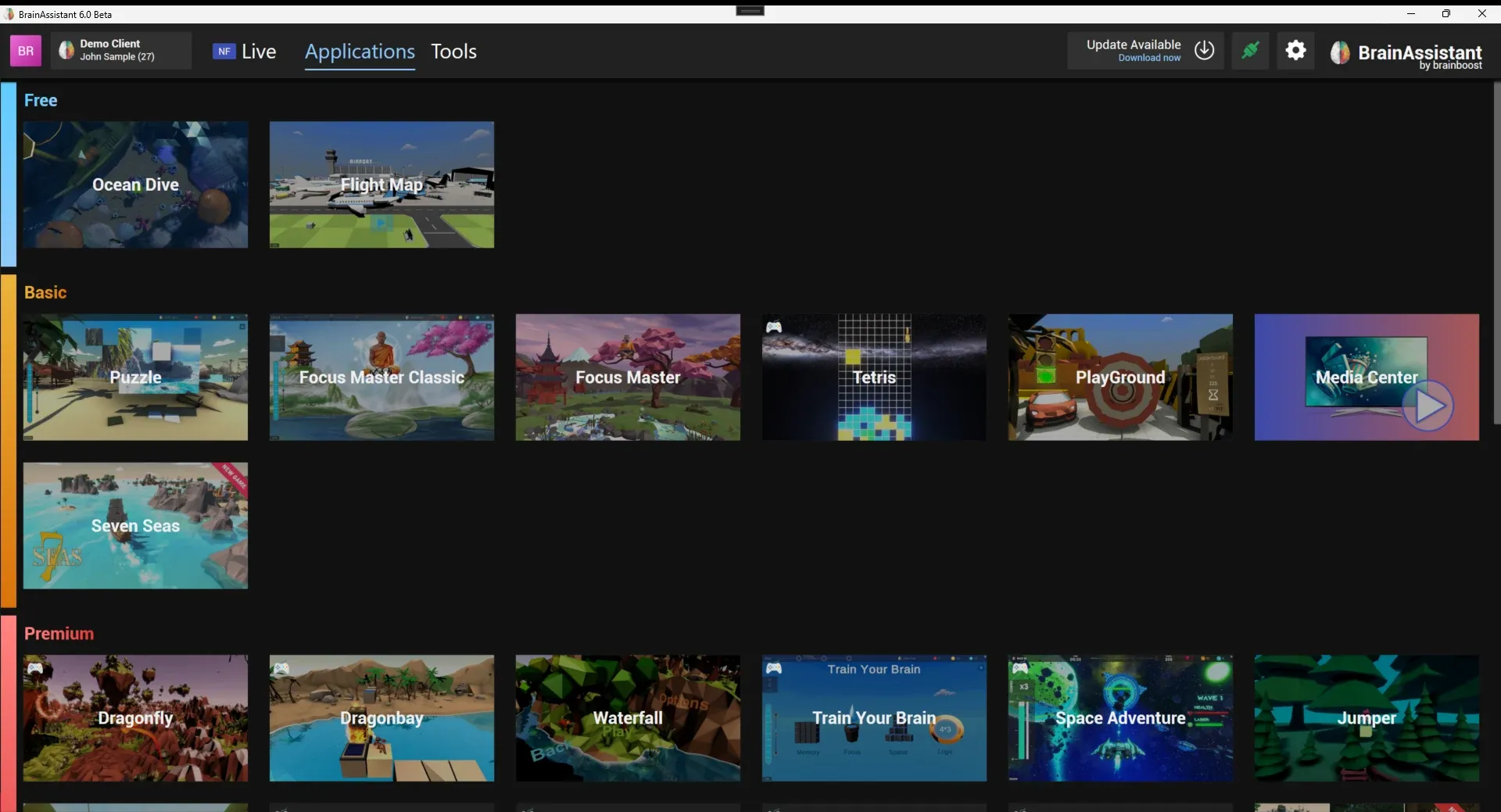
The neurofeedback games and applications in the Applications tab, grouped by the plan they are included in.
Install BrainAssistant, sign in and run your first session.
Running a training session, setting thresholds, the live view and analysing the session afterwards.
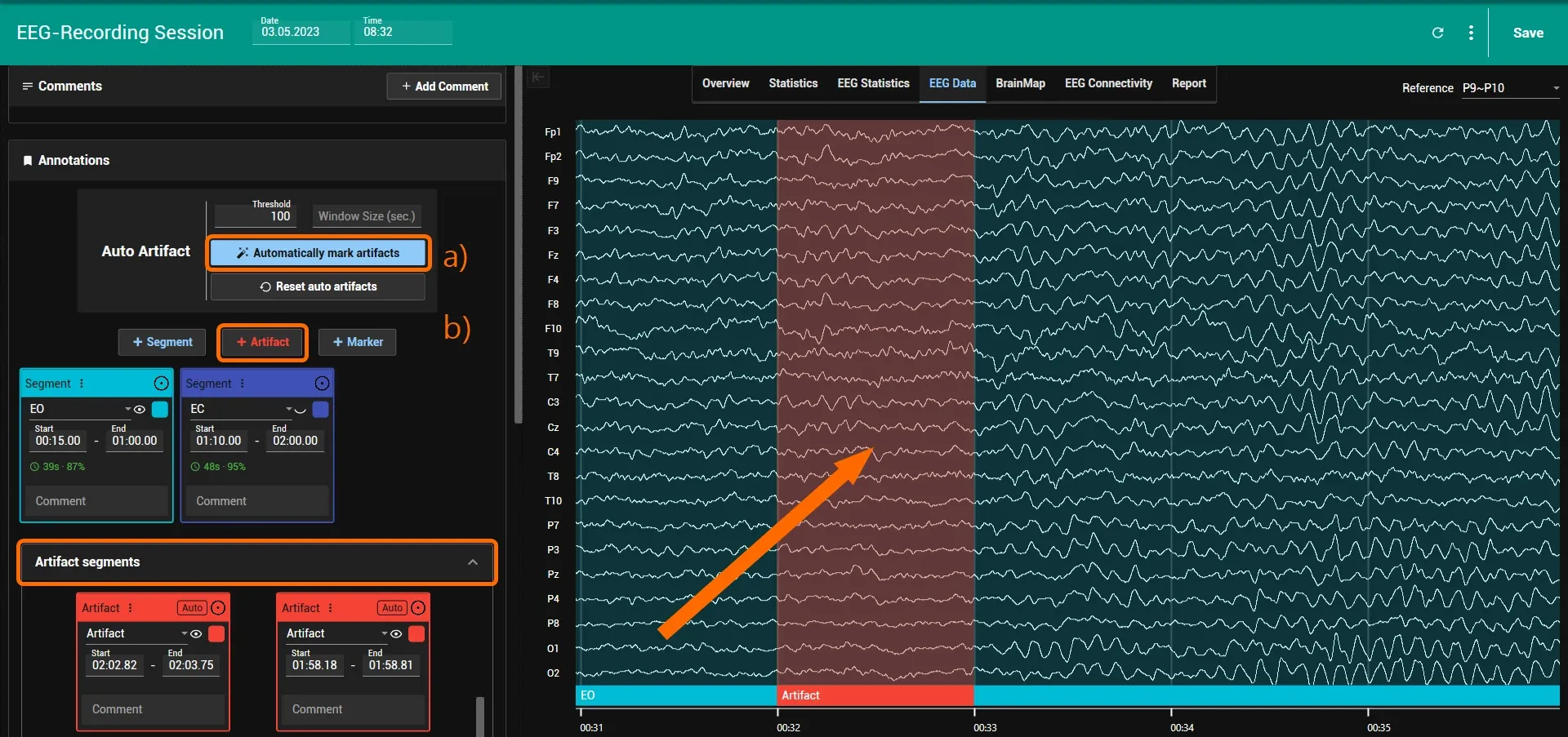
Live EEG recordings, combining eyes-open and eyes-closed recordings, brain maps, qEEG reports, LORETA and Particle Brain.
Manage clients, import and export sessions and try BrainAssistant with demo data.
Media Center, the shared game interface, flows, cognitive tests and BioTrace screens.
PC requirements and settings, amplifiers and controllers, and help when something does not connect.
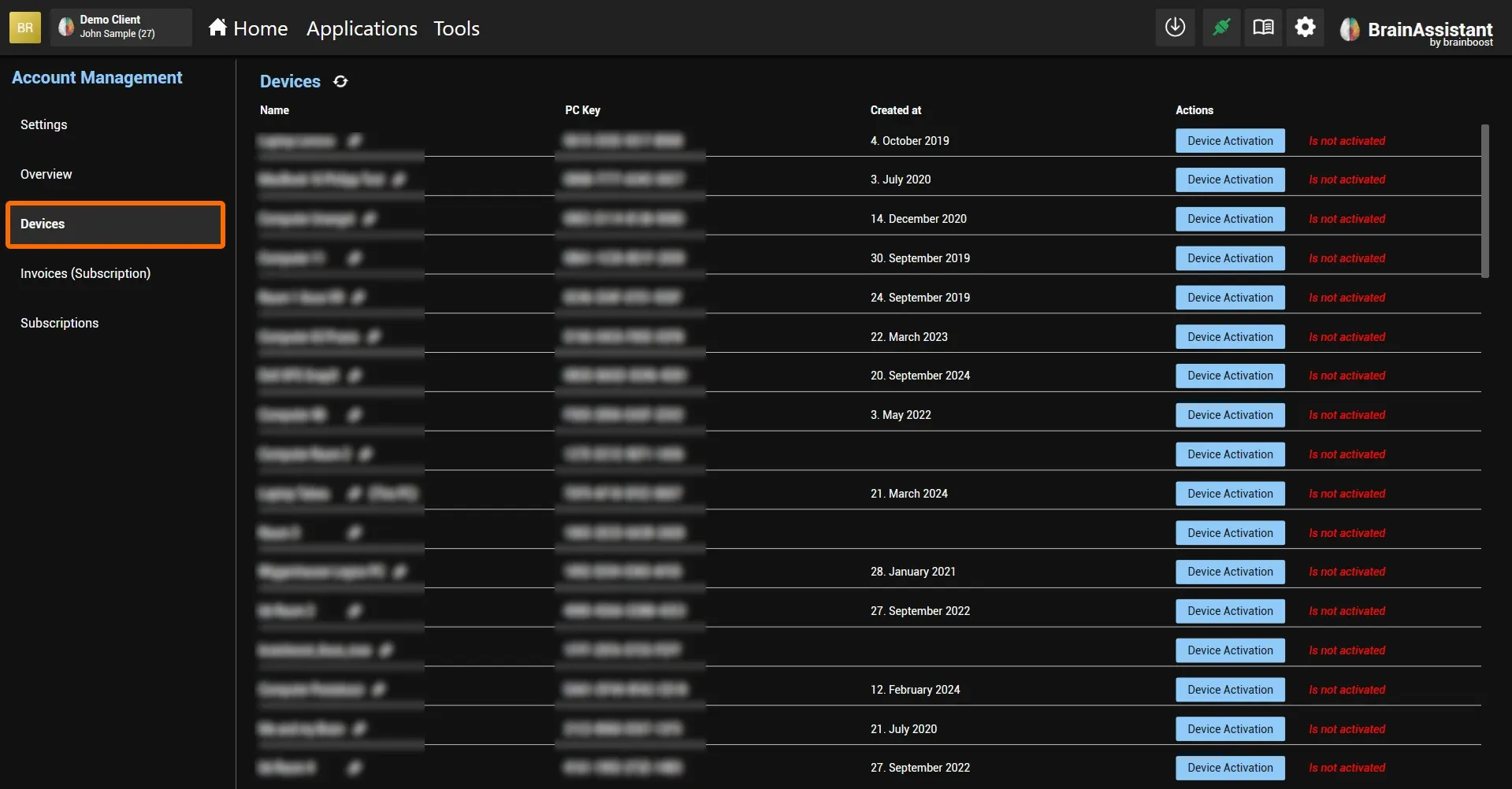
Subscribe, activate a license, manage your devices and invoices, and move to a new PC.
Free games work without a subscription; Basic and Premium games need the respective plan.
Games and applications →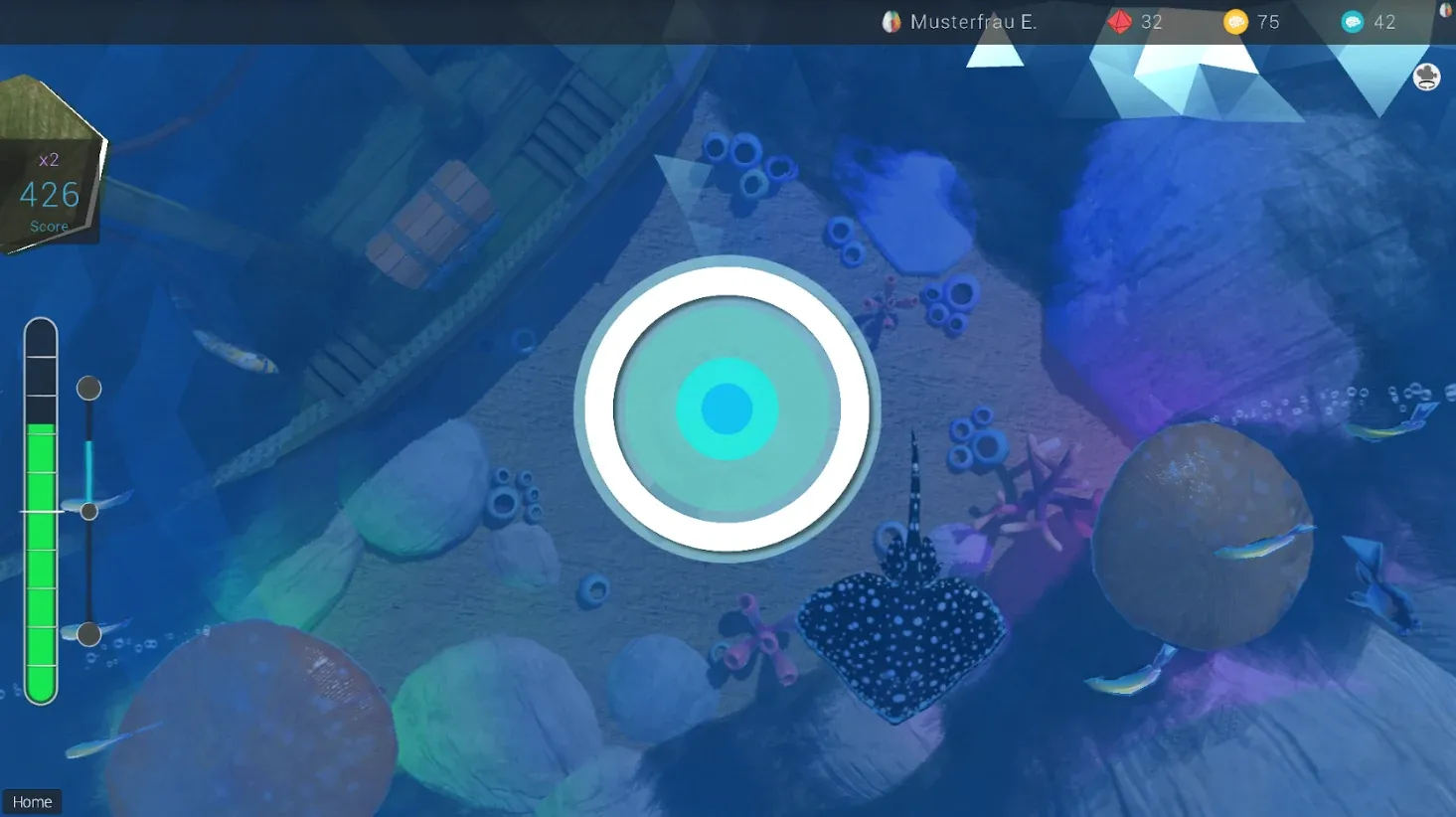
A calm diving game where clear water and a wider view reward good feedback; well suited for training calm focus.
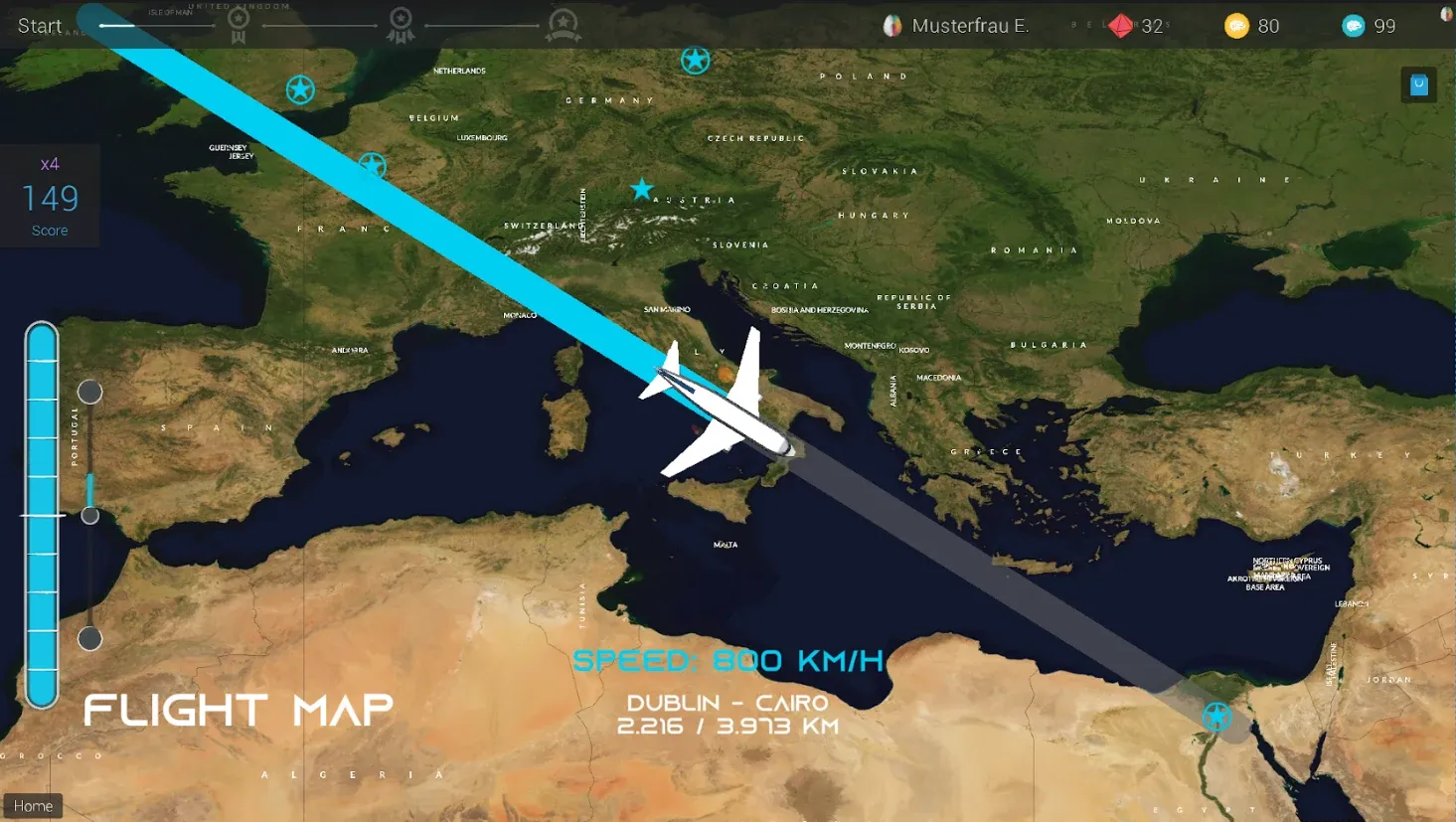
Fly an airplane between two freely chosen airports on the world map; the plane only flies with positive feedback.
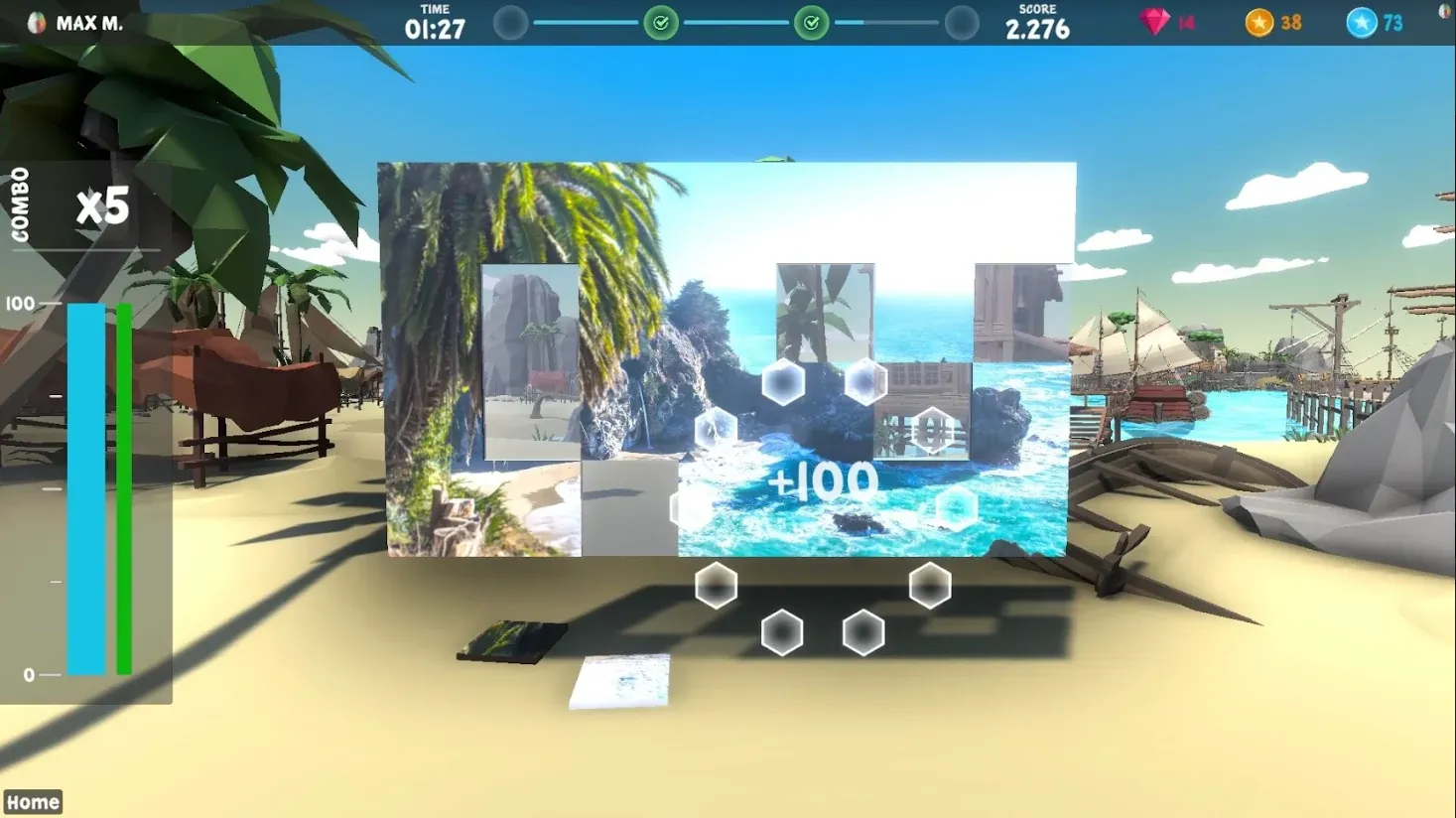
Complete a self-selected picture piece by piece; each piece moves into place with positive feedback.
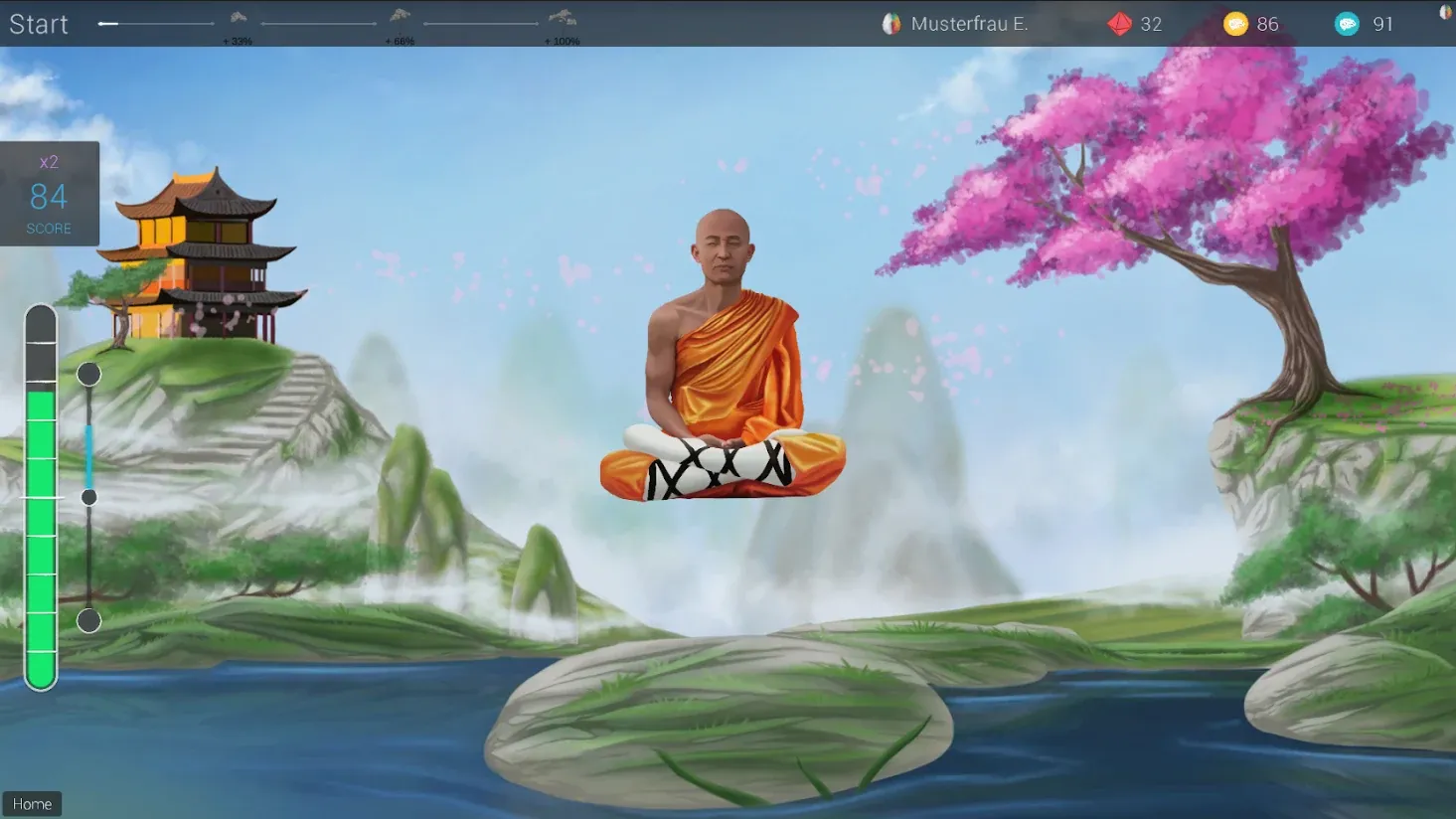
A calm floating game in which a character rises with positive feedback; well suited for practising calm focus.
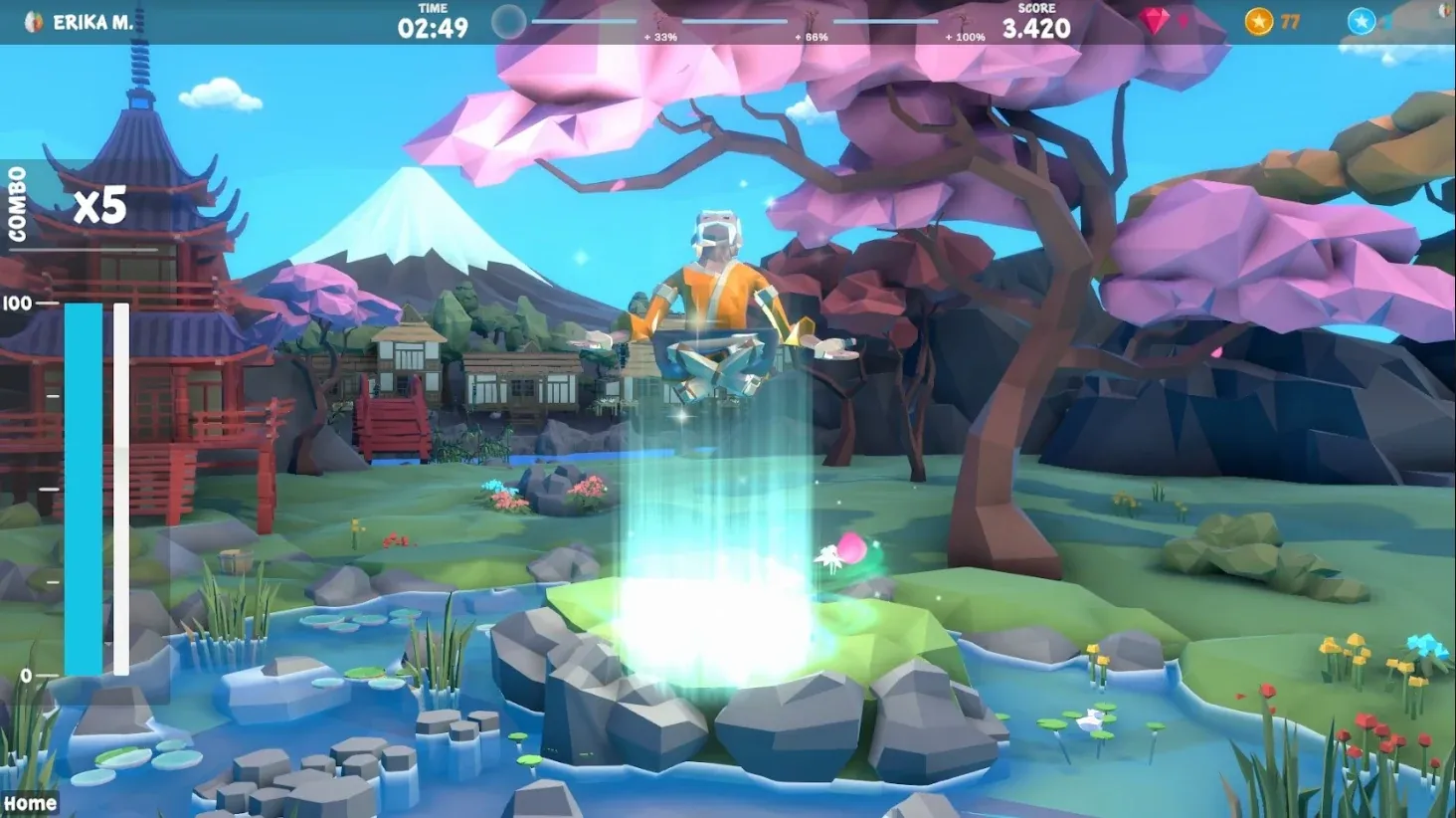
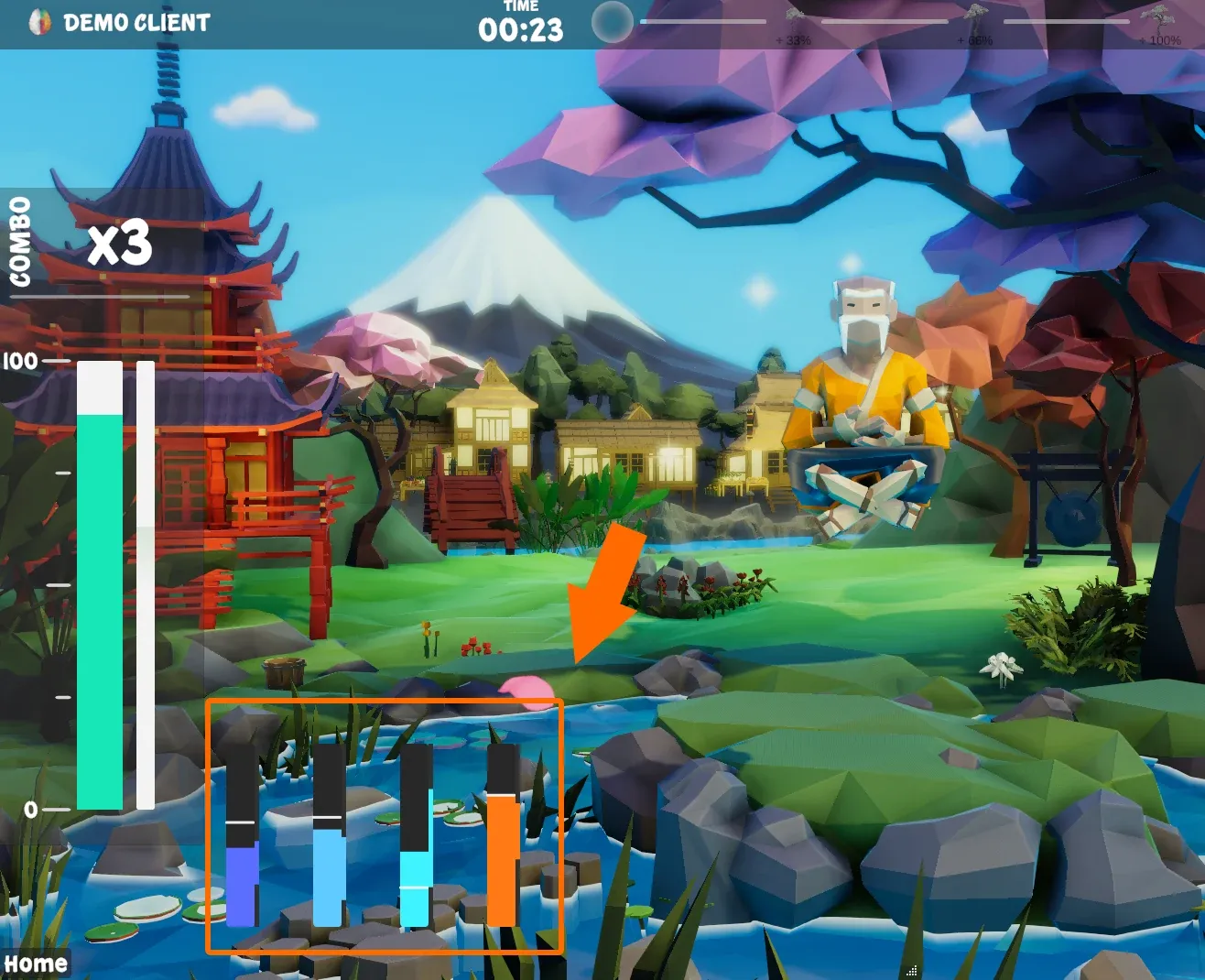
The current Focus Master, a calm floating game in which a character rises with positive feedback; well suited for practising calm focus.
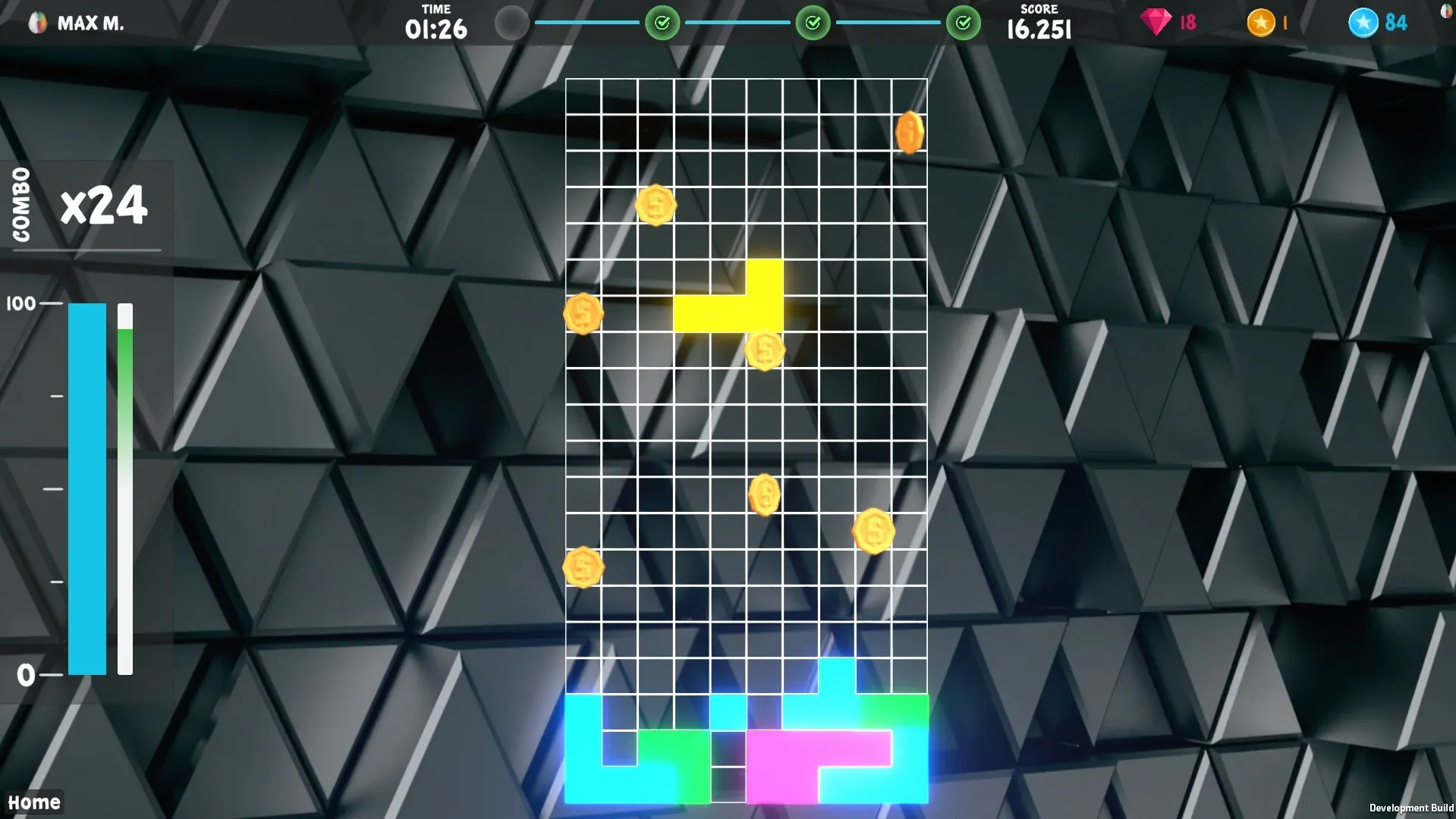
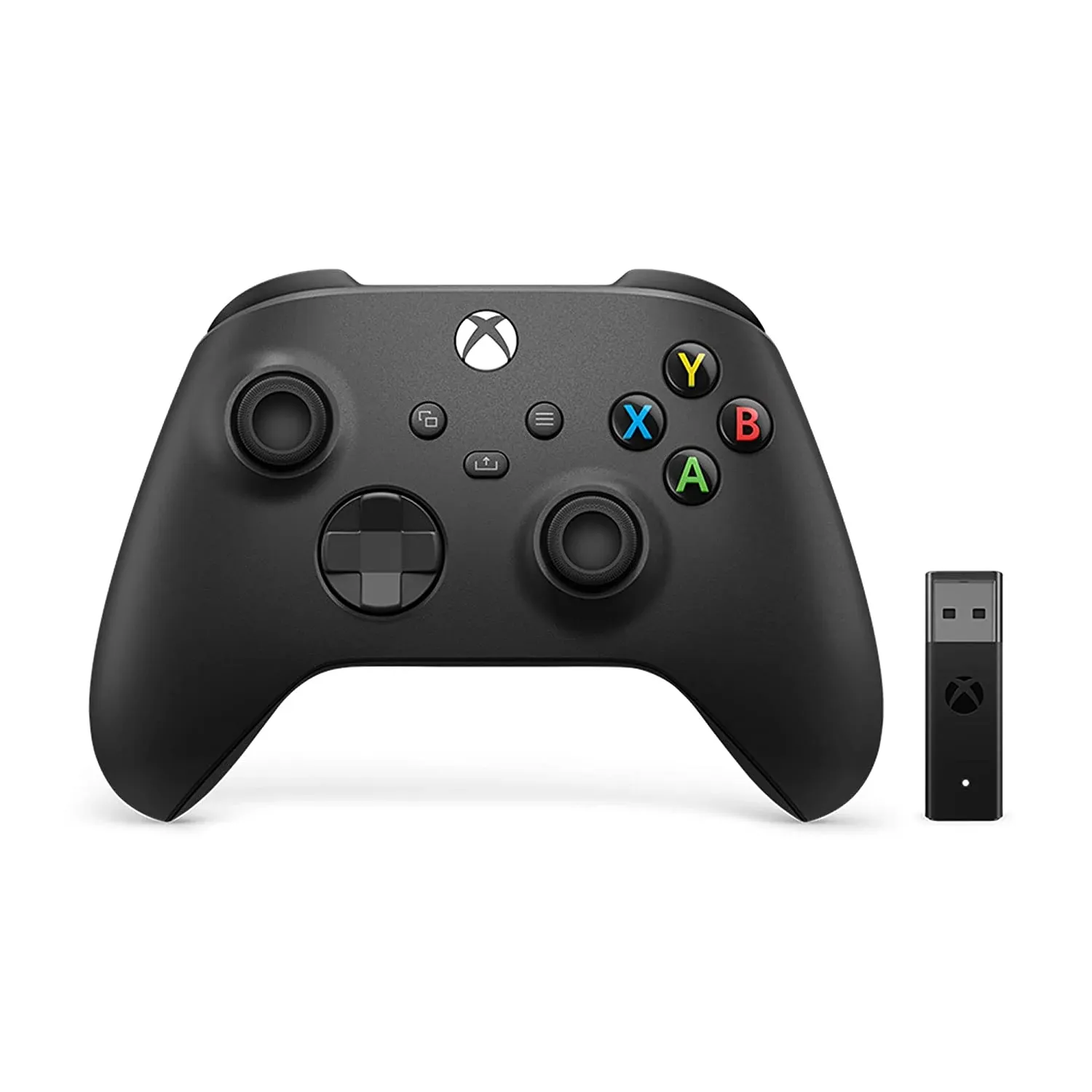
The classic block-stacking game played with an Xbox controller; positive feedback slows the falling bricks down.
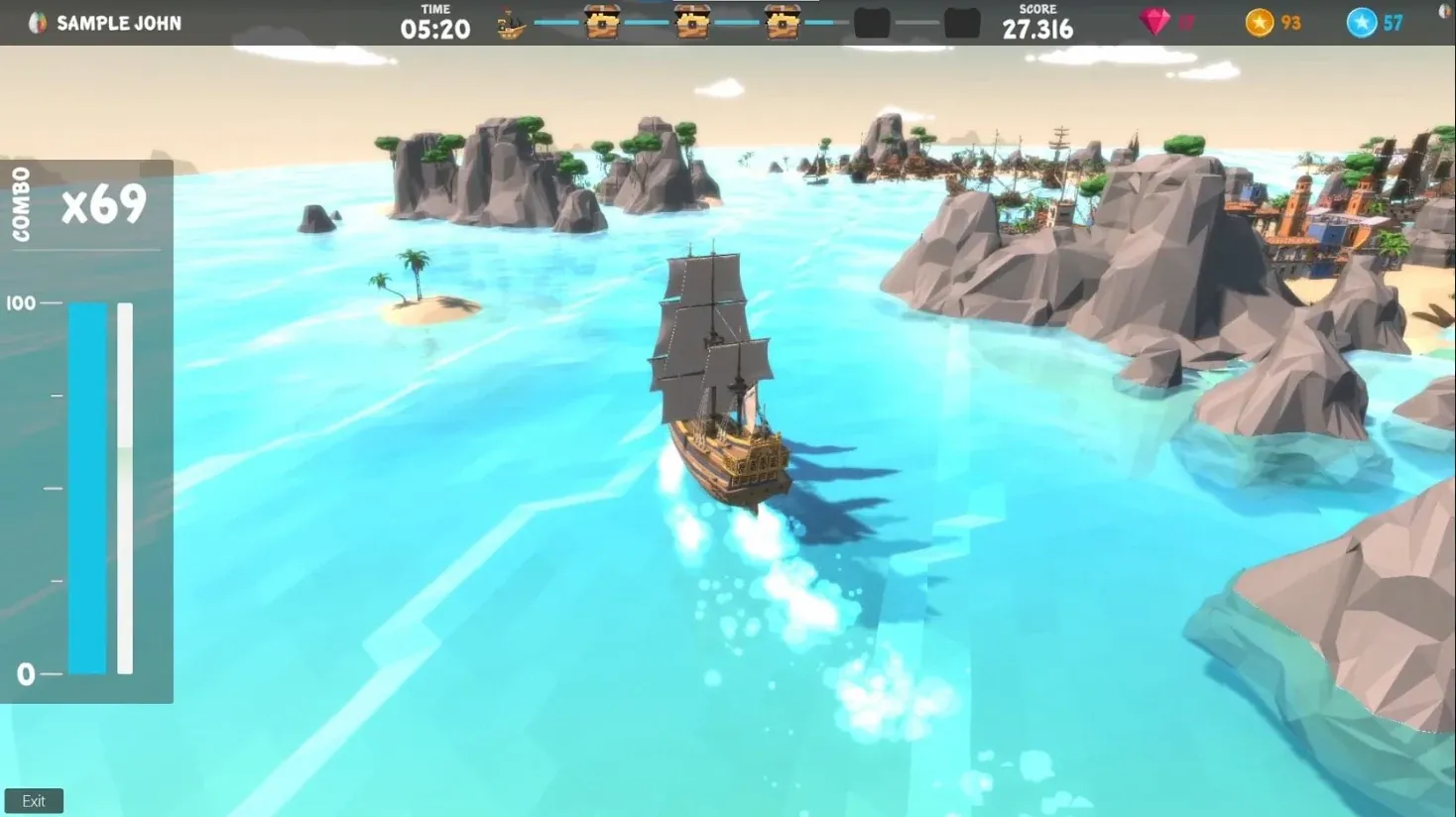
Sail from island to island in search of the treasures of the seven seas; the ship only sails with positive feedback.
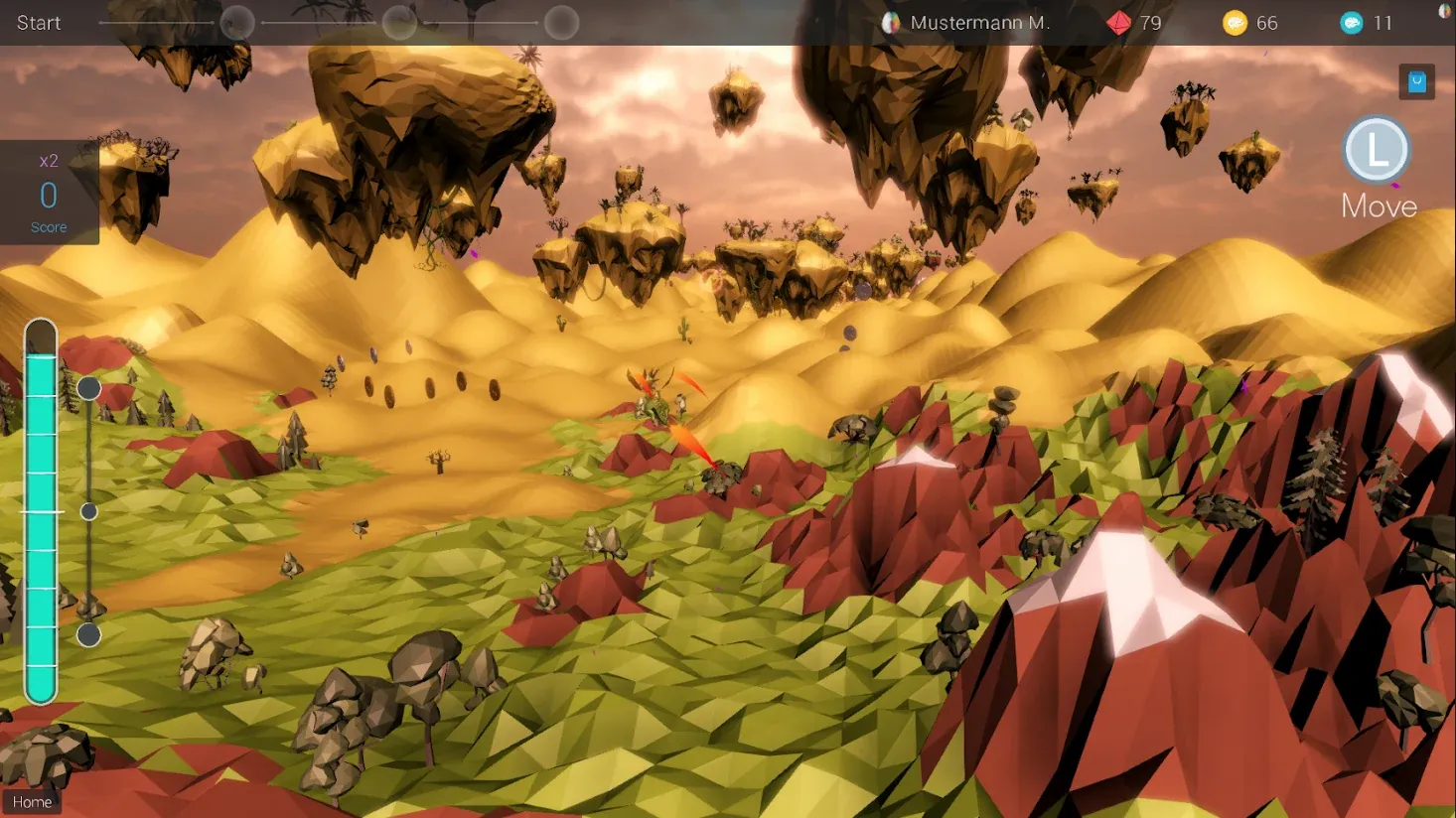
Fly a dragon through changing worlds and hunt for coins with an Xbox controller; negative feedback freezes the world.
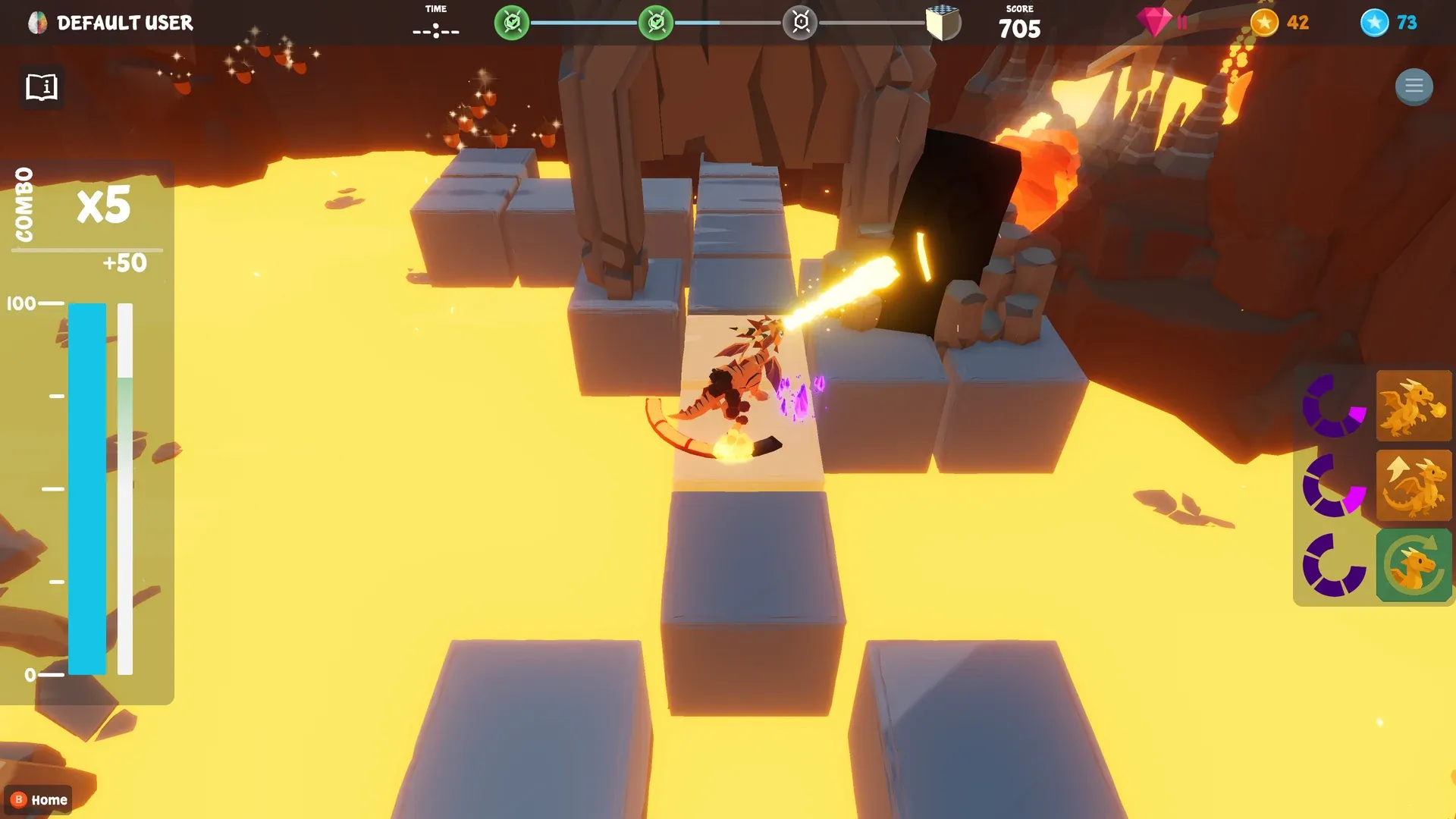
A 3D platformer in which positive feedback builds the path for a small dragon and charges the energy for jumping and fire breath.
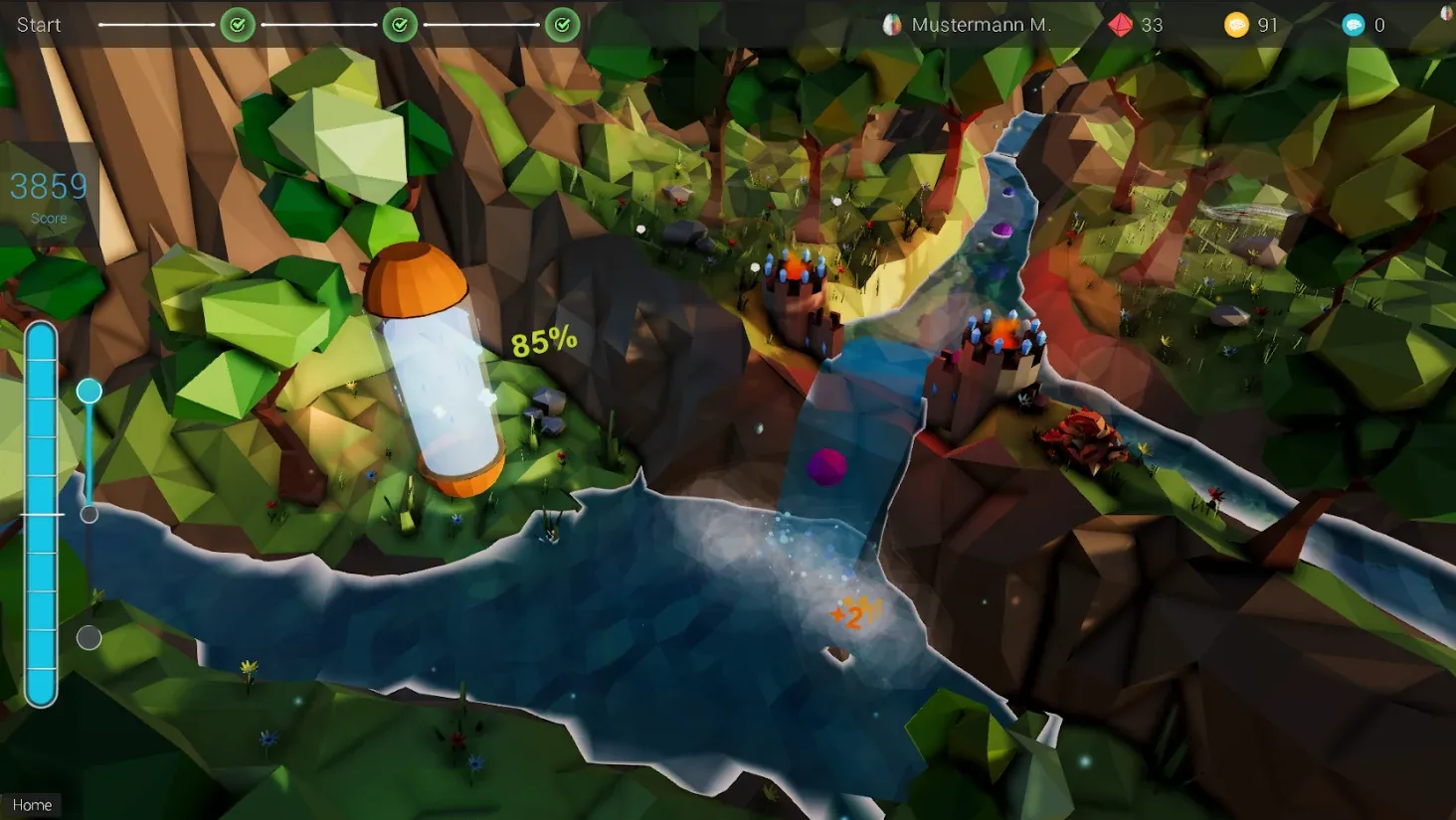
Keep the gate of a dam open with positive feedback so the waterfall flows and carries points into the capsule.
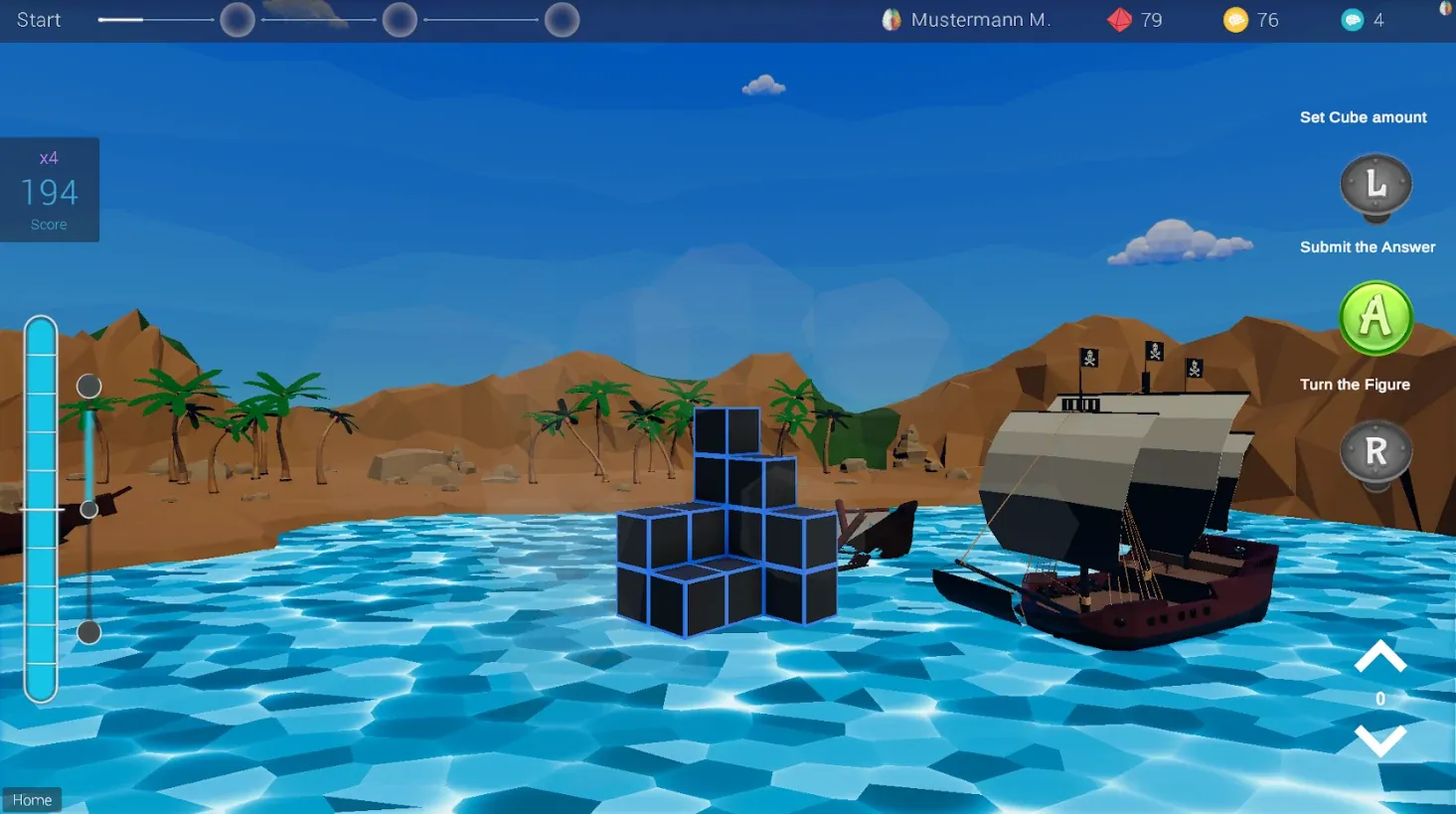
The original collection of four mini-games (memory, focus, spatial and logic) that train calm, patient and focused work.
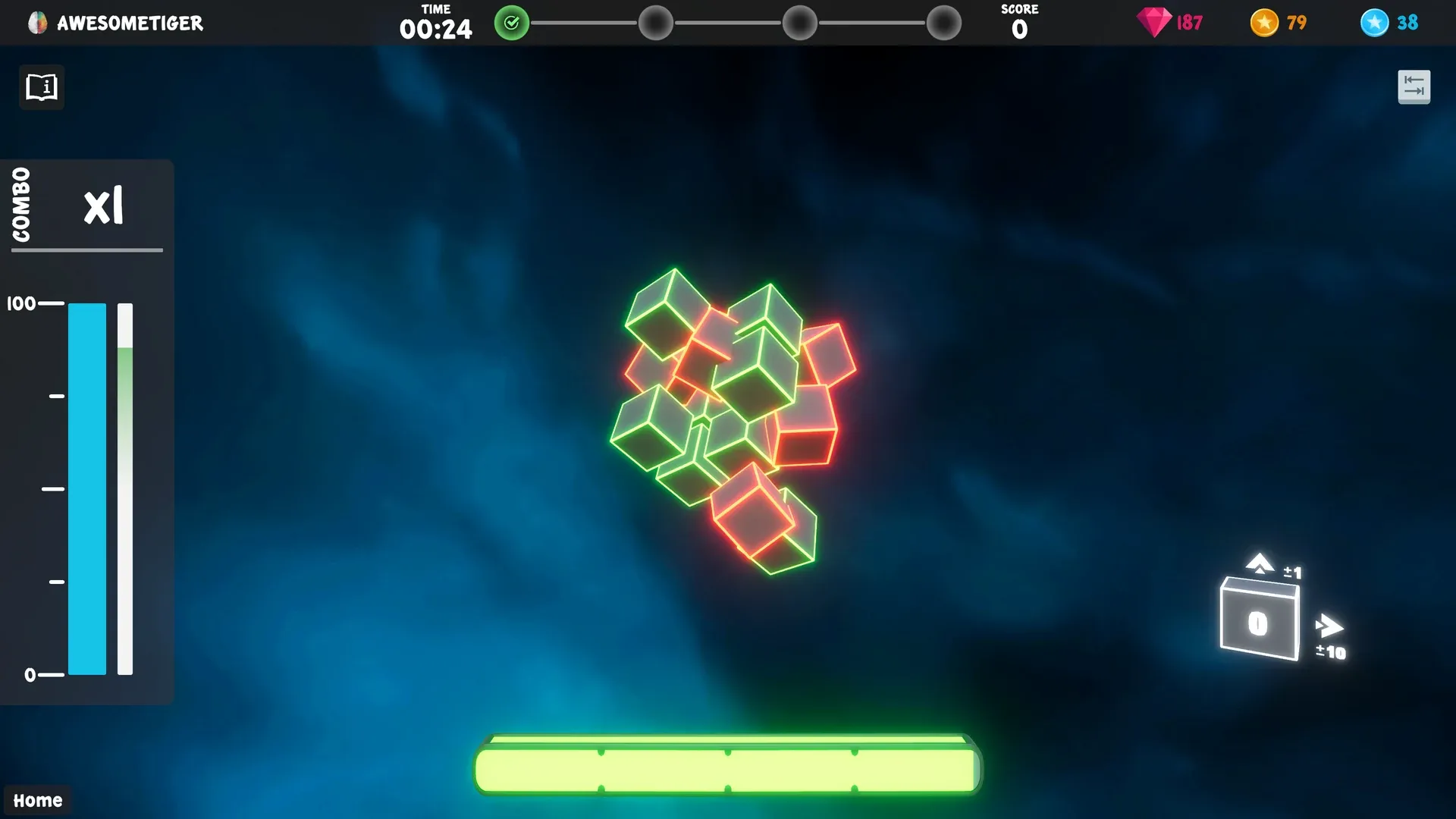
The remake of Train Your Brain with four mini-games (Cube Count, Memory Challenge, Box Drop, Speed Math) that train calm, patient and focused work.
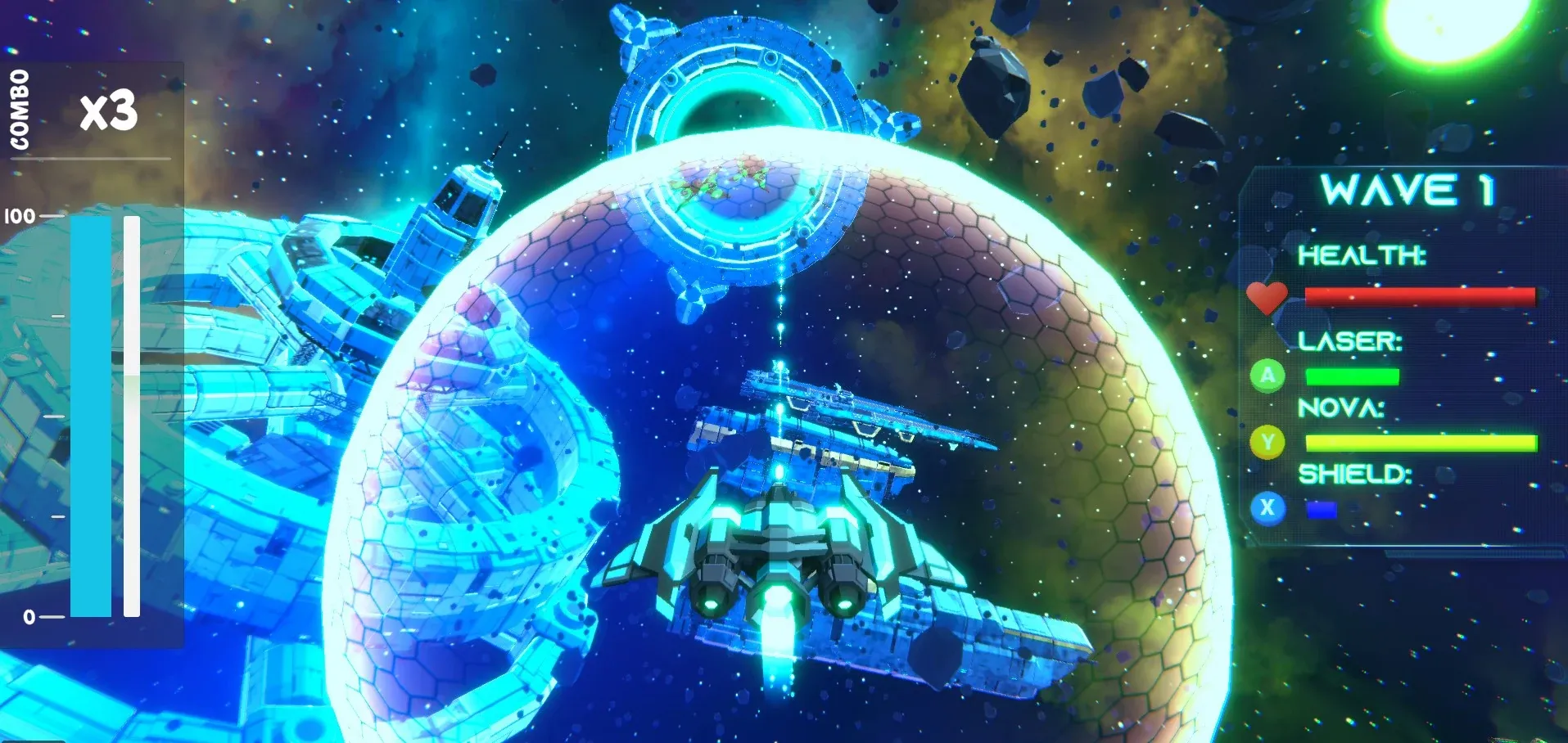
Pilot a space shuttle through waves of meteorites and enemy ships with an Xbox controller; positive feedback powers the shuttle's weapons.
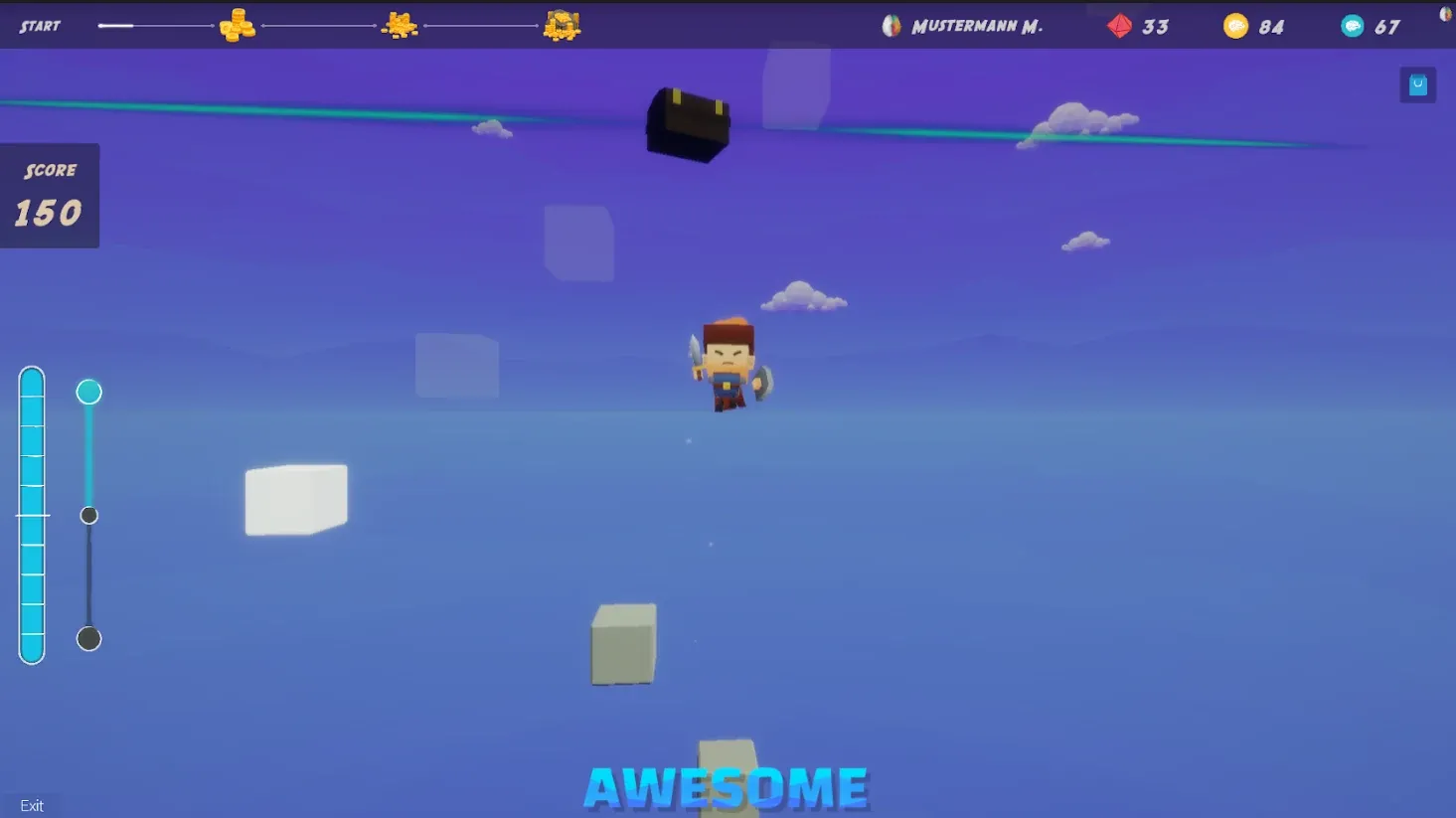
A calm jumping game in which positive feedback builds up energy so the jumper climbs to the top.
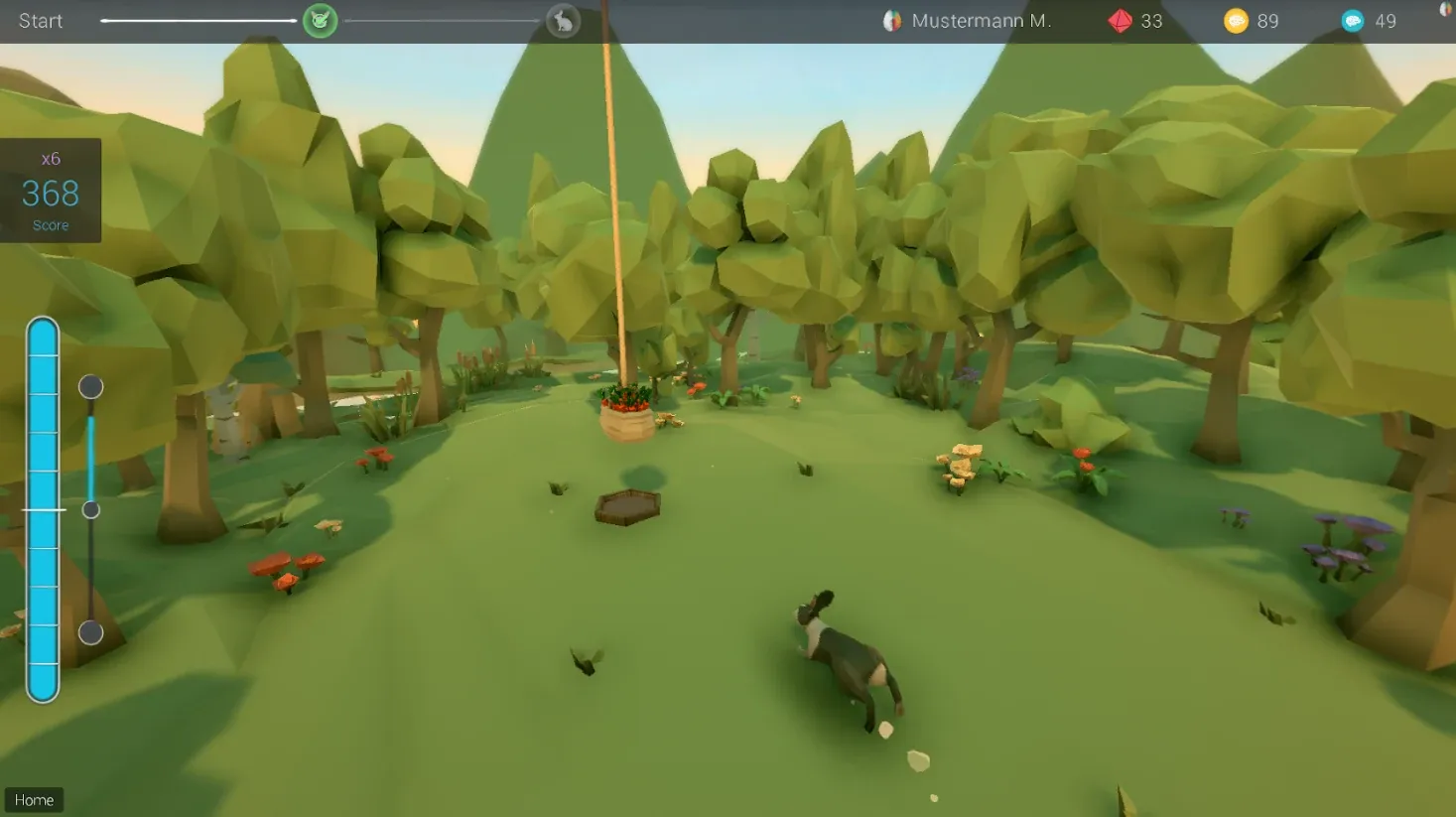
Observe and feed animals in a quiet clearing; positive feedback brings the animal to the feeding spot and lets it grow.
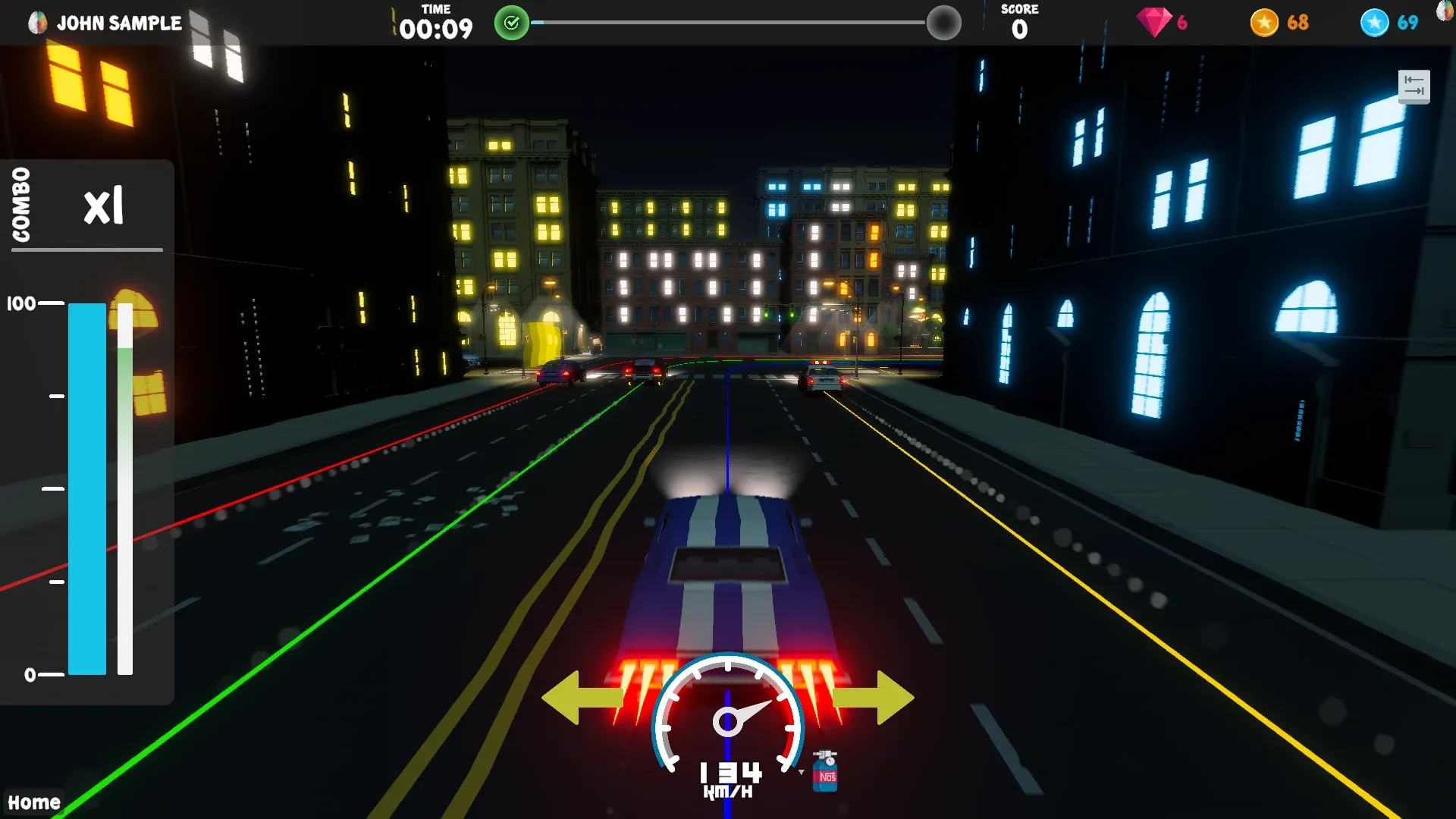
A street race in which positive feedback speeds up the player's car, combined with lane changes and an NO² boost.
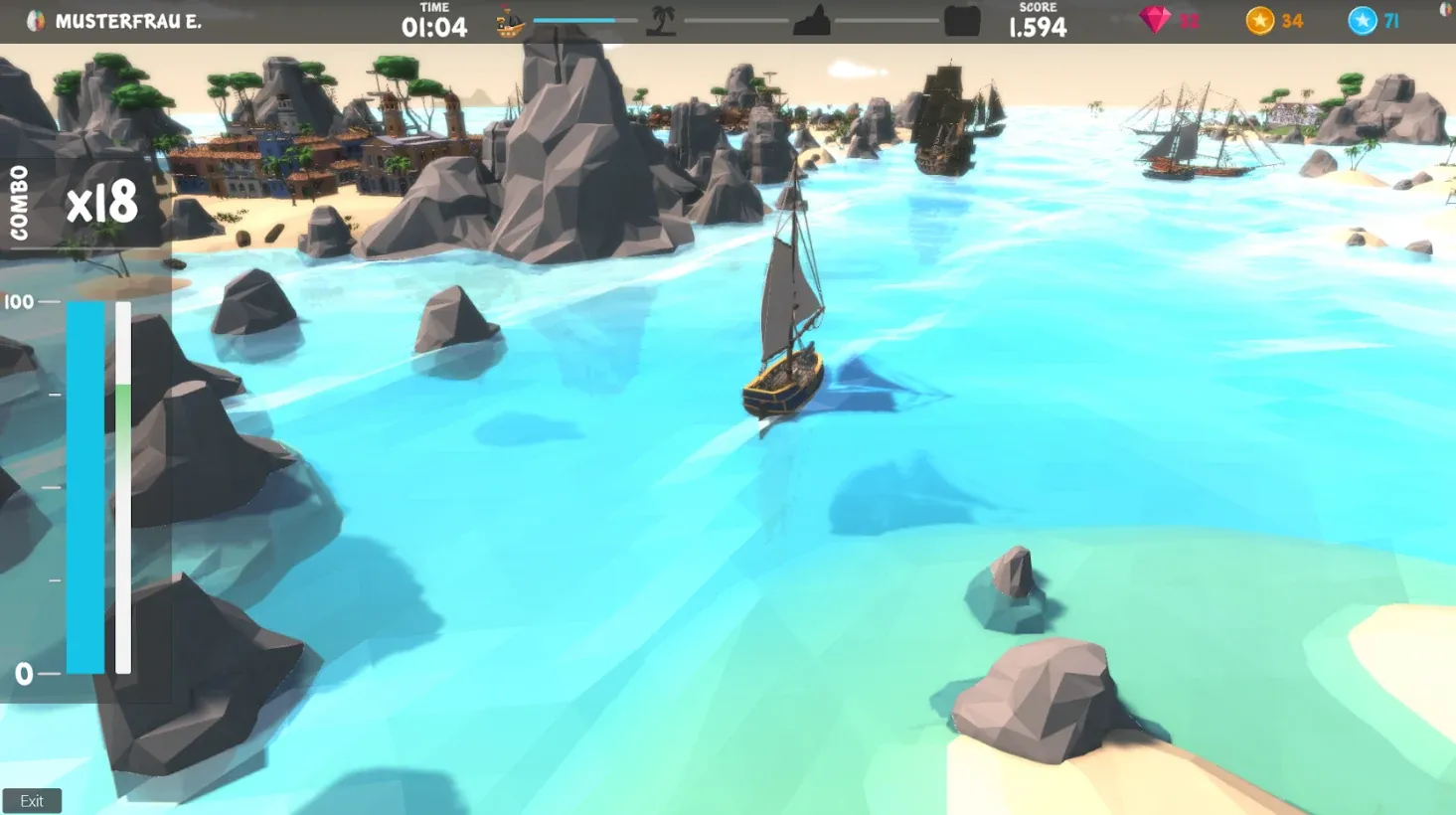
Search for the great treasure as a pirate across the ocean, the jungle and a temple ruin; the pirate only moves with positive feedback.