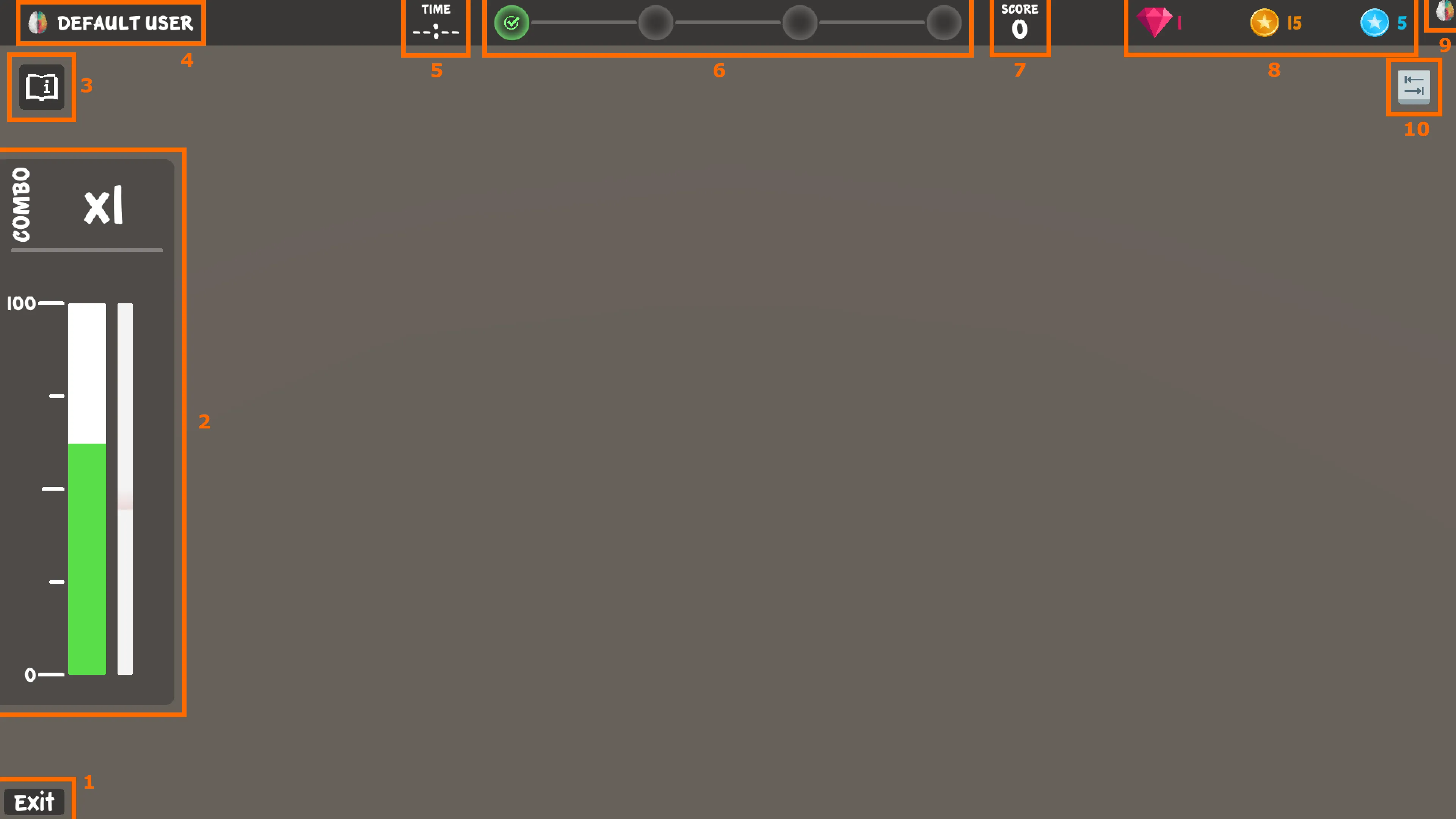
The Brain HUD is the neurofeedback interface of most BrainAssistant games. It gives players and trainers the essential details of the current training session. Games last updated before August 2024 may not have all components, such as the manual button or the input info.
| # | Component | What it shows or does |
|---|---|---|
| 1 | Exit button | Closes the application. Outside the main menu it becomes a Home button that returns to the main menu. Holding Esc on the keyboard or B on an Xbox controller for a few seconds does the same; a circular progress bar shows how long to hold. |
| 2 | Brain bar and progress bar | The brain bar is the direct feedback: the player’s current neurofeedback success. The progress bar is the indirect feedback: it slowly grows while the brain bar is more than half full and shrinks otherwise. In most games charging it to a certain level is required for success. |
| 3 | Manual button | Opens the official guide of the game in a browser window. |
| 4 | User info | The username (not the full name) and profile picture of the selected BrainAssistant client. |
| 5 | Stopwatch | How long the current play session has lasted; no time before the session starts (for example in the main menu). |
| 6 | Milestone bar | The player’s progress within the game, an overarching performance measure that differs from game to game. Milestones usually come with (often purely visual) power-ups. |
| 7 | Score panel | The points of the current play session, an overall performance measure. |
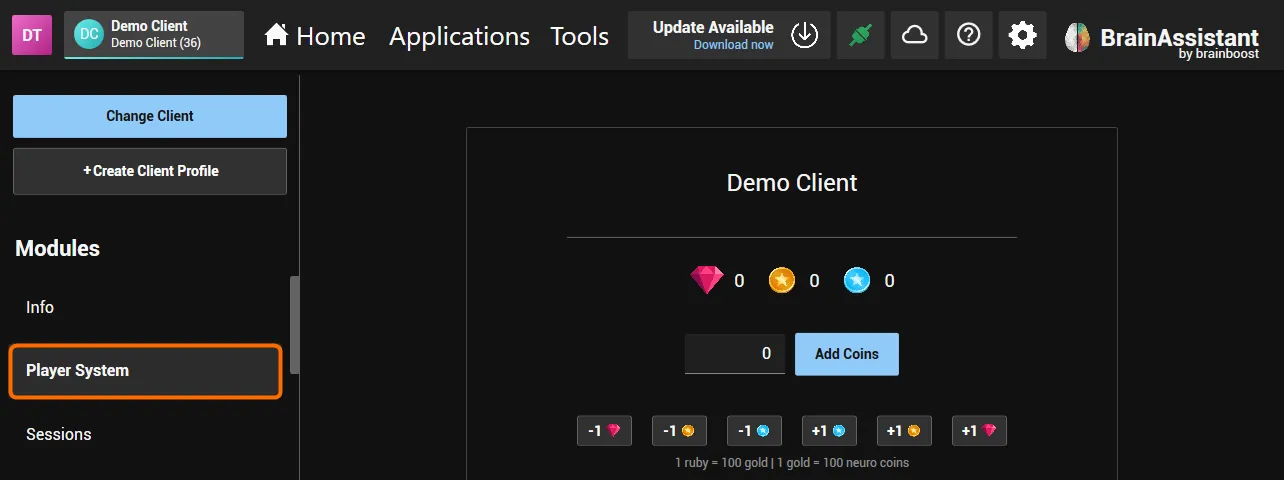
| 8 | Neuro Coin panel | The coins the player has earned on this client profile; see Neuro Player System. |
| 9 | Connection info | The connection between the game and BrainAssistant: a coloured brain means both are connected and communicate, a grey brain means they are connected but BrainAssistant sends no data, a grey brain with a red error indicator means there is no connection. What to do when it is not coloured: Brain HUD. |
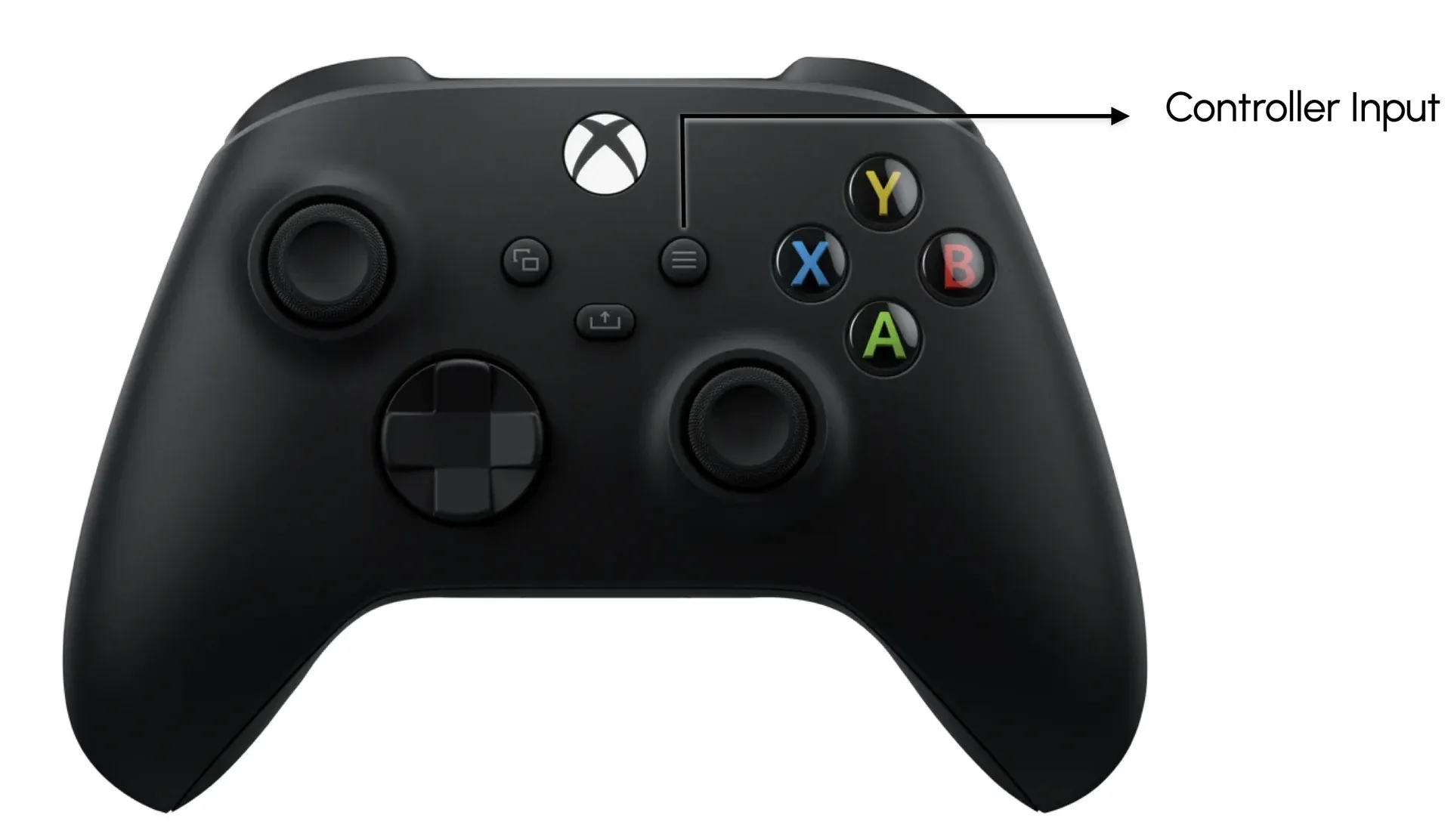
| 10 | Input info | Which button opens the game’s controls: Tab on the keyboard or Menu on an Xbox controller. Many, but not all, games pause while the controls are shown. |
How the brain bar and progress bar drive a particular game is described on its game page in the manual.