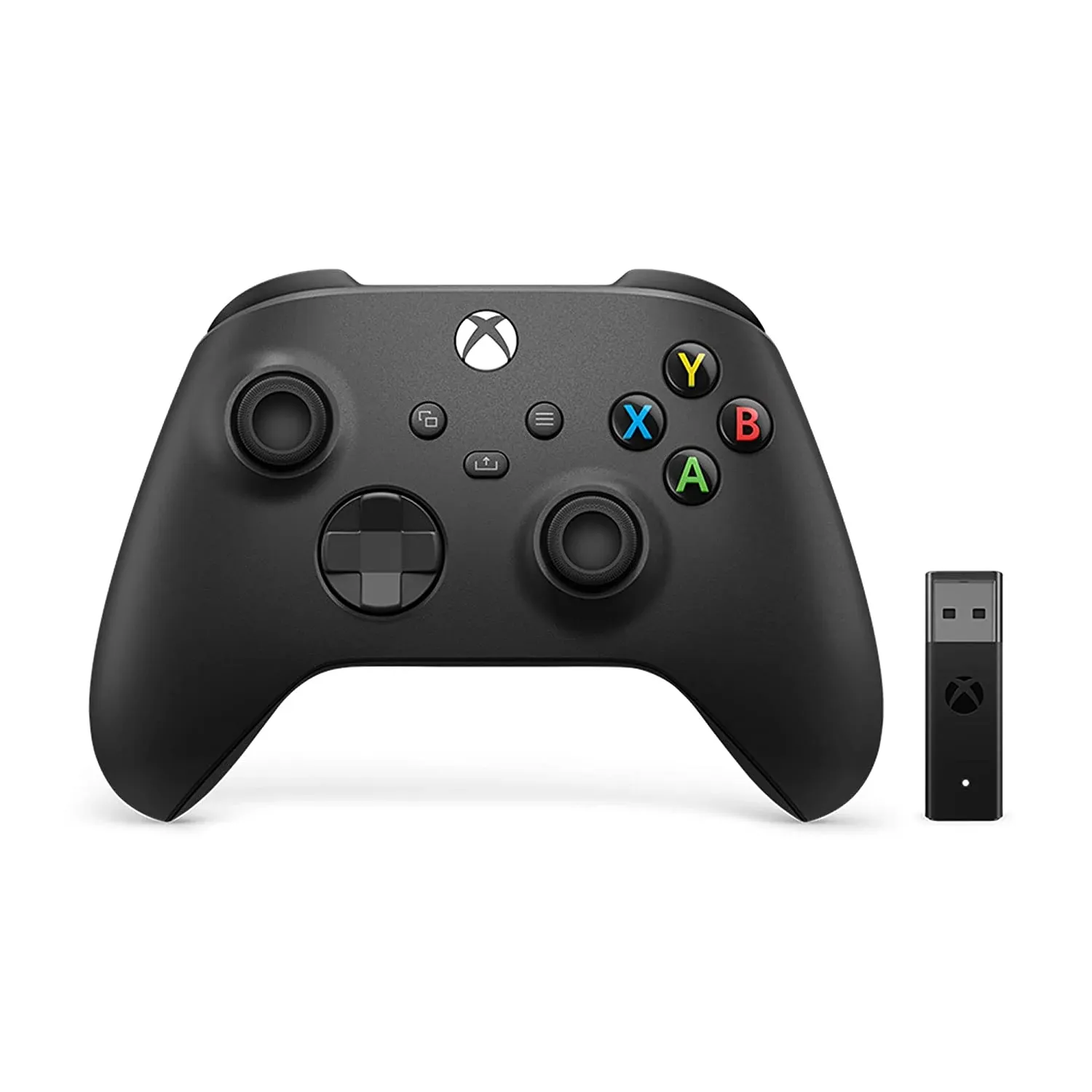
BrainAssistant supports the Microsoft Xbox controller for various interactions between the client and the feedback.
Do all sessions and games need a controller?
No, many games do not require a controller or any other input device.
Games that support a controller show a small controller icon on their thumbnail (see the red circle in the image below).
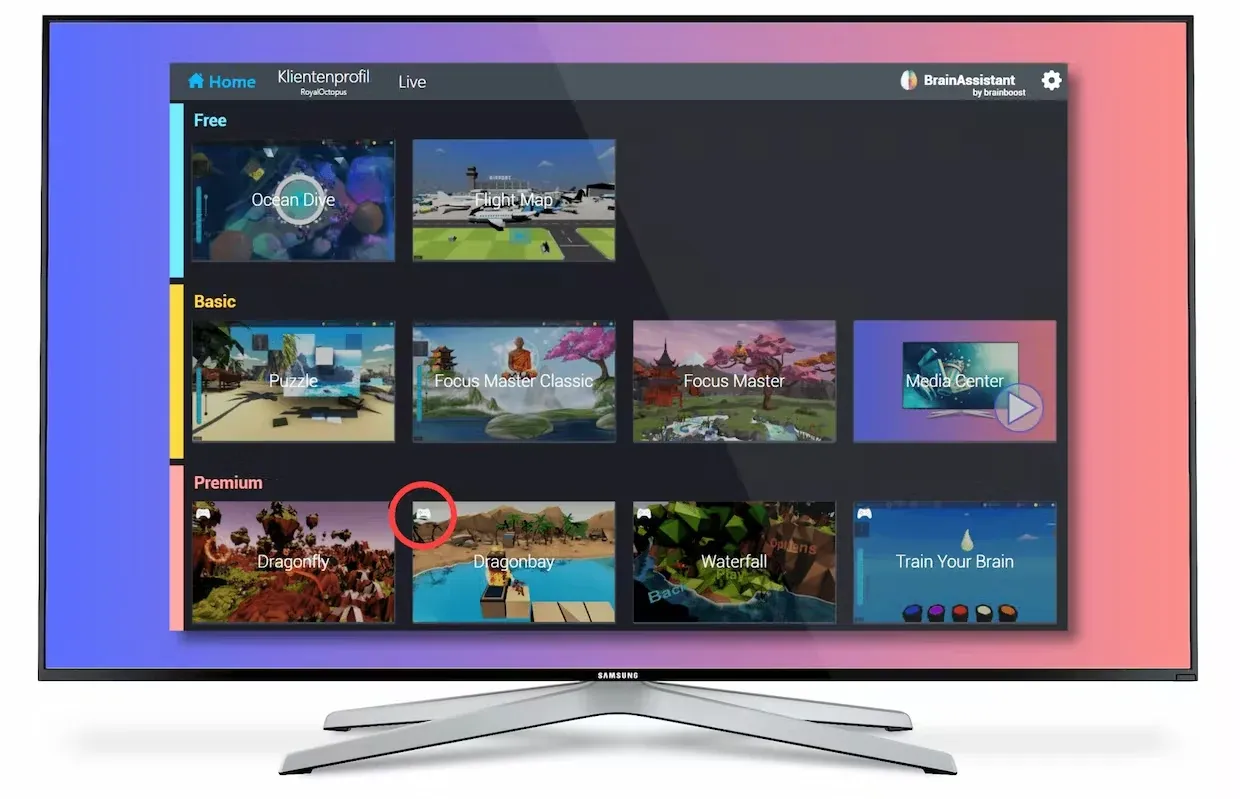
Advantages of a controller in neurofeedback training
- Higher client engagement with their feedback.
- Supports the client’s self-efficacy.
- Combines mental and physical (fine motor) tasks.
- Advanced applications improve the transfer of skills into everyday life.
- Explores and targets different brain activity during motor activation.
- Often reduces motor restlessness, which leads to more consistent training and fewer movement artifacts.
- Allows more complex gameplay, which increases motivation and makes training more engaging and enjoyable.
Which controllers can be used?
We highly recommend the original Xbox controller with PC support. Choose the version that comes with the USB receiver (Xbox Wireless Adapter).
This controller is durable, and all controls displayed in the games match it exactly. We cannot guarantee that other controllers work.
Connect the controller
-
Plug the Xbox Wireless Adapter into your PC. Windows installs the Xbox controller driver automatically.
-
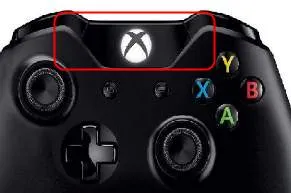
Make sure your controller has batteries. Press the Xbox button to turn the controller on.
-
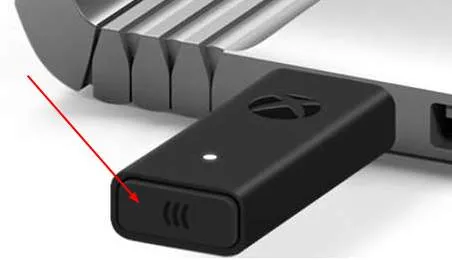
Press the button on the edge of the Xbox Wireless Adapter.
-
Press the bind button on the top of your controller.
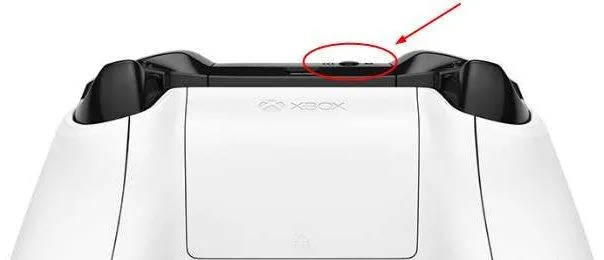
-
The LEDs on the controller and the adapter blink a few times. Once they stop blinking and stay lit, the controller is connected to your PC.