
Story
As a flying dragon, the player goes on a hunt for coins. On the way the dragon crosses different worlds and can complete tasks that earn additional coins.
Controls
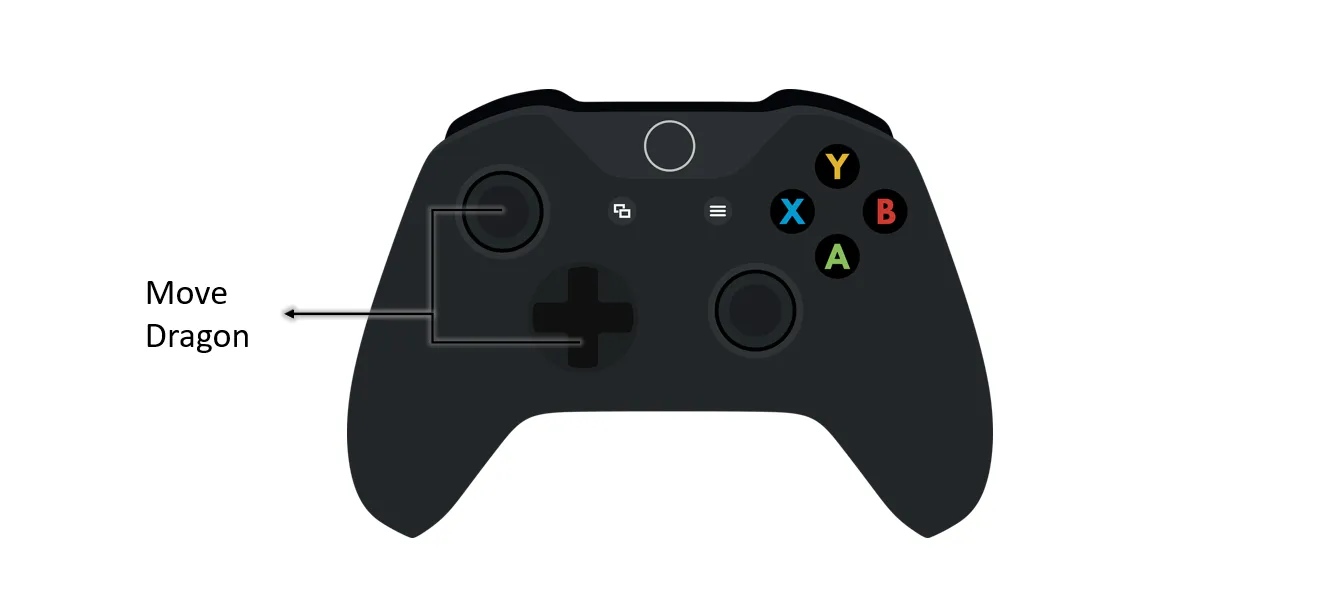
Always play this game with the original Microsoft Xbox controller (see Use an Xbox controller).
Feedback
| Positive feedback | Negative feedback |
|---|---|
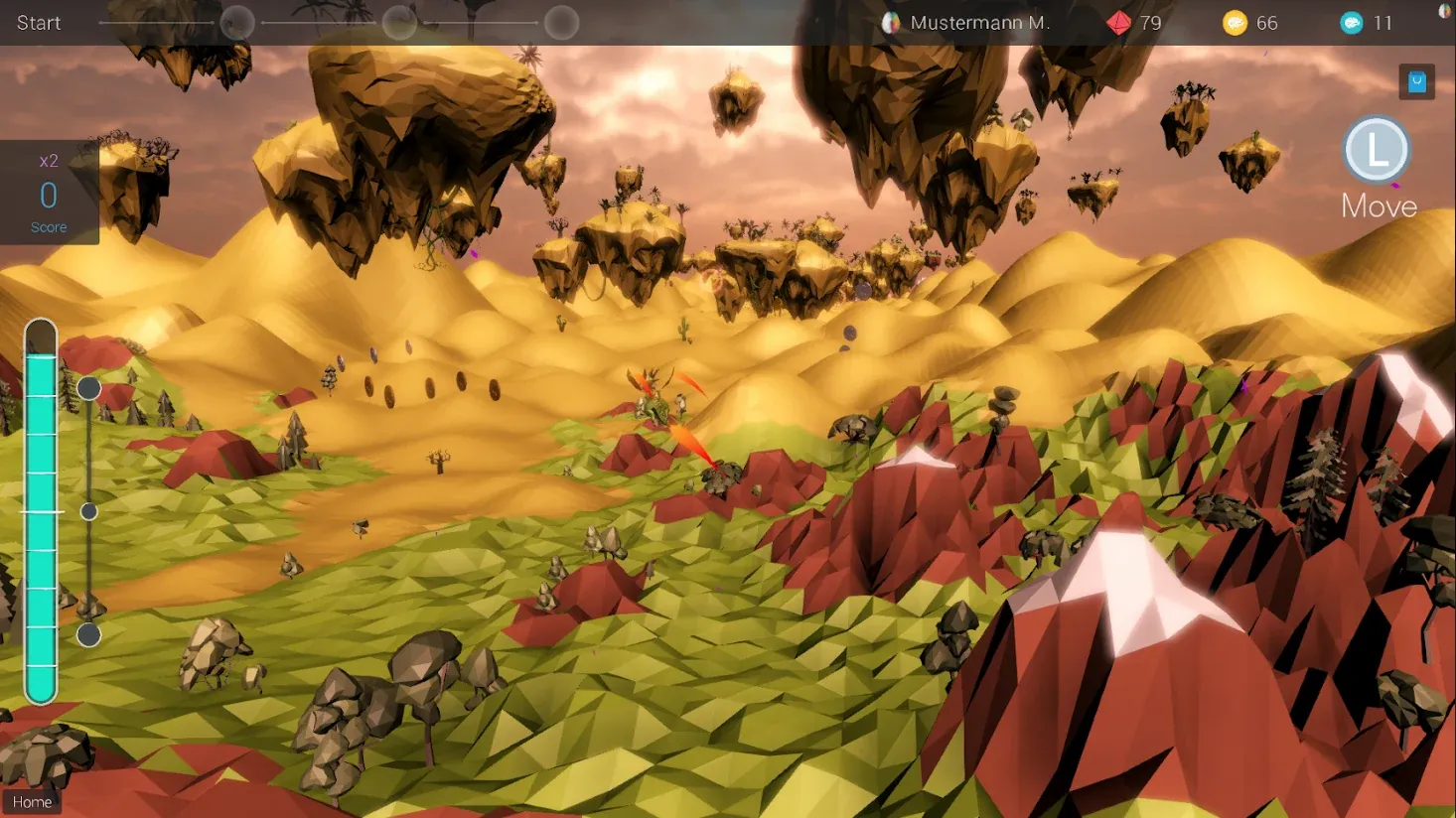
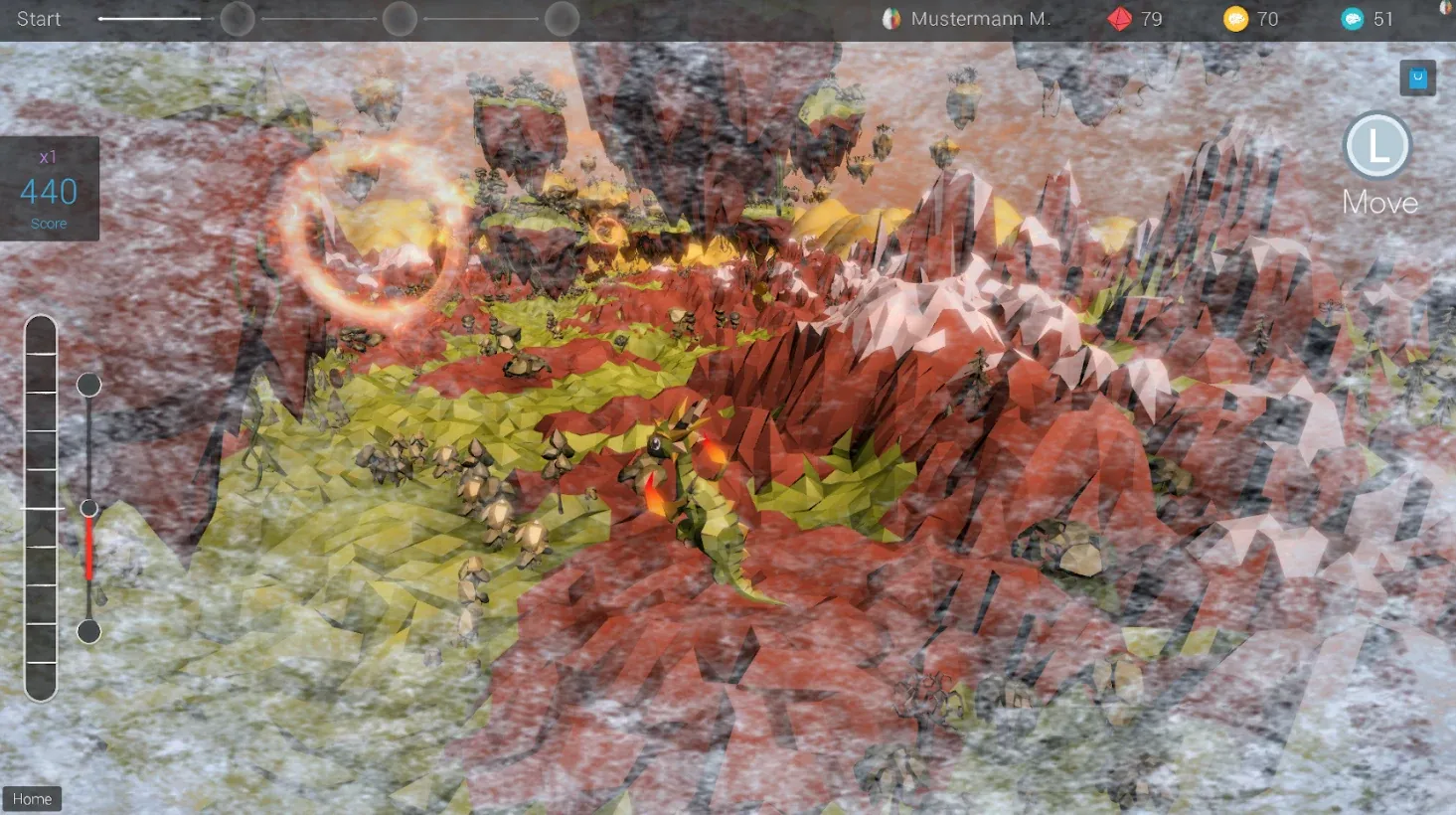
| The dragon flies forward | The environment freezes and the dragon cannot fly anymore |
Feedback process
The feedback is shown through the progress of the game, which is linked to the brain bar and the progress bar (see Brain HUD).
If the selected factors are in the desired range, the brain bar fills up directly and without delay. If they are not, the brain bar drops until it is empty. When the brain bar is completely full, the player is rewarded with a maximum event.
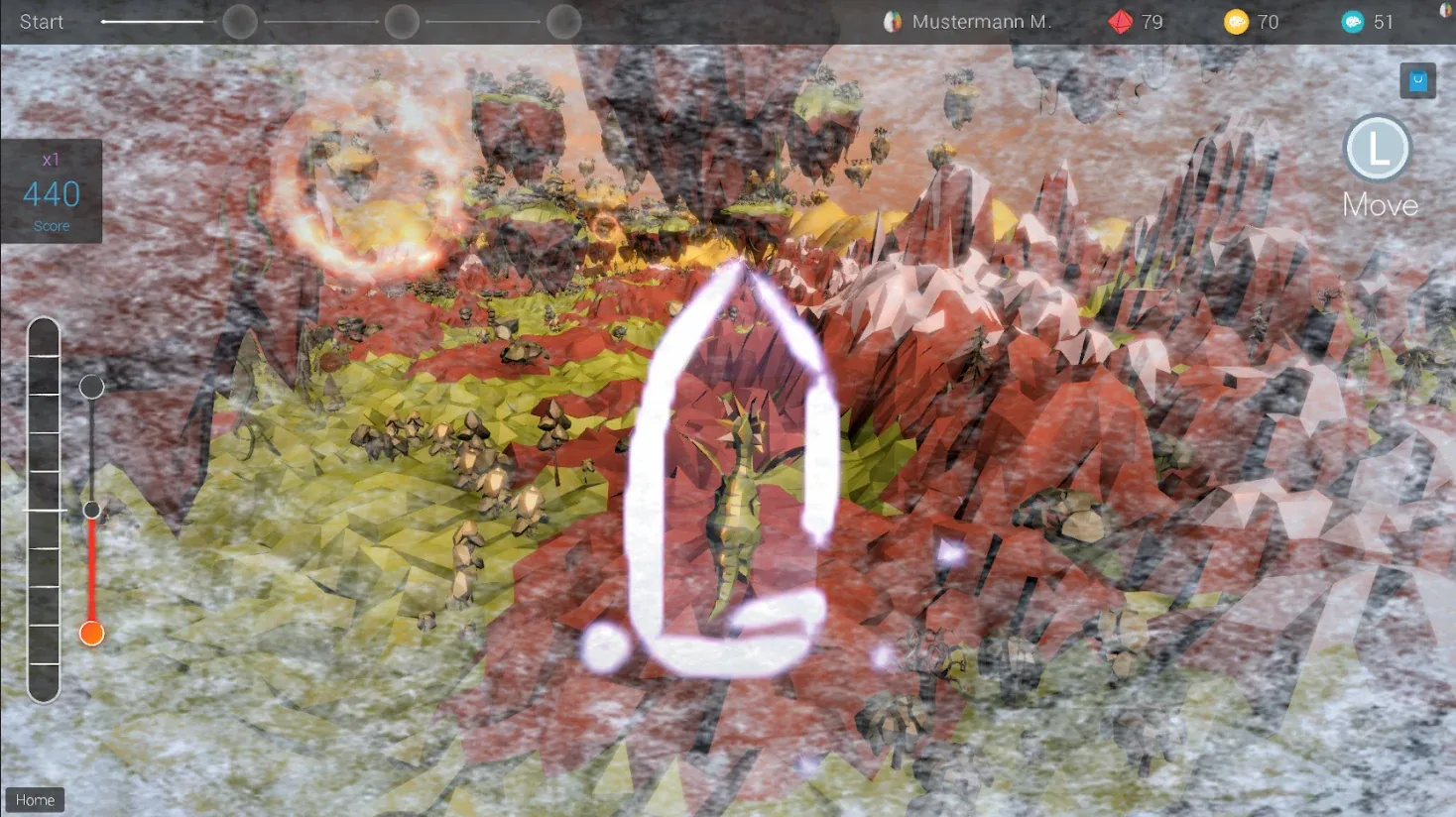
The progress bar is linked to the brain bar. If the brain bar stays in the positive range for a selected period of time, the progress bar builds up. When the progress bar is full, the player is rewarded with a special event. Similarly, if the brain bar stays in the negative range for a longer time, the progress bar fills up in the negative range until a special event informs the player.
| Positive special event | Negative special event |
|---|---|
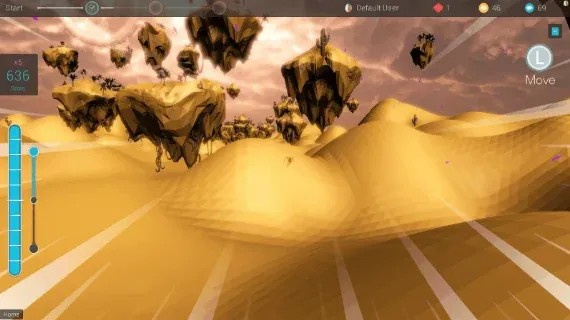
| The dragon releases its accumulated energy and flies very fast for a short time | The dragon freezes inside a block of ice |
Application, combination and typical reactions
This game is particularly well suited for children from the age of 8. In the training it can serve as an incentive or reward after a calmer game, as an exciting introduction or as an intermediate component. The optimal duration is about 10 minutes.
The constantly changing environment and the tasks that appear at regular intervals are additional stimuli and distractions. Especially for younger clients and clients with increased impulsivity the game can be challenging, as there is no official end or goal, which makes it a matter of patience.
Handling the controller is an additional difficulty for some clients, since cognitive and motor skills have to work together. This also brings benefits: people who struggle with motor restlessness often find it easier to calm down when their hands are busy. Clients who have difficulty using the controller may produce more muscle artifacts.
Dragonfly can also be combined with listening to music. However, music can impair concentration and make the game more difficult.
| When in training | Combination with different feedback |
|---|---|
| Start or first half | Music (possible but not necessary) |
Gameplay, shop and upgrades
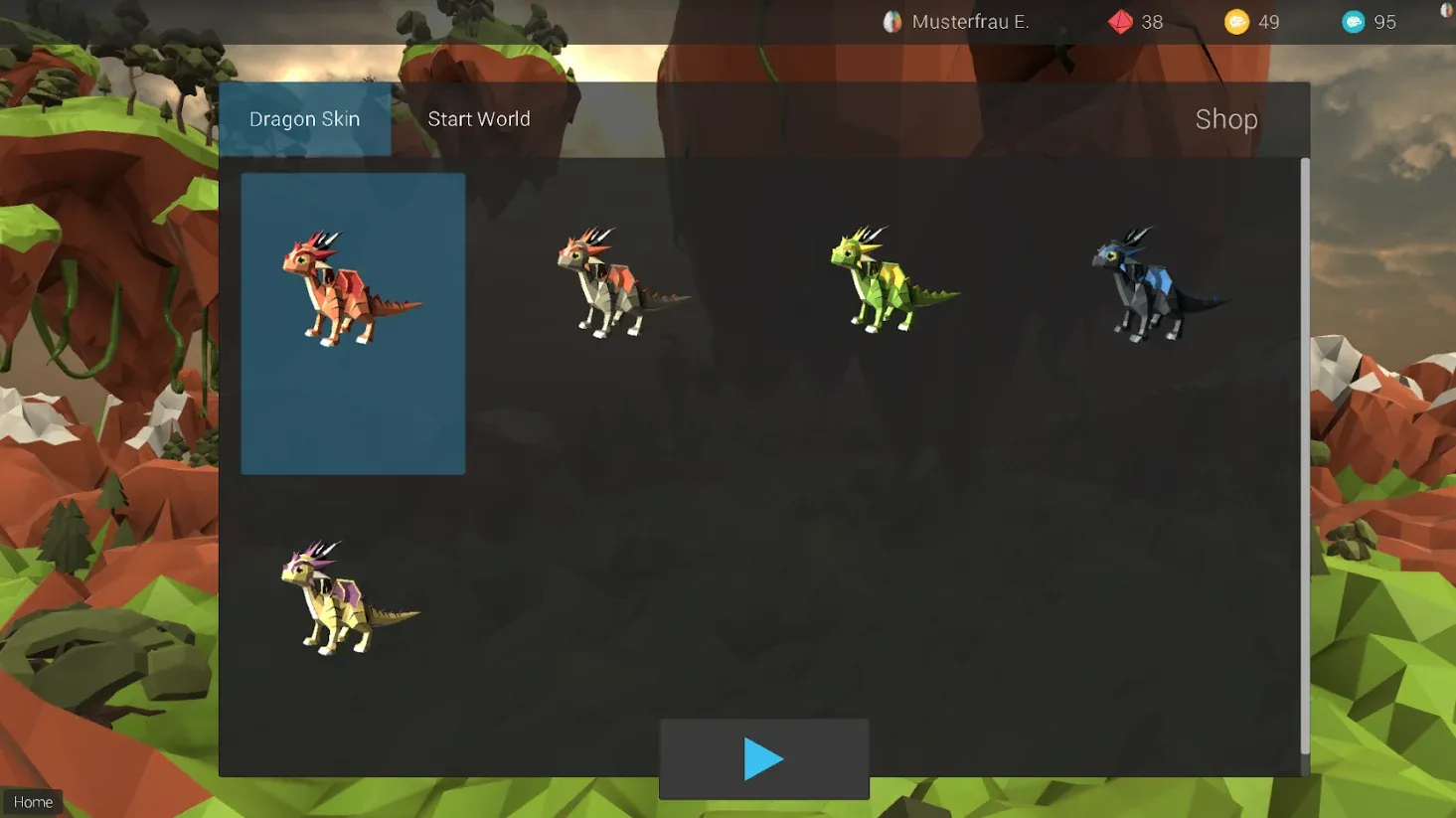
During the game the dragon flies into different landscapes. Coins collected during the game can be used to buy new dragons and change the game character.

Coin currency: 100 blue coins = 1 gold coin, 100 gold coins = 1 ruby. See Neuro Player System.
Shop – dragon skins: new characters can be unlocked with the coins.
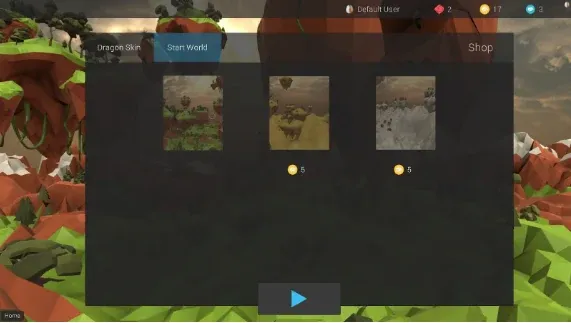
Shop – start worlds: new start worlds can also be bought with the coins.
Progress bar: to advance on the progress bar, the player completes tasks, for example collecting coins or flying through rings of fire.

Philosophy and background
In Dragonfly the player learns to keep calm even with many different external stimuli. The aim is also to not let the mind drift away despite the constant challenge, and to set one’s own goals.