
1. Go to Home

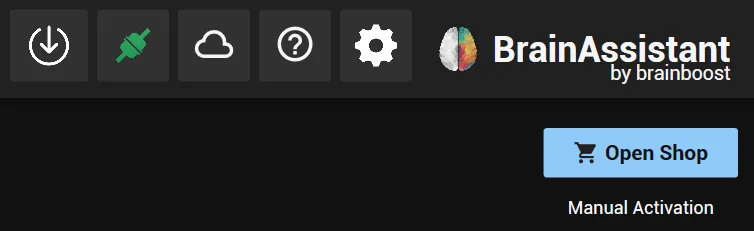
2. Open the shop
Click Open Shop at the top right.
3. Select your plans
Select the combination of plans you want to use. For the BrainAssistant features there are two plans to choose from:
- Up to 8 channels (previously Essential): the right choice if your EEG device has up to 8 channels.
- Unlimited channels (previously Professional): the right choice if your EEG device has more than 8 channels, or if you want to use advanced analysis and research workflows.
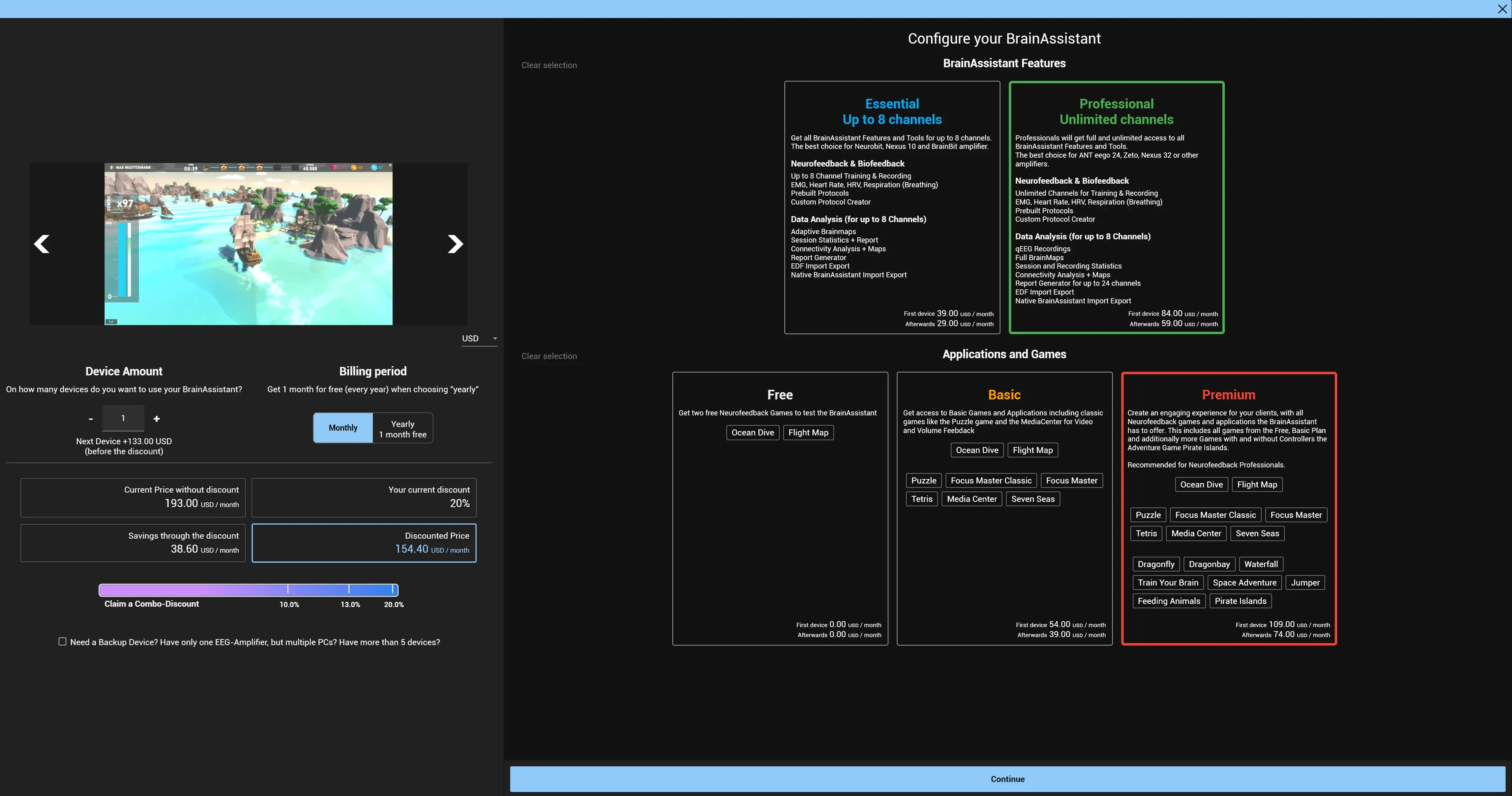
To see which applications and games each plan includes, click Home in BrainAssistant and open Applications. The applications and games are grouped by plan (Only Free Applications, Basic Applications and Premium Applications).
4. Choose the billing cycle
Select Monthly or Yearly under Billing Cycle.
With Yearly you get one month per year for free: pay 11 months, get 12.
5. Set the number of devices
Adjust the number of devices you need, or leave it at 1 if you use BrainAssistant on one device.
6. Enter your address
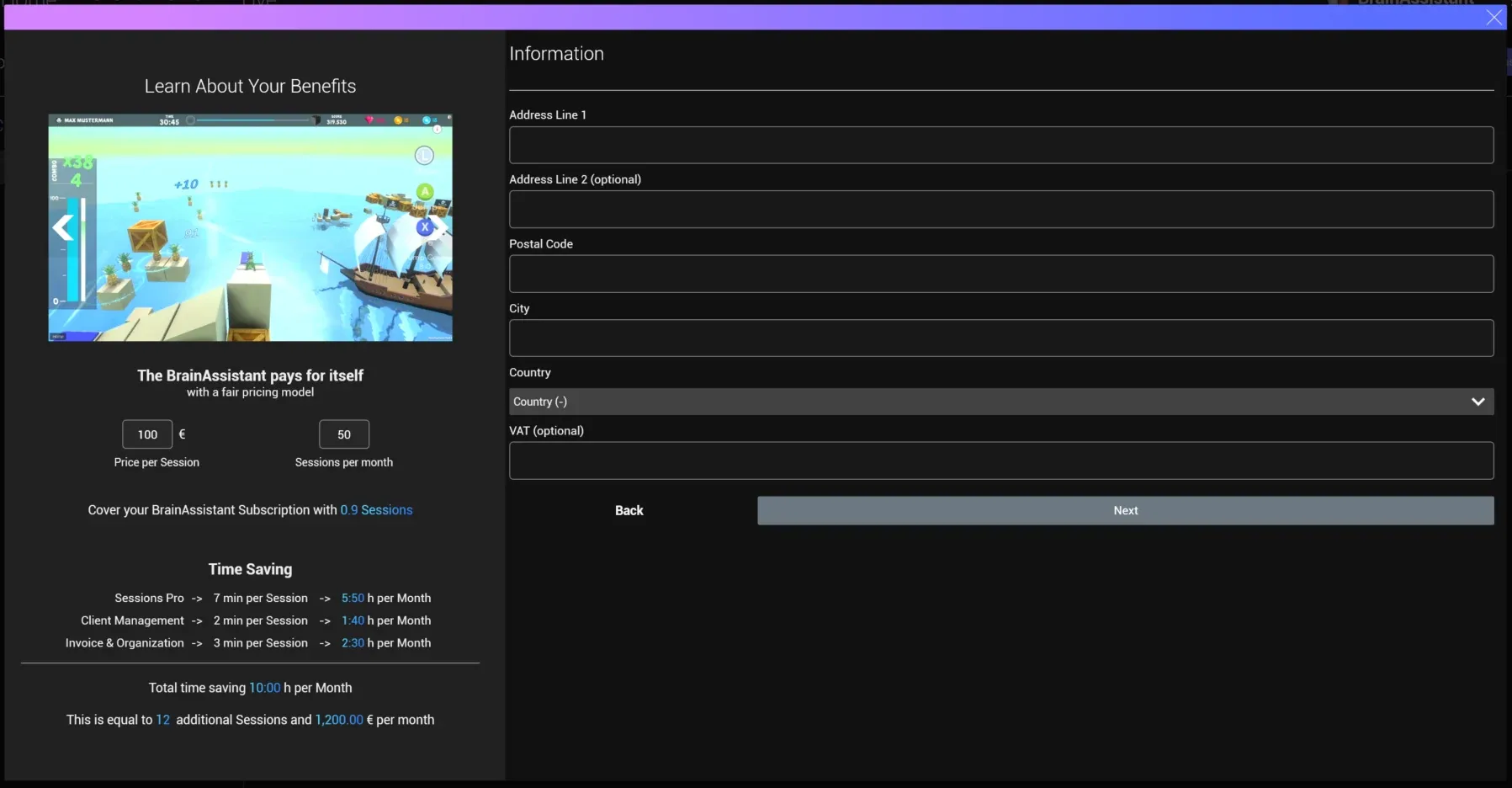
This information is used for your invoice.
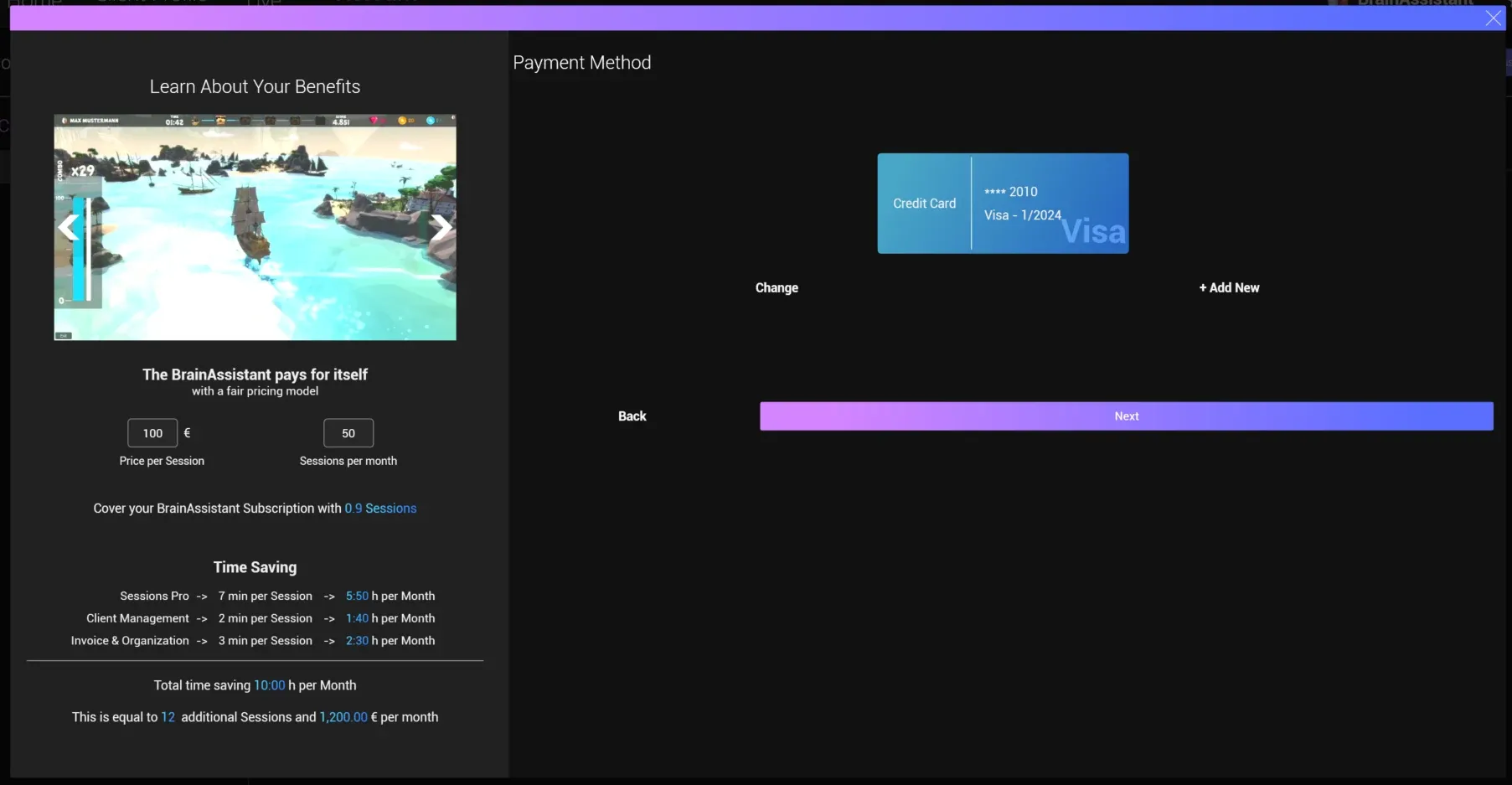
7. Enter your payment method
New customers: enter your payment method (card or SEPA). Enter your name and email; they are used to verify that the card belongs to you.
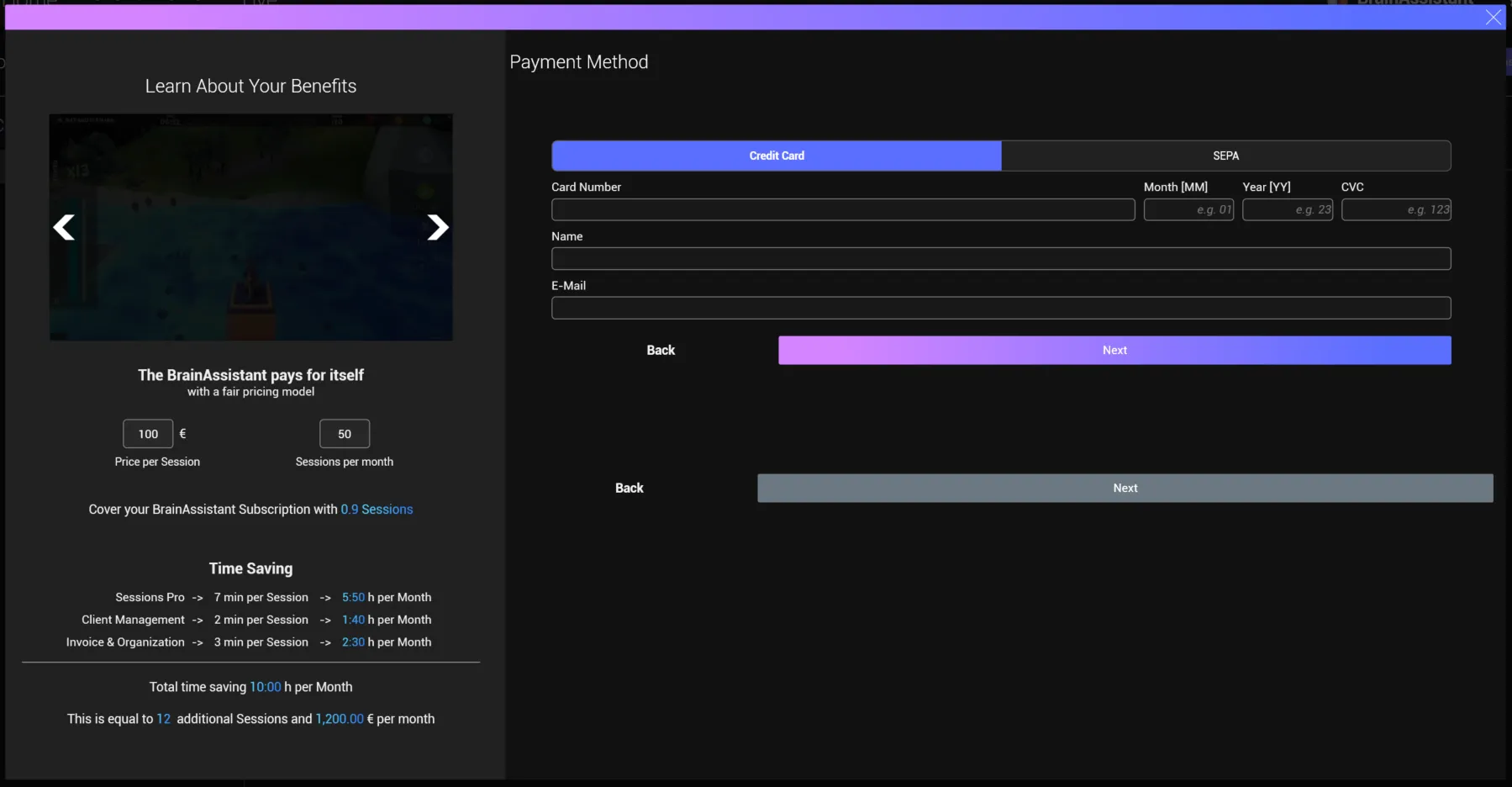
Card or SEPA already saved: click Next, or + Add New if you want to enter a new credit card.
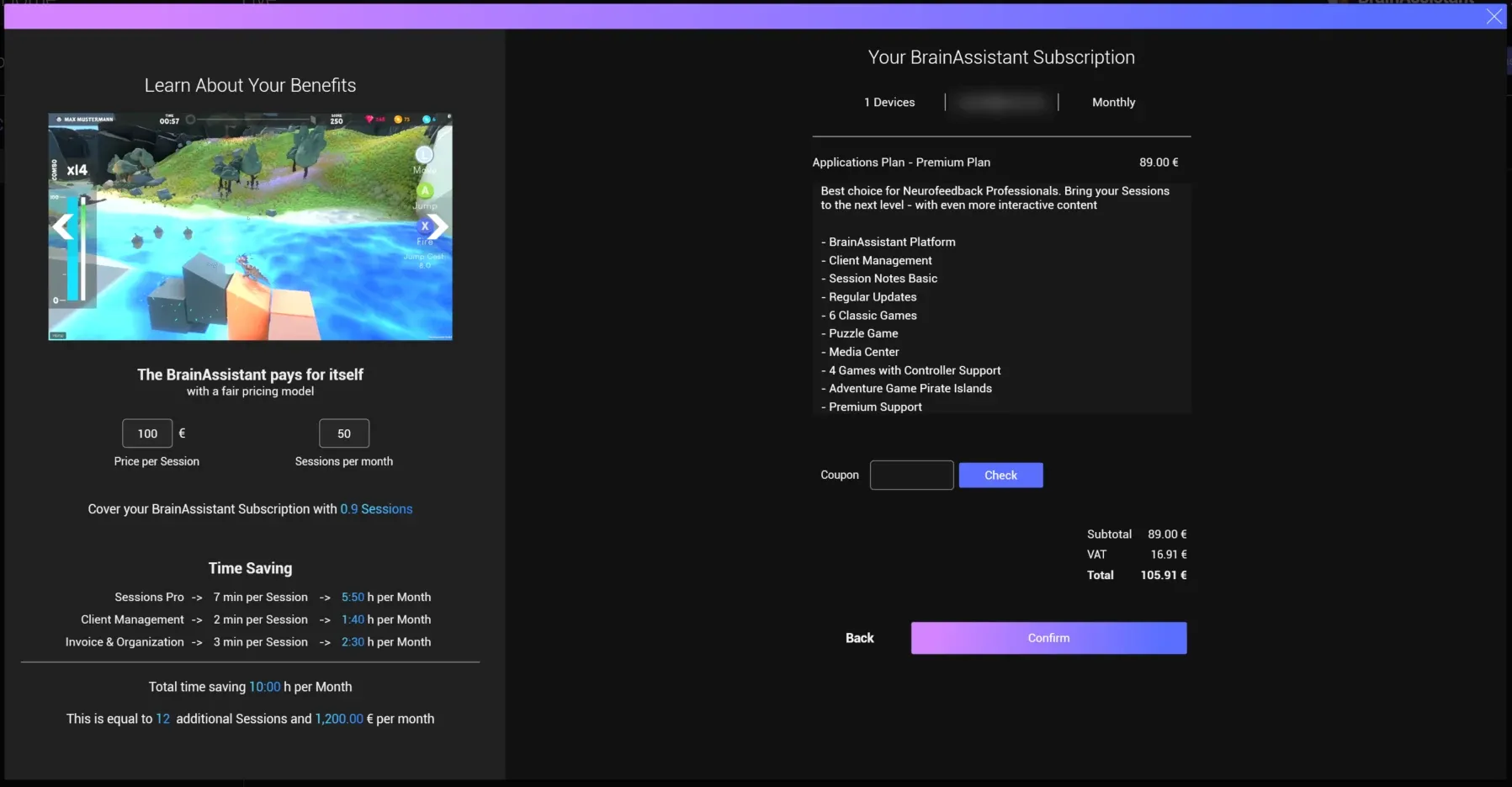
8. Check your order
Check that your information is displayed correctly. If you have a coupon, enter it here.
9. Confirm
Click Confirm. Depending on your payment method, a security code might be requested. Enter the code to confirm that the payment method is yours and valid.
Once the order is processed (usually after 10 to 30 seconds) a success message appears.
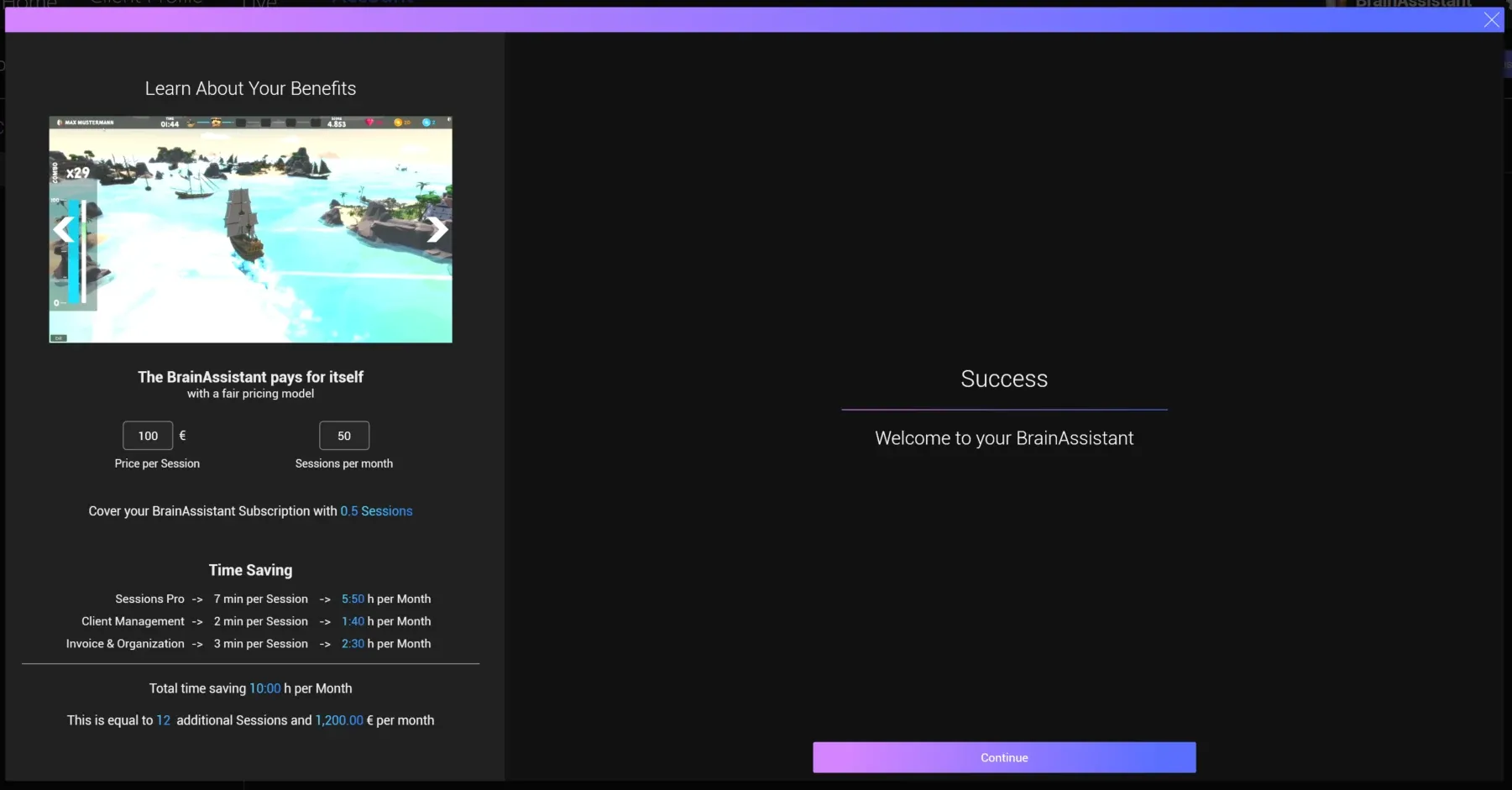
Congratulations, you now have an active BrainAssistant subscription. We send you an email with the subscription confirmation and the invoice for your order.
To end a subscription later, see Cancel your subscription.