One EDF file should contain the eyes open recording and have “EO” in its name. The other file, containing the eyes closed segment, should have “EC” in its name.
1. Open the BrainAssistant settings
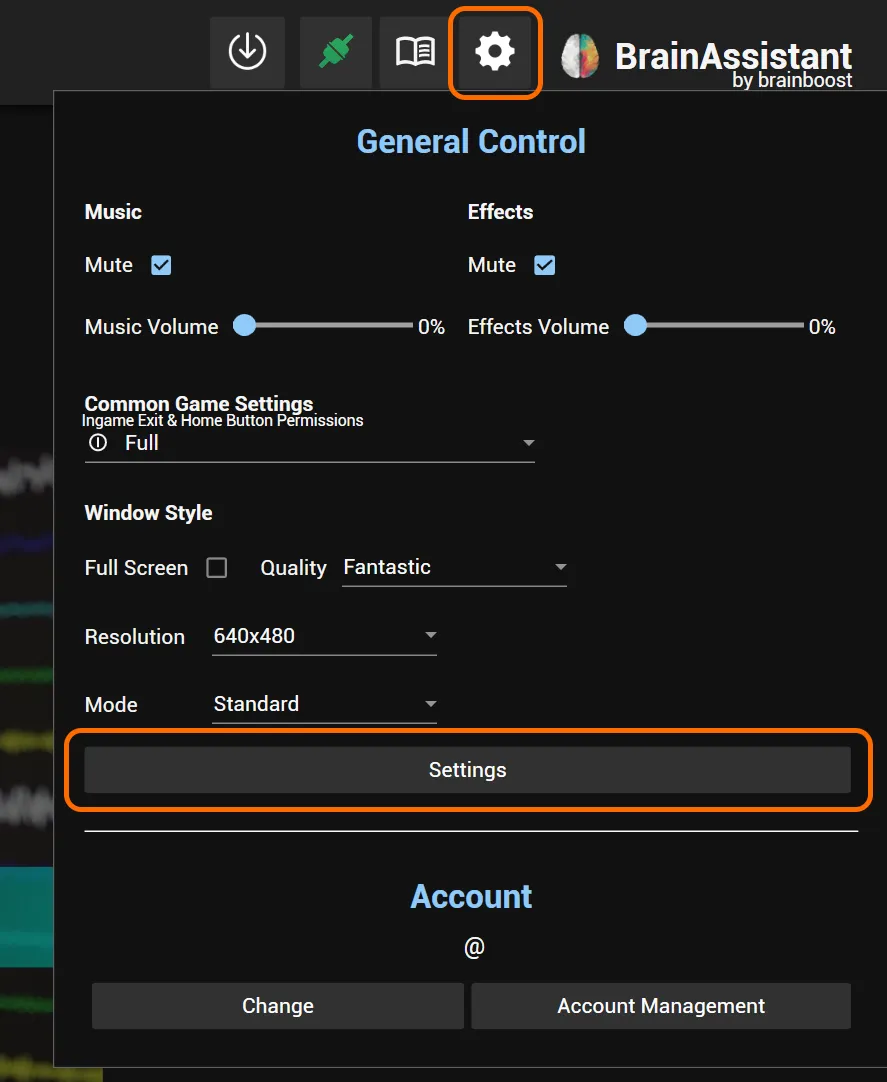
Click the gear icon at the top right and select Settings.
2. Click Import EO/EC split EDFs
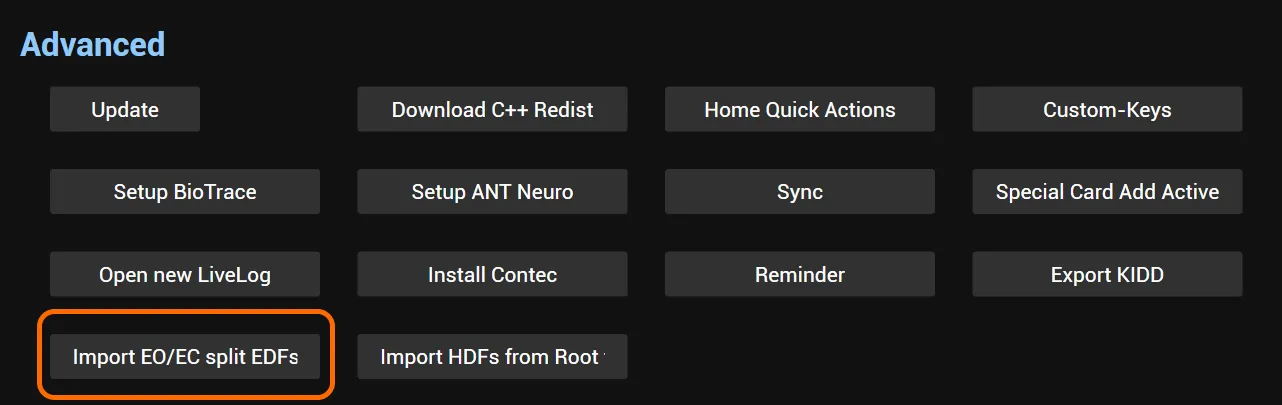
Scroll down to the Advanced section with several buttons. Click Import EO/EC split EDFs.
3. Select the two EDFs
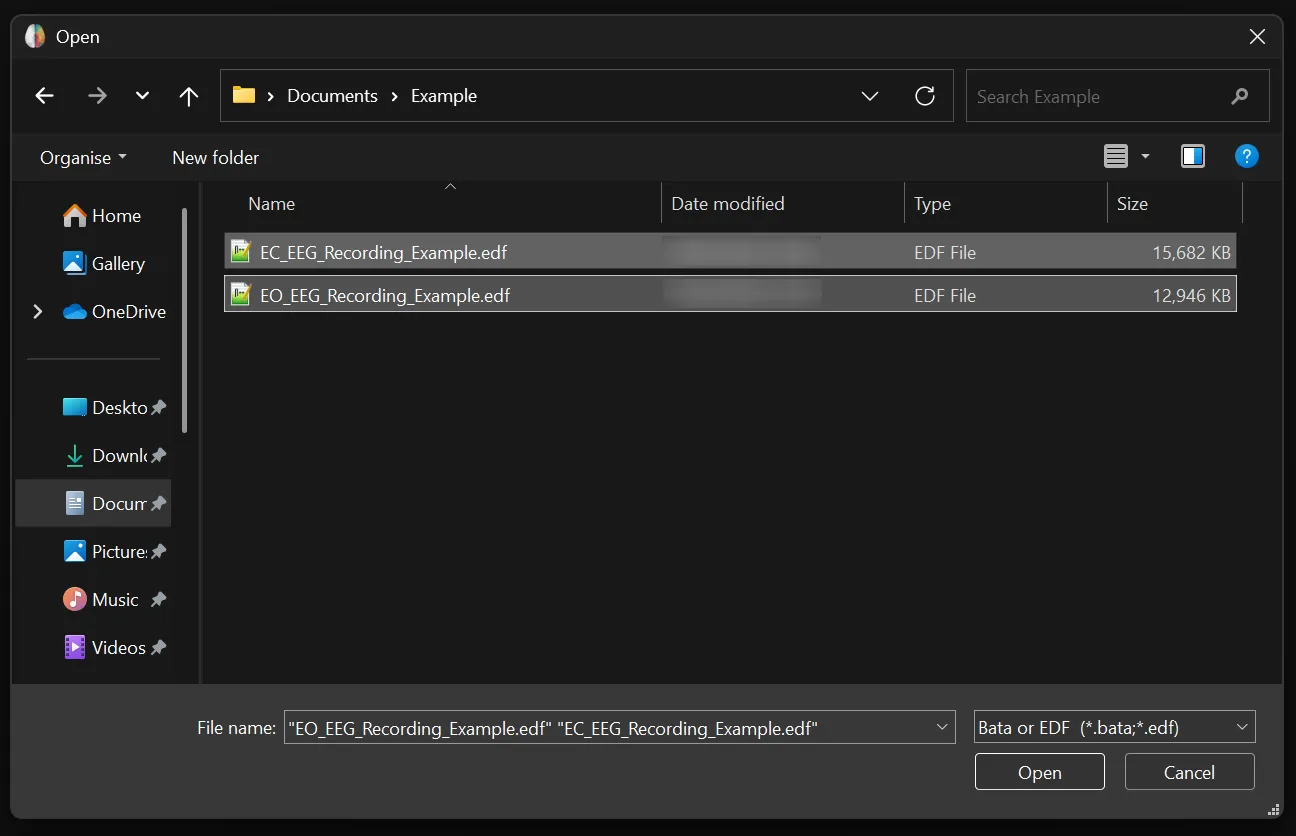
Find and select both EDFs in the file explorer.
To select two files, hold the Ctrl key and click the two EDFs one after another.
Make sure one EDF has “EO” and the other has “EC” in its name, so BrainAssistant can detect which EDF contains which segment.
The EEG Studio now opens automatically: you have imported a split EO and EC recording as one session.
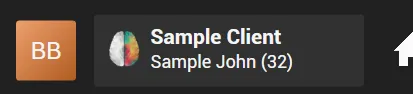
For further analysis, check that information such as the age was imported correctly. Otherwise set it manually: click the client, go to Info and adjust it.