
Story
In Dragonbay, players go on a treasure hunt across the world. They journey from the infamous Pirate Bay across the slopes and the burning crater of a volcano to the freezing waters of an icy fjord and up its peak. The task is to get the dragon safely to its destination while collecting as many points as possible. Each level brings new obstacles and hazards that challenge even experienced players.
Summary
Dragonbay is a 3D platformer in the low-poly style. Players control a small dragon and help it through many different levels. Before a level can be crossed, it has to be built up with positive feedback: walkable cubes rise from the submerged floor.
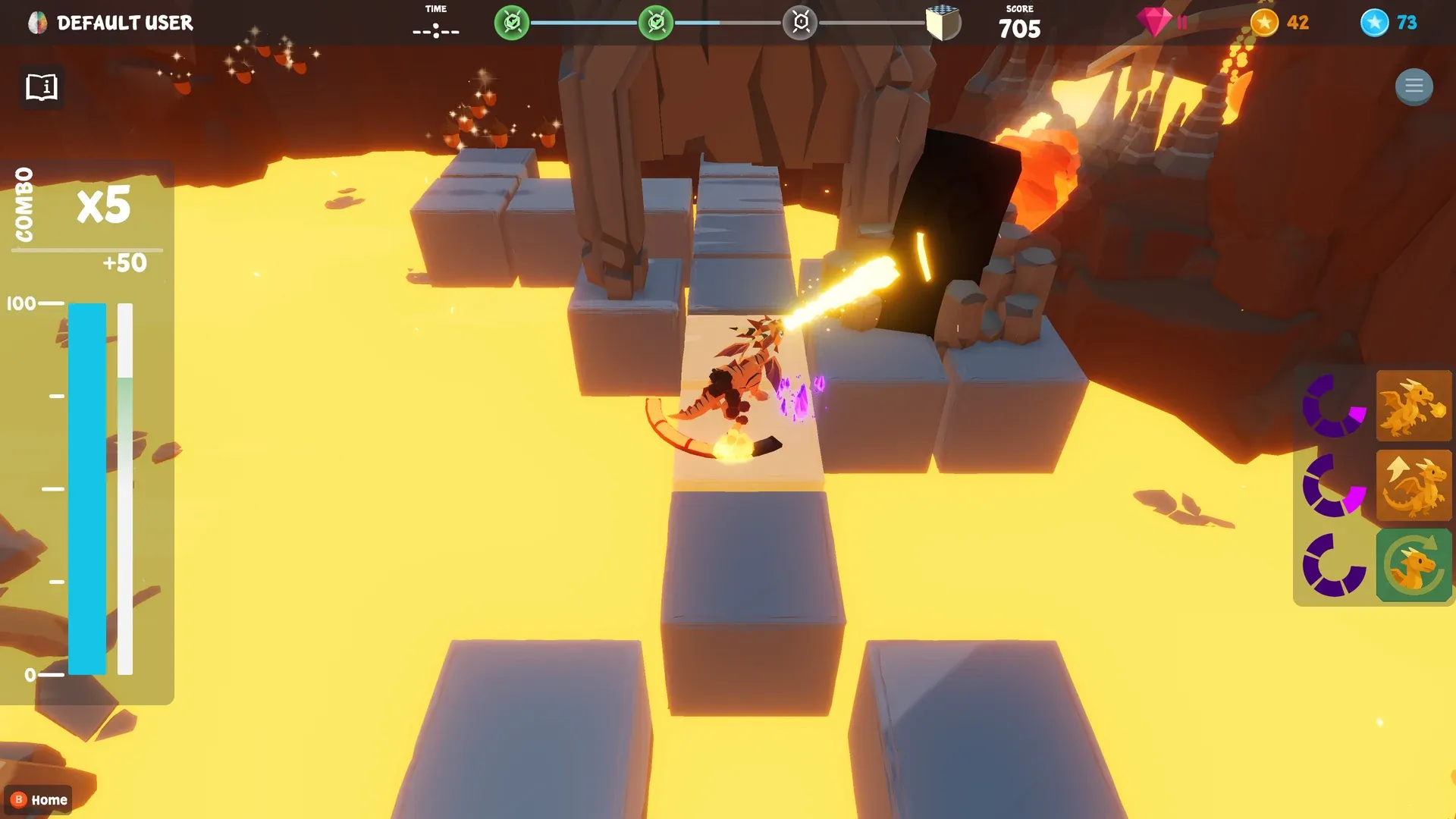
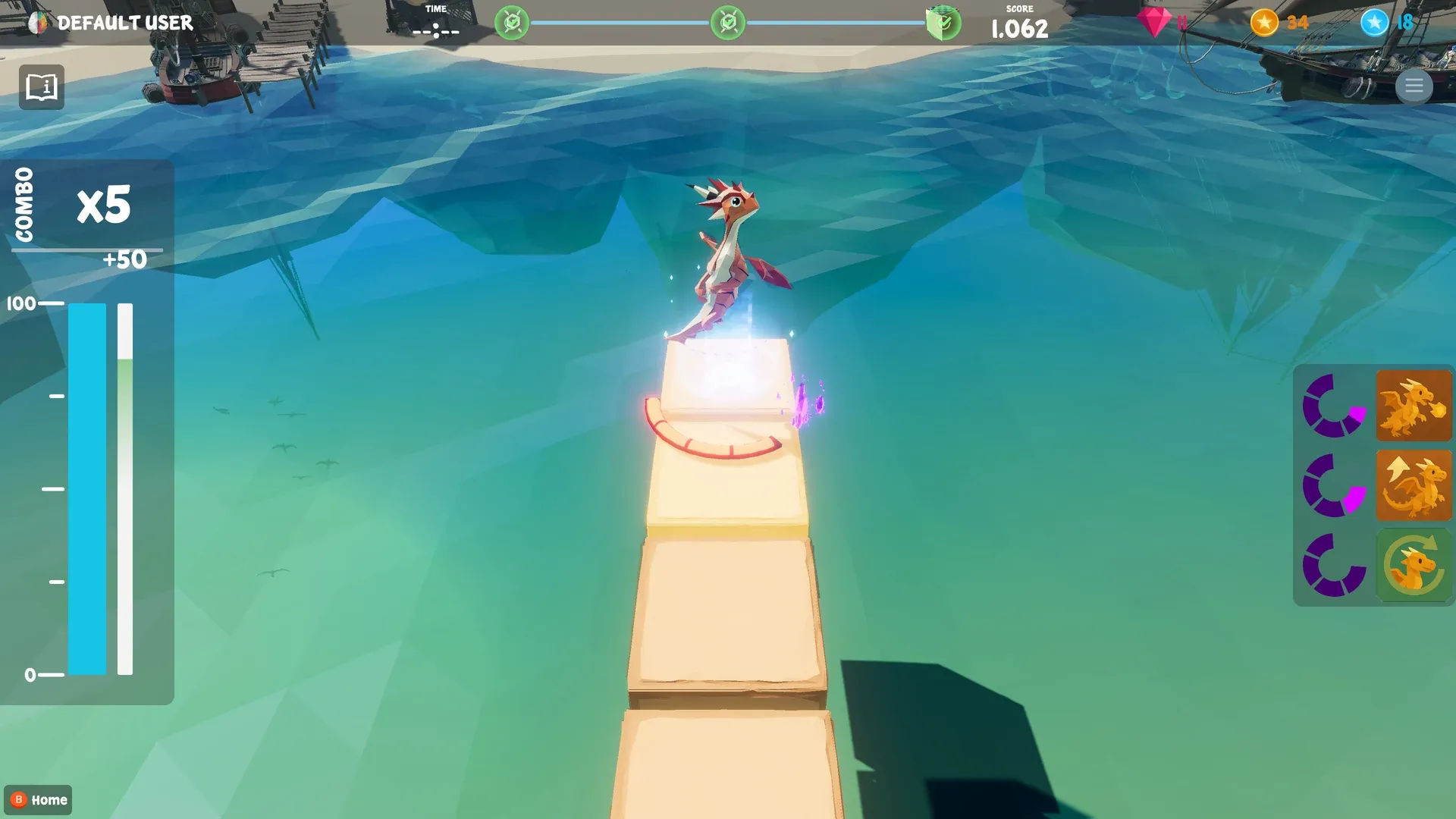
Active gameplay consists of moving and jumping, and many levels also need the dragon’s fire breath, where a second layer of feedback comes in. While the feedback is positive, the dragon gains energy, which is used up by jumping and breathing fire. The current energy is shown directly beneath the dragon as a segmented energy bar. The energy cost of jumping and fire breath depends on the difficulty set in BrainAssistant and is shown on the right side of the screen.
Dragonbay has three environments with 12 levels each: 10 levels of increasing difficulty and 2 basic training levels. Each environment focuses on a different aspect. Levels in the Pirate Bay are fairly simple but longer, which encourages long-term endurance over short-term concentration. Fire Mountain levels are mostly short but mechanically complex, so players learn the controls.
Controls
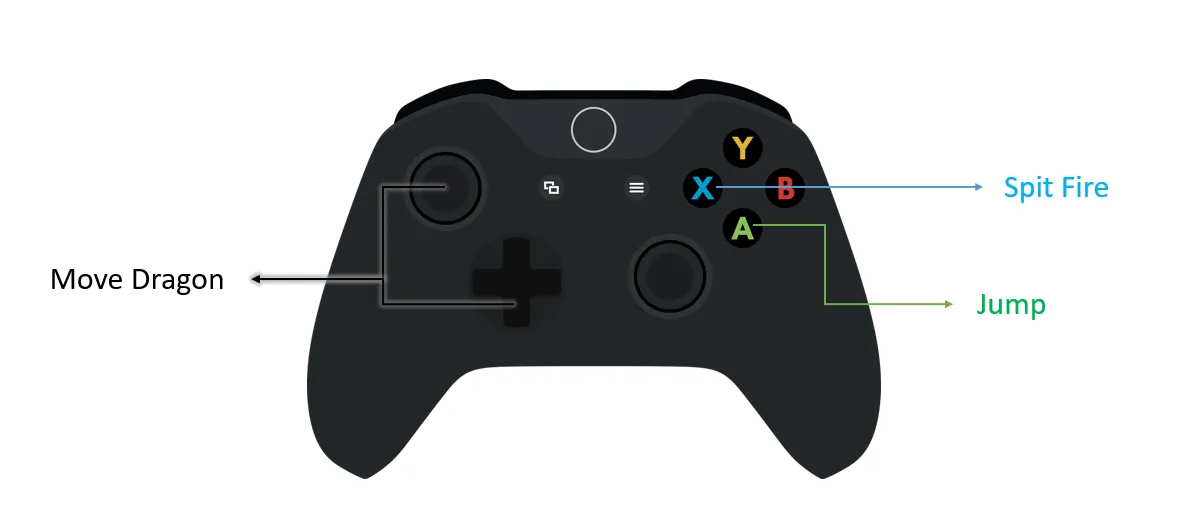
The game can technically be played with a keyboard, but we strongly recommend the original Microsoft Xbox controller (see Use an Xbox controller).
| Action | Xbox controller | Keyboard |
|---|---|---|
| Move | Left joystick | W, A, S and D |
| Jump | A | Space bar |
| Breathe fire | X | E |
| Return to the (previous) menu | Hold B until the indicator is full, then release | Hold Esc until the indicator is full, then release |
If the movement is too sensitive or too slow for a player, adjust it in the BrainAssistant settings for the application. You find them on the application card during an active session; the value is kept between sessions.
Feedback
| Positive feedback | Negative feedback |
|---|---|
| The level’s block path, on which the player walks, builds up | The block build-up slows down drastically |
| The dragon passively gains energy for jumping and breathing fire | The dragon does not regenerate energy; on higher difficulties it even loses energy |
| The path stays steady and is easy to cross | The path starts to shake strongly and is almost impossible to cross |
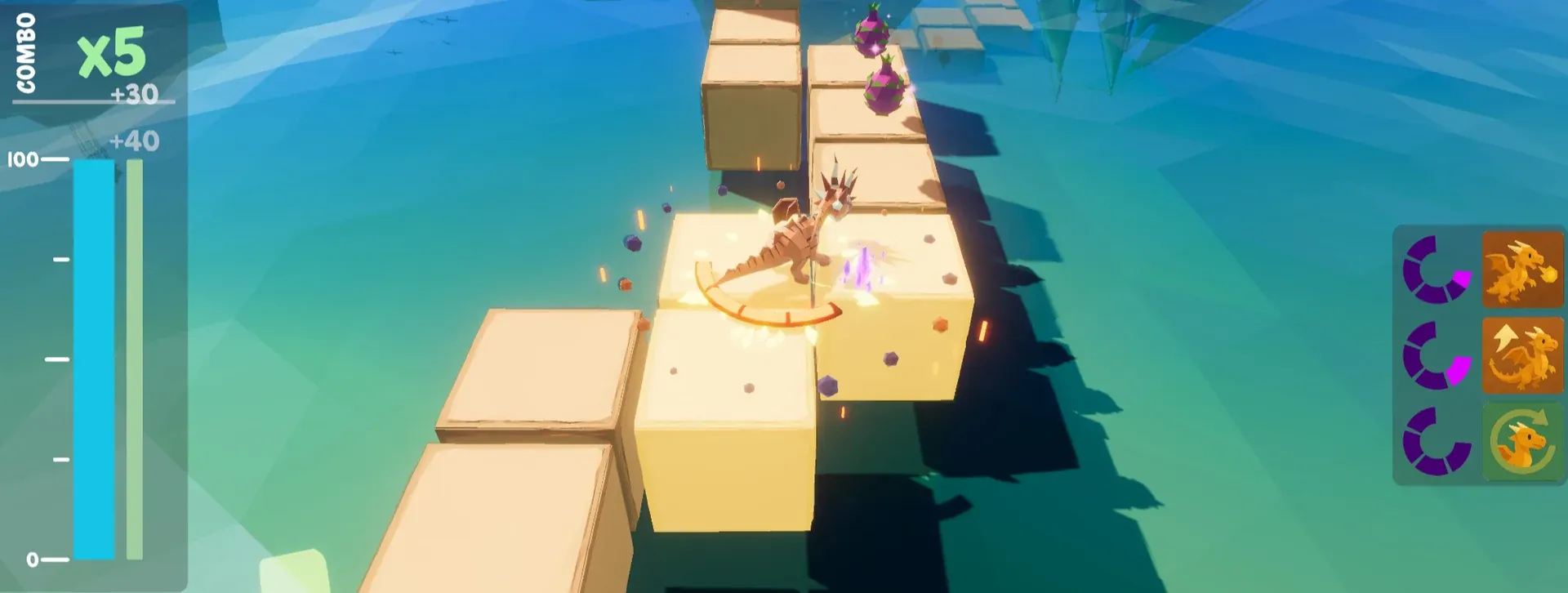
Feedback process
The overall success is shown indirectly through the level progress, which is directly linked to the amount of positive or negative feedback.
Immediate feedback is shown with the usual brain bar and progress bar, see Brain HUD.
When the progress bar is full, the player earns a small energy boost for jumping and fire breath.
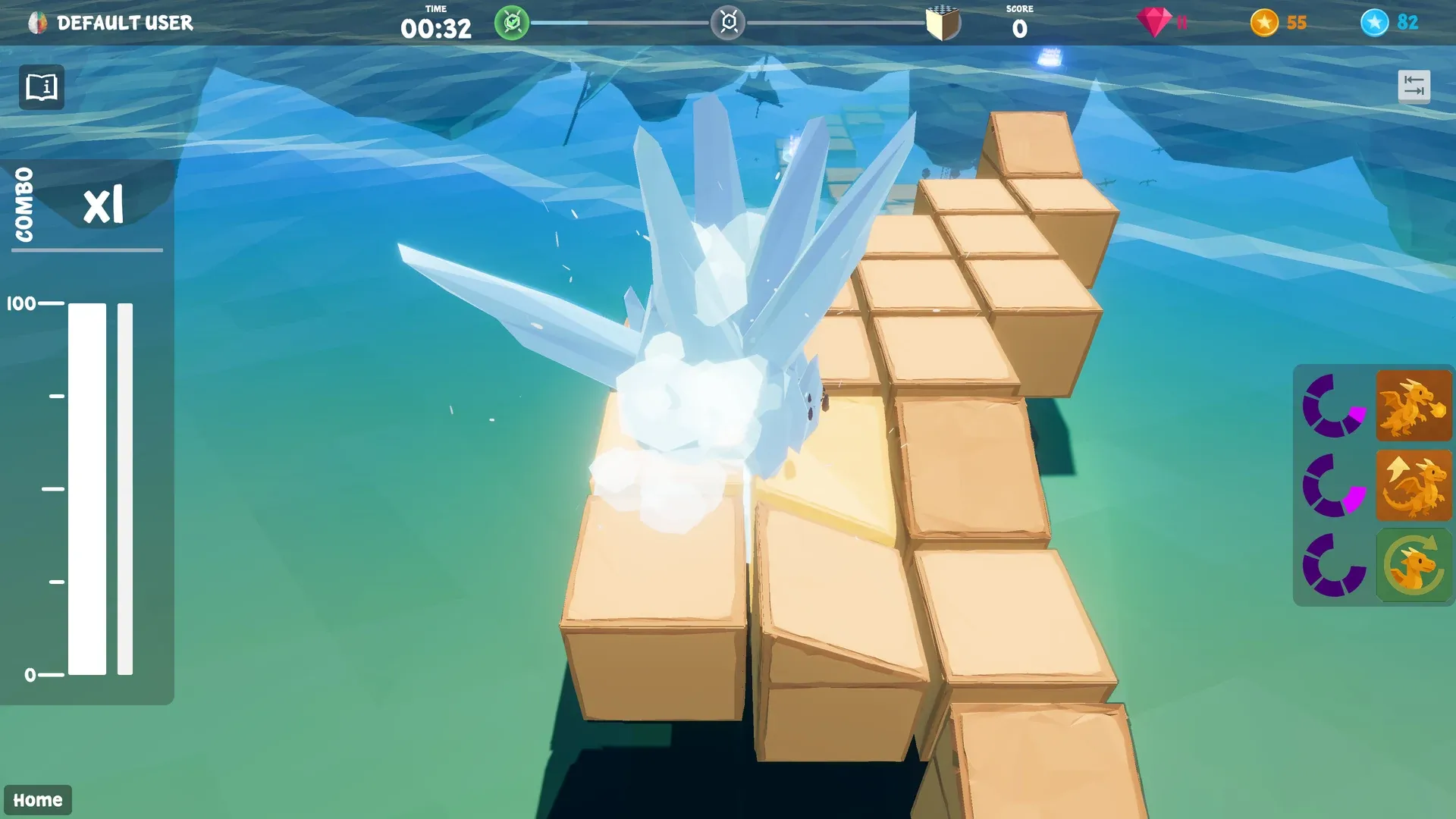
When the feedback becomes negative, the built-up block path becomes unstable and the blocks start to sway, which can even throw the player off. If the feedback stays negative for too long, so that the progress bar reaches its minimum, the dragon is frozen and cannot move for a few moments.
Who is this game suited for?
This game is particularly well suited for children from the age of 8. In the training it can serve as an engaging incentive or reward after a calmer game, as an exciting introduction, as an intermediate component or as a final, rewarding session.
Depending on the player’s skill and the chosen neurofeedback difficulty, 1 to 3 levels per training fit a total game time of about 10 to 15 minutes. Thanks to the many unique levels and the steadily increasing challenge, most players stay engaged over longer periods. Compared to quieter games, Dragonbay exposes the player to many stimuli and distractions, which helps to practise focusing on a goal. The increasing difficulty is a challenge especially for clients with low frustration tolerance or increased impulsivity.
Most levels require some skill with a game controller. This is rarely a problem for teenagers and young adults, and it can help any player build the connection between cognitive and motor skills. People who struggle with motor restlessness usually find it easier to calm down when their hands are busy. If handling several buttons in a row is too challenging, the basic training levels (at the top of each environment’s level selection) offer an easy and relaxing start.
Clients who have difficulty using a controller may produce more muscle artifacts.
| When in training | Combination with different feedback |
|---|---|
| Start or first half | Music (possible but not necessary) |
Gameplay
Game flow
After starting the game, the player selects one of three environments, each with its own theme:
- Pirate Bay (left) takes the player into a tropical pirate cove, with many longer but generally simpler levels.
- Fire Mountain (centre) has two parts: a long, steep hike up a volcano and the descent into its crater. Many of these levels are shorter than in the Pirate Bay but can still be difficult.
- Ice Land (right) is a glacial fjord with slippery surfaces and strong winds that push the player around.
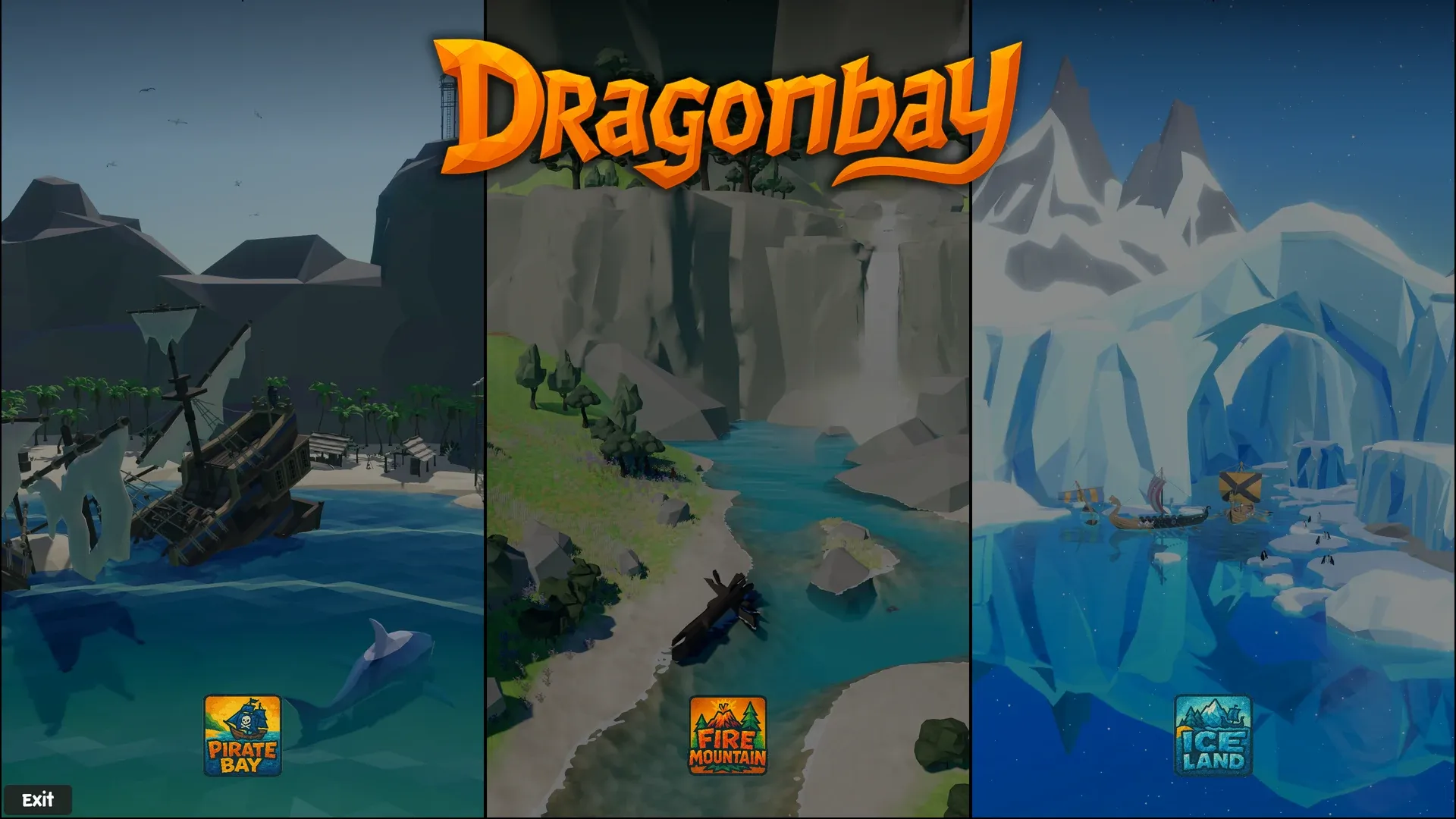
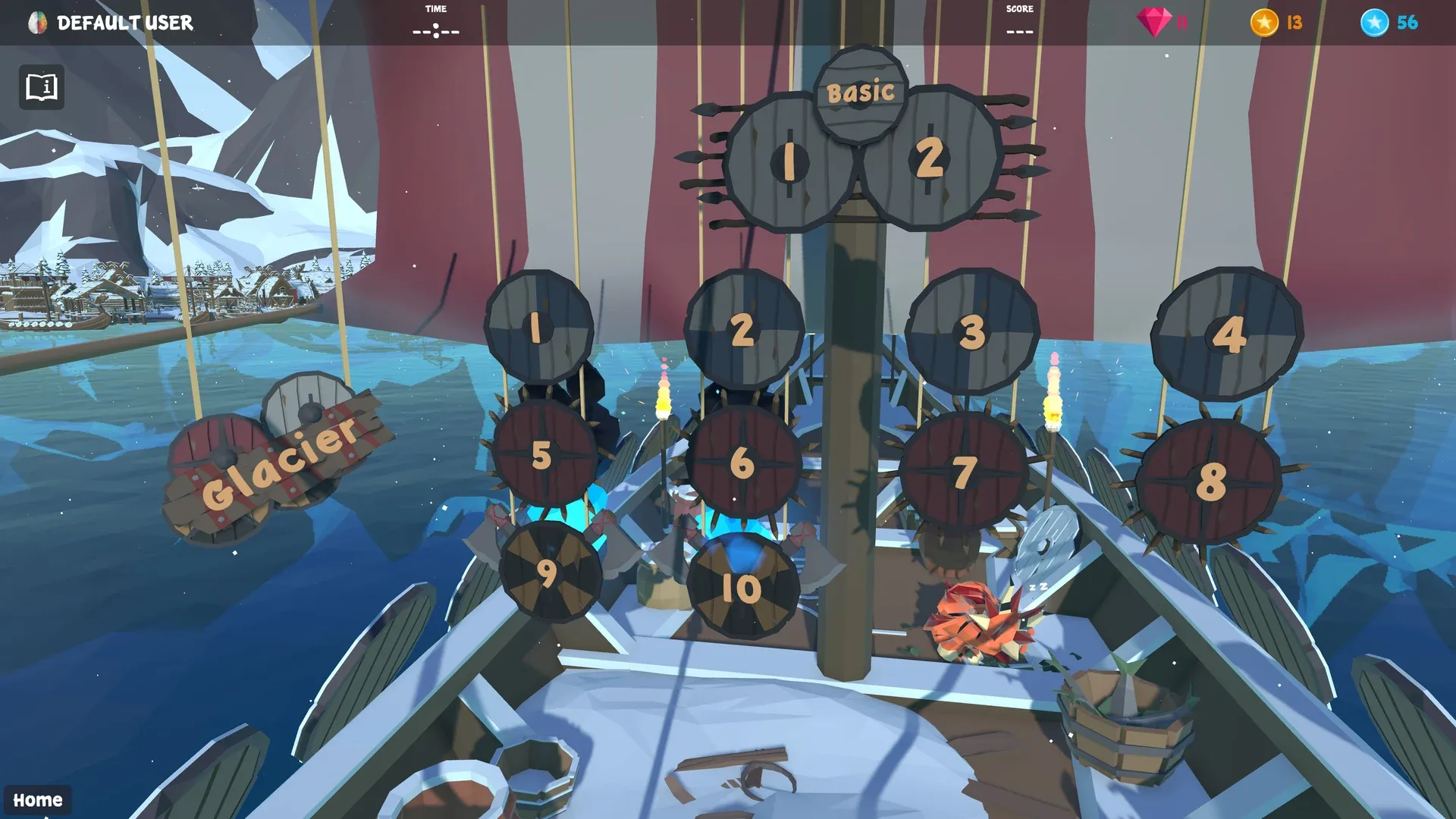
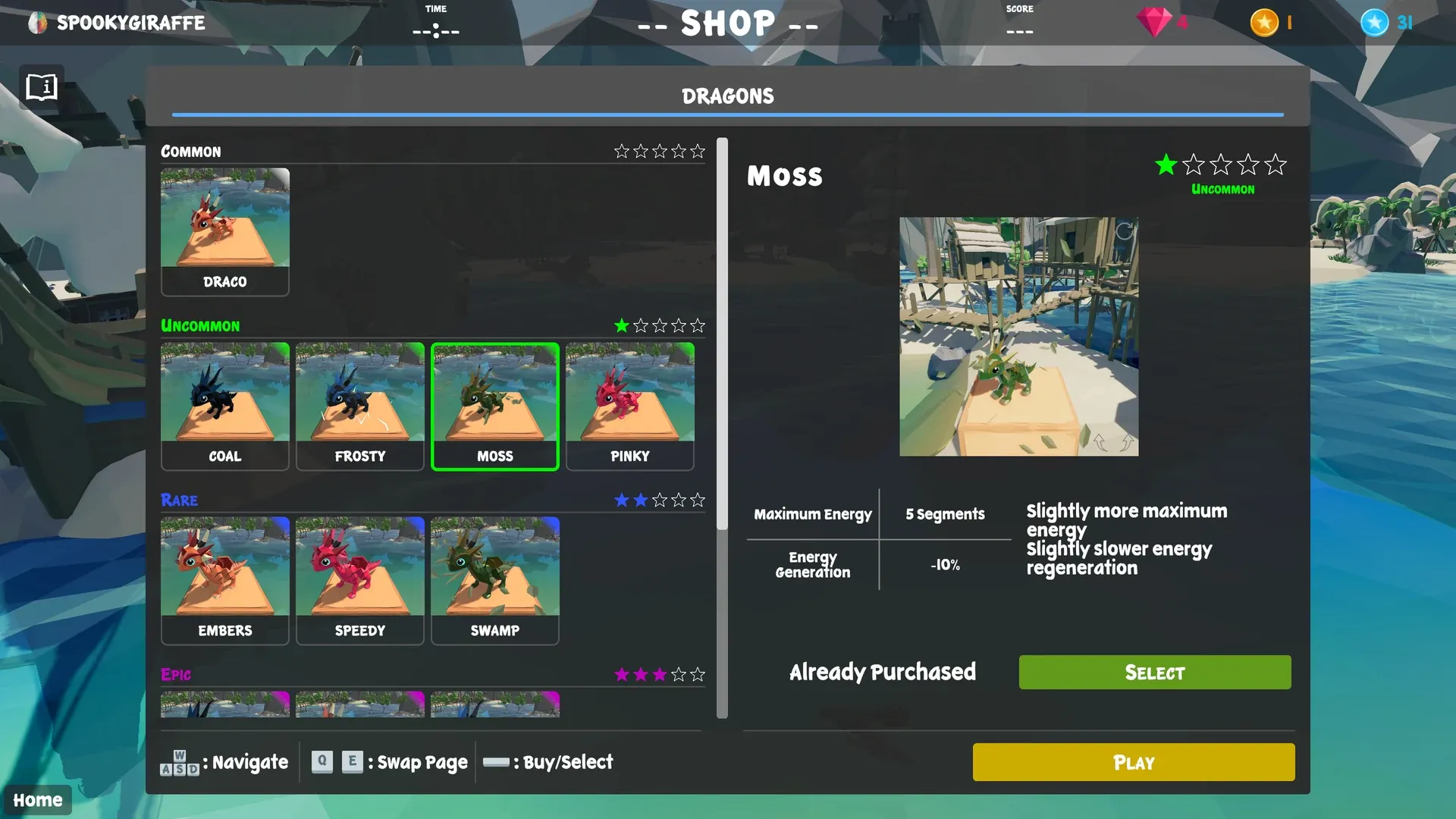
After selecting an environment, the player can buy a new dragon with Neuro Coins or select a dragon they already own (see Progression). Then the player chooses one of the 12 handcrafted levels of the environment.
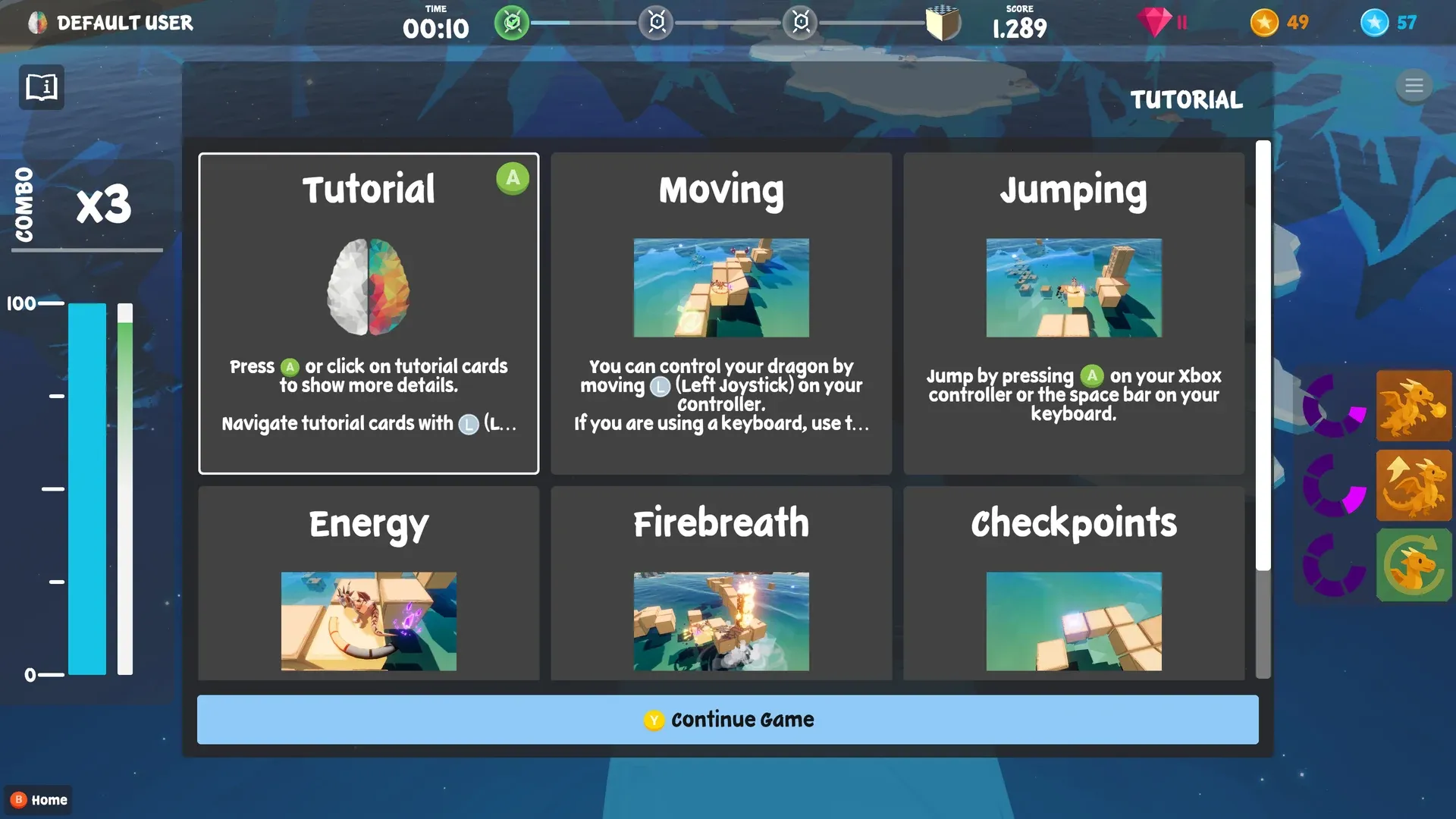
When the level has loaded, a tutorial window explains the gameplay. Navigate it with the left joystick or the D-pad and press A to open a tutorial entry; press A again to close it. Y closes the tutorial window. It can be shown again at any time with the Options button (or the Tab key on a keyboard).
To finish a level, the player crosses it from start to finish (see Controls). The milestone bar at the top of the screen shows how many checkpoints have been reached. After the final checkpoint the level ends and the player returns to the level selection, where a new level can be started.
Visual design language
To make the levels easier to read, many obstacles and interactive objects are marked with symbols. Once players have recognised these symbols and their meaning, they find it much easier to navigate the levels. Obstacles that have to be removed with fire breath show a ghost dragon breathing fire.
Progression
Whenever the player gains points or collects objects in the levels, they also receive Neuro Coins, which buy new dragons in the shop.
Dragons have unique abilities and a rarity that roughly indicates how powerful these abilities are. For example, all dragons of rarity Rare or above have the Double Jump ability: they can jump twice before landing, as long as the player has enough energy.
The design ideas behind the Neuro Coins are described in Neuro Player System.
Design philosophy
In Dragonbay the player learns to keep calm even with many external stimuli. These come from quickly changing factors in the game, such as:
- each level providing a unique challenge
- obstacles that need different approaches
- setbacks when falling off the path and returning to the last checkpoint
- background noises and distractions, for example ships sailing in the Pirate Bay